How to Write and Publish Blog Posts on BanglaTech
Use our rich editor to write articles with math equations, code blocks, and multimedia — then publish to the BanglaTech community.
Overview
BanglaTech has a full-featured blog editor powered by TipTap and KaTeX. You can write long-form articles with headings, bold/italic text, bullet lists, blockquotes, images, math equations, and syntax-highlighted code blocks — all inline, no context switching. This tutorial walks through writing and publishing a complete Bangla article on রবীন্দ্রনাথের সাহিত্যকর্ম.
Public blog posts require the Author role (granted by site admins). Any user can write group posts inside groups they're members of, and private posts visible only to themselves.
Part 1 — Open the Editor
Navigate to /editor from the top navigation. You'll see an empty editor with a title field, a toolbar (headings, bold, italic, code, lists, quote, image, link), and four visibility options at the top: পাবলিক (Public), গ্রুপ (Group), শুধু আমি (Only me), নির্দিষ্ট ব্যক্তি (Specific people).
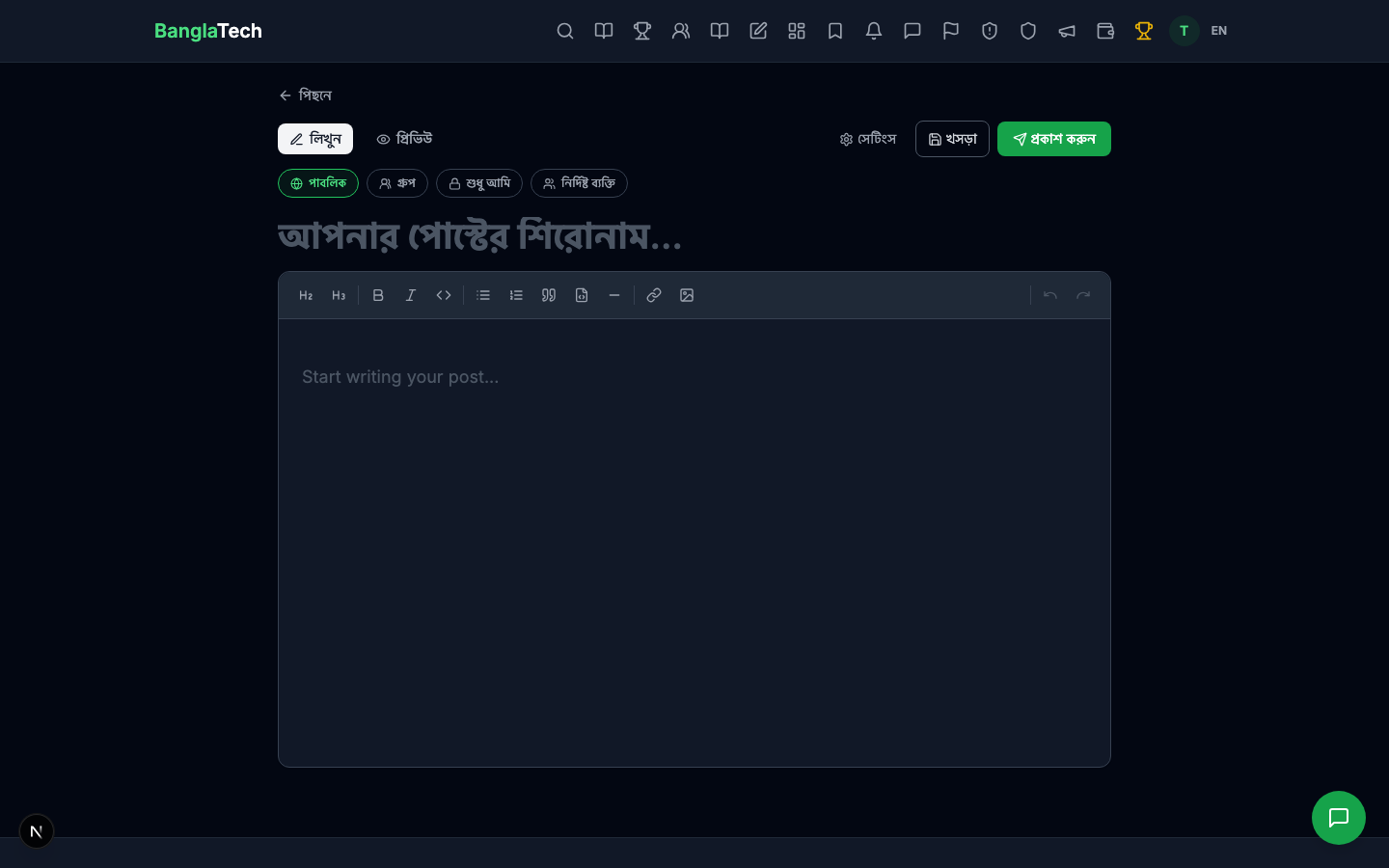
Part 2 — Write the Title
Click the large title field and type your headline. This also auto-generates the URL slug for the published post.
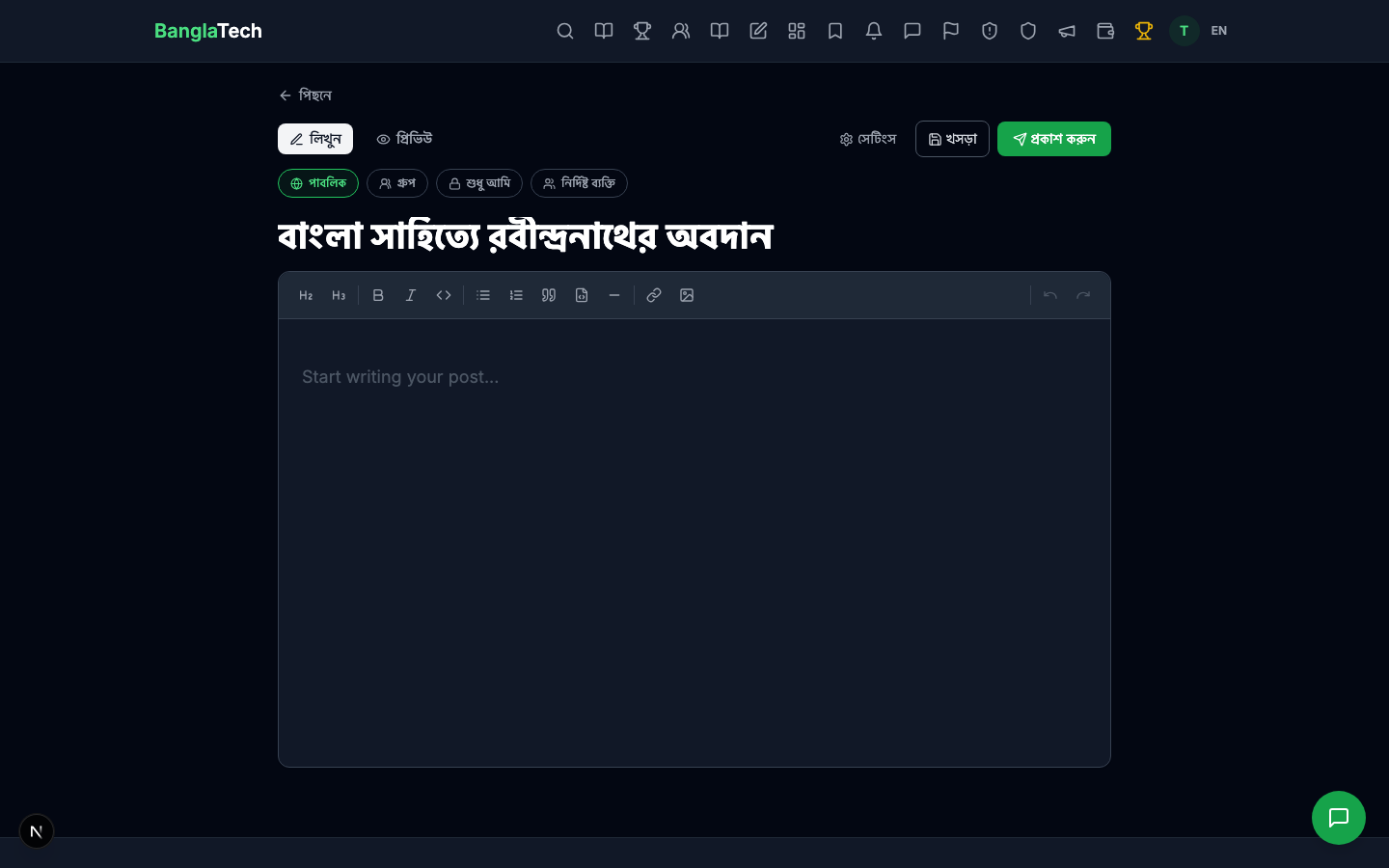
Part 3 — Write the Body with Rich Formatting
Click into the editor area and start typing. The toolbar at the top of the editor has buttons for every formatting option, but you can also use Markdown shortcuts for the common ones:
##+ space → H2 heading###+ space → H3 heading-or*+ space → bullet list1.+ space → numbered list>+ space → blockquote```language→ code block with syntax highlighting- Ctrl+B → bold, Ctrl+I → italic
For the Rabindranath article, we use H2 for sections, H3 for sub-sections, bold for emphasis, a bullet list for his major contributions, and a blockquote for a famous poem excerpt.
Math Equations (KaTeX)
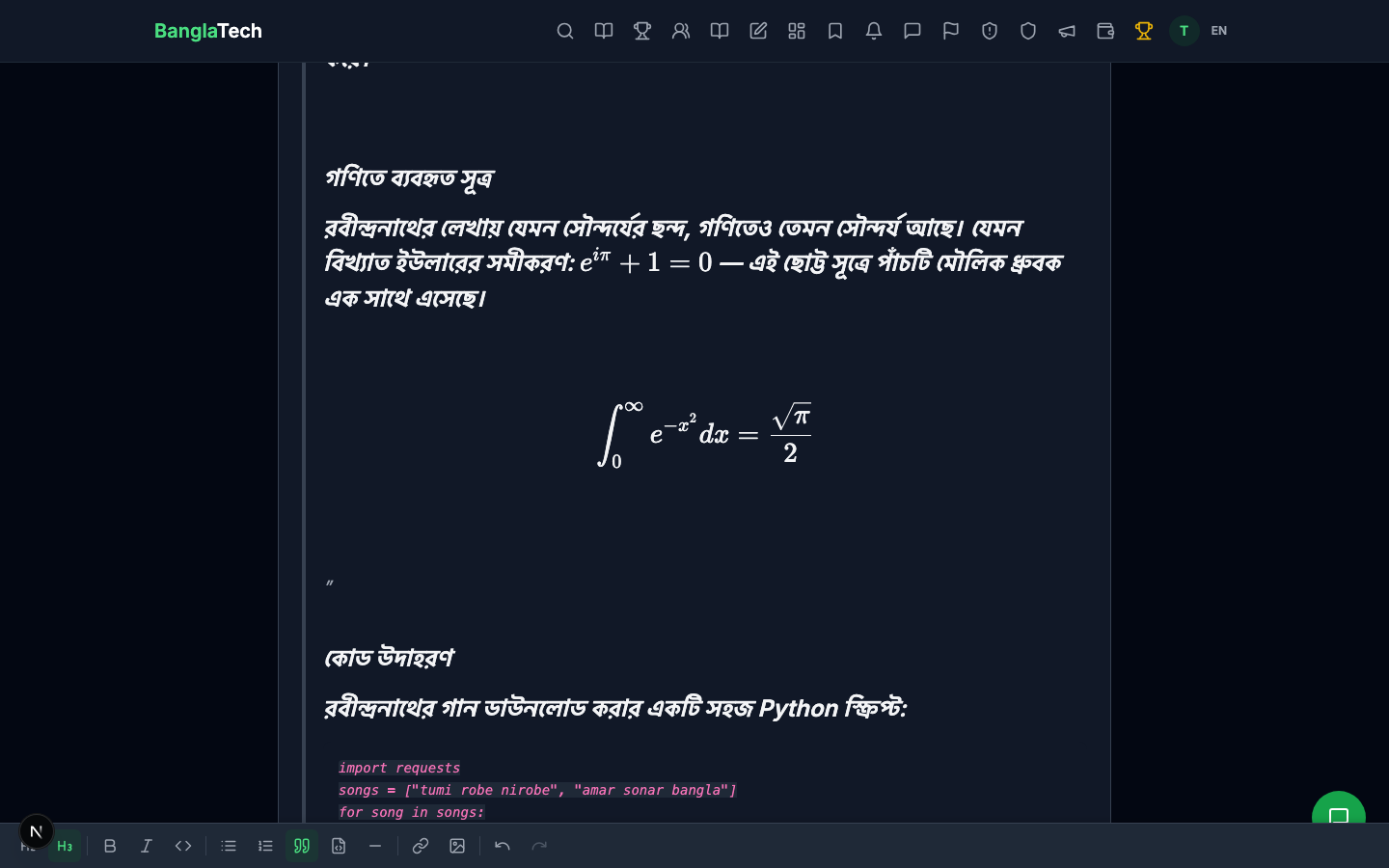
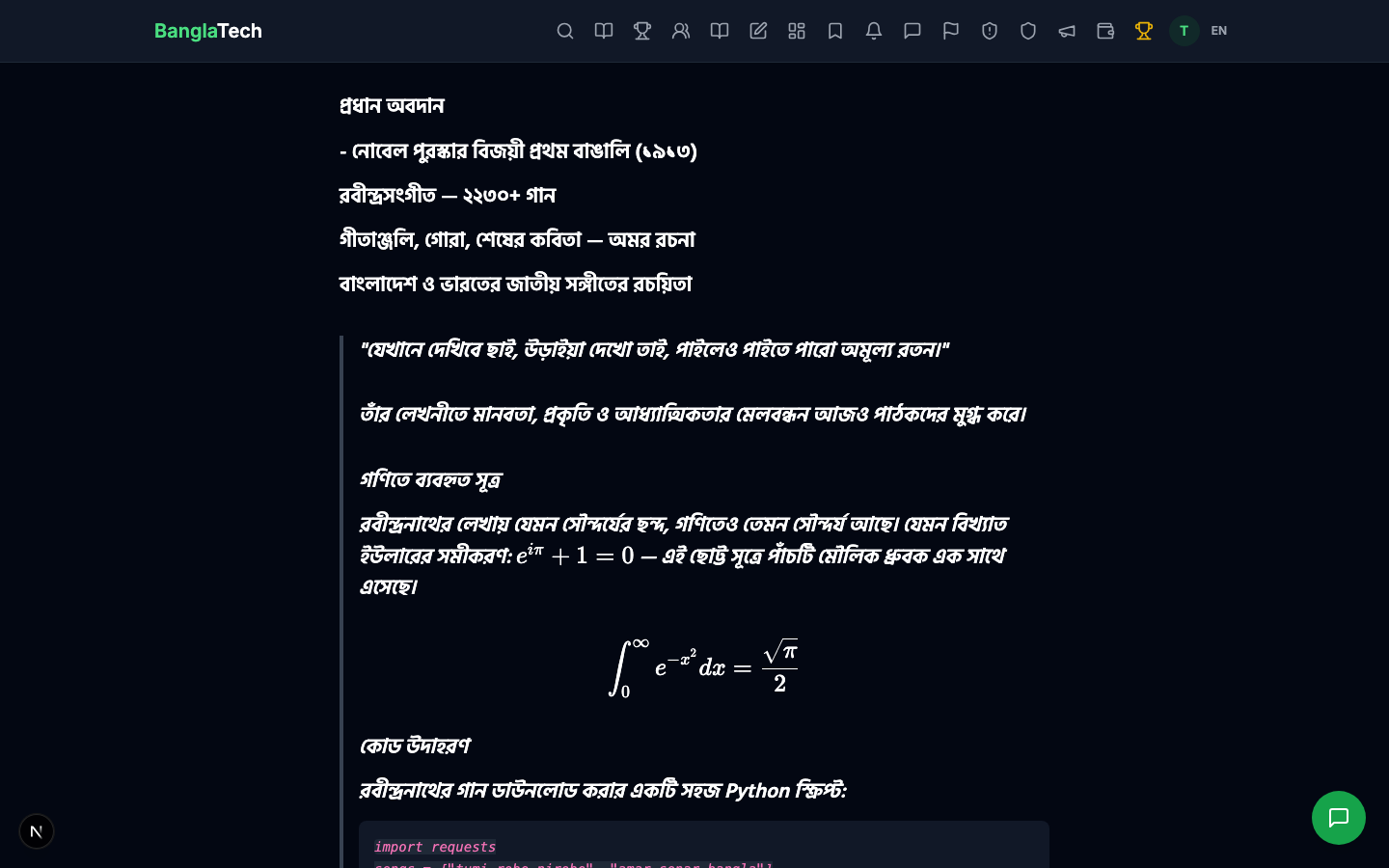
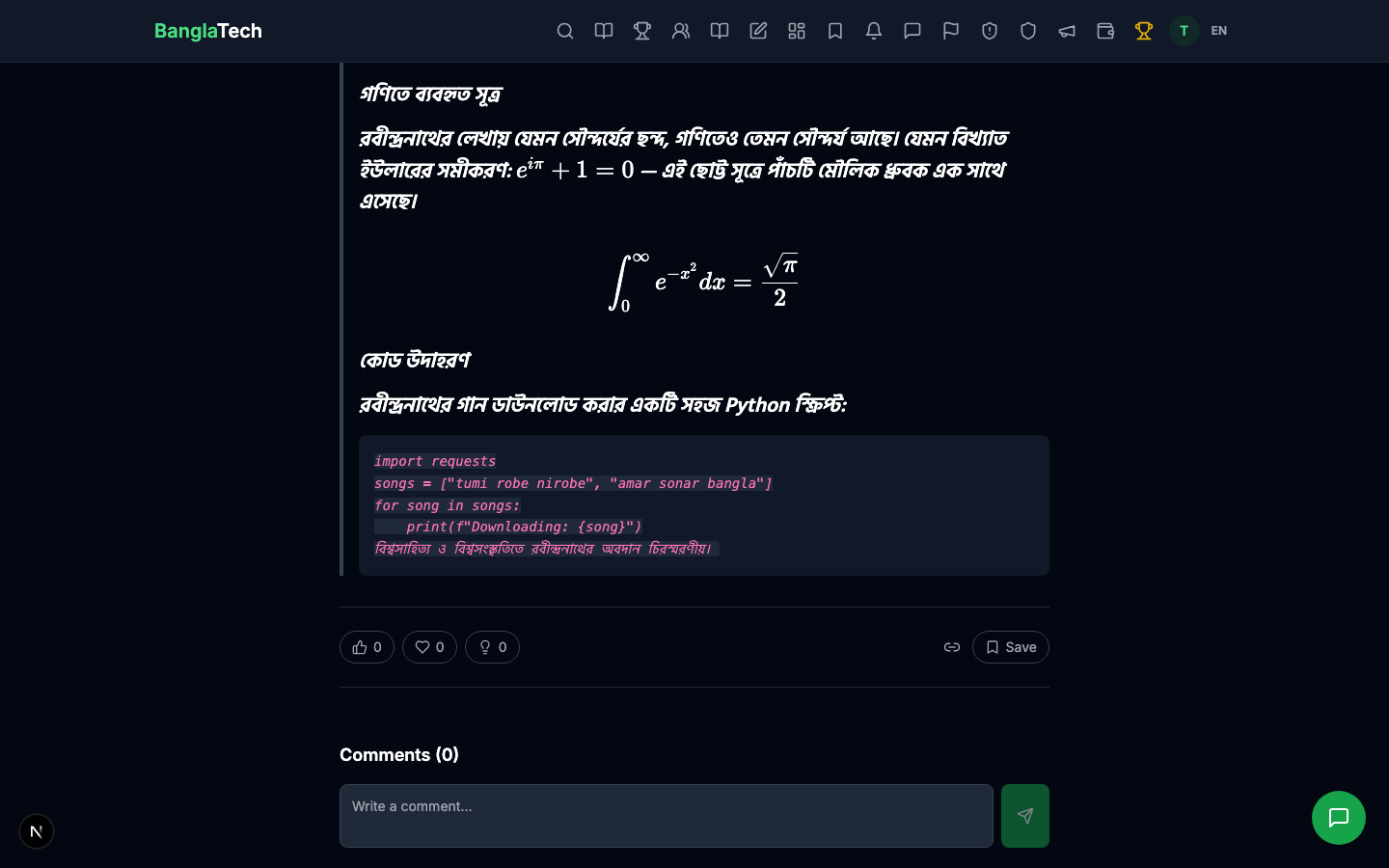
BanglaTech's editor supports LaTeX-style math through KaTeX, just like the question editor. Inline math uses single dollar signs $...$, block equations use double dollars $$...$$ on their own line.
Examples used in this article:
- Inline:
$e^{i\pi} + 1 = 0$→ renders as Euler's identity inline with the text - Block:
$$\int_{0}^{\infty} e^{-x^2} dx = \frac{\sqrt{\pi}}{2}$$→ renders as a centered display equation
Code Blocks
Triple backticks followed by a language name create a syntax-highlighted code block: ```python. Supported languages include Python, JavaScript, TypeScript, Java, C++, and many more.
Part 4 — Open Settings Panel
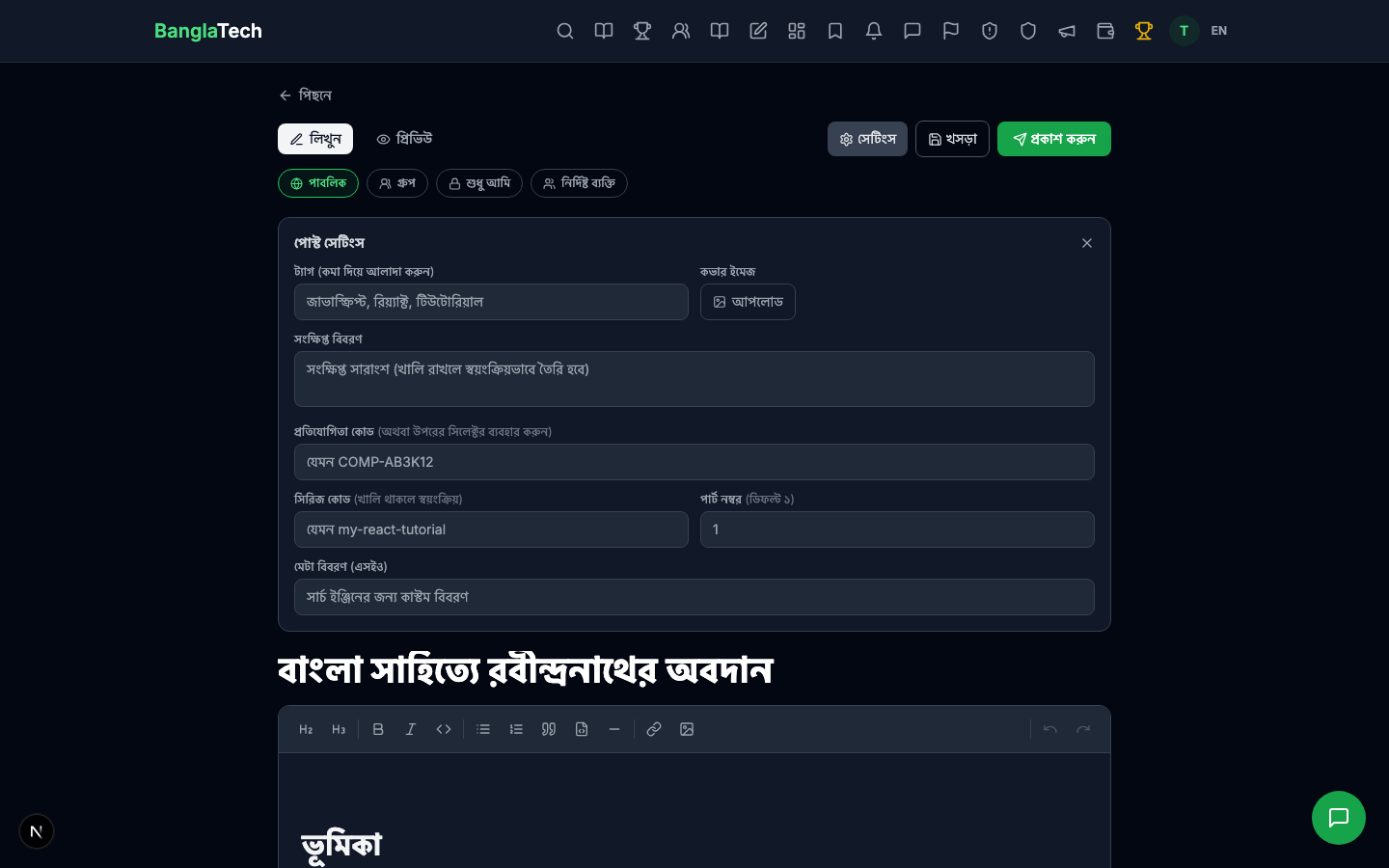
Click the সেটিংস (Settings) button in the top-right to expand the metadata panel.
Fill in:
- Tags — comma-separated (e.g., বাংলা সাহিত্য, রবীন্দ্রনাথ, কবিতা). Tags power the "Related posts" section and filtering on the blog index.
- Cover image URL — a link to the hero image shown on the post card in the feed. Can be an uploaded BanglaTech image or an external URL.
- Meta description — shown in search engine results and social media previews. Keep it under 160 characters.
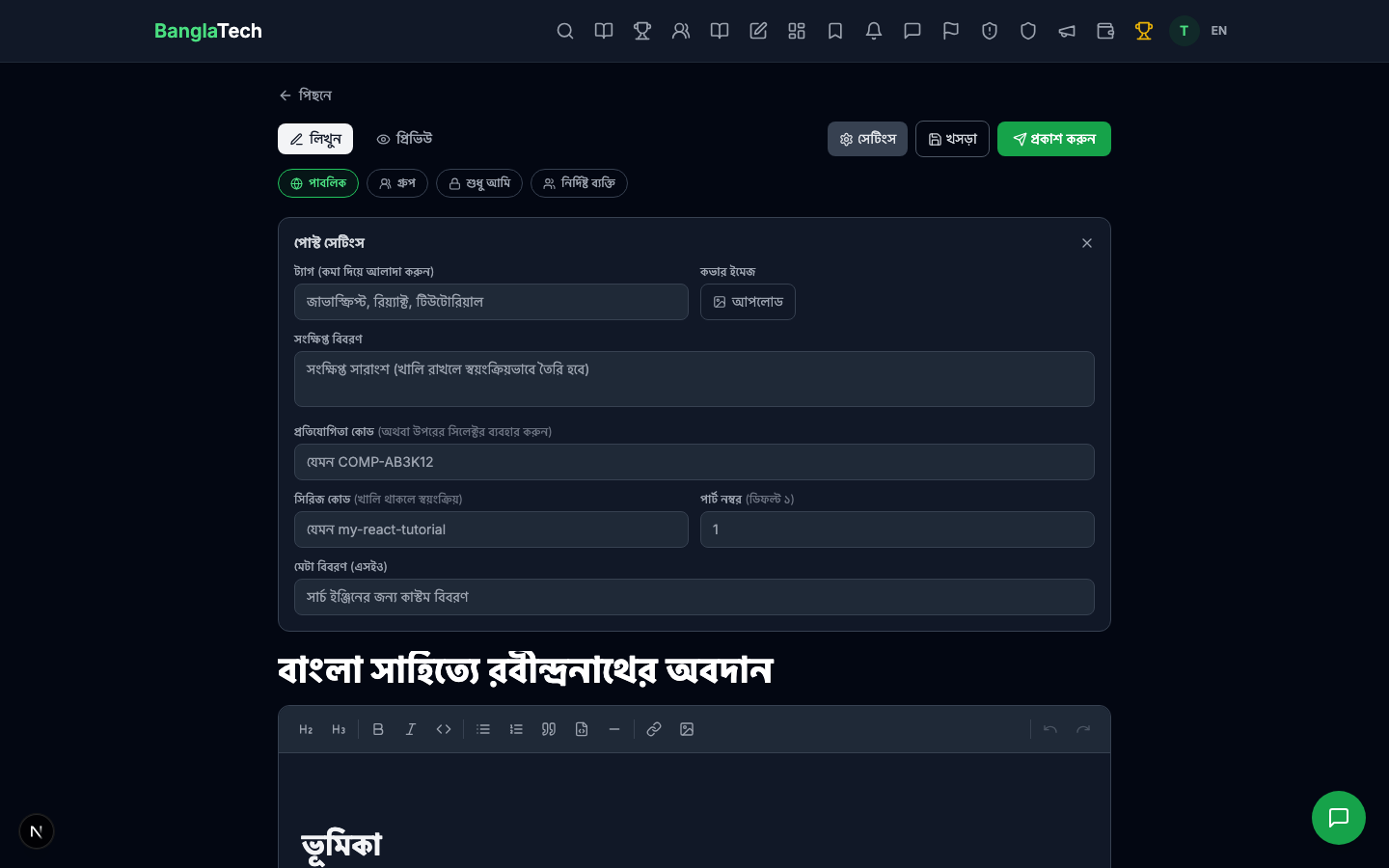
The খসড়া (Draft) button next to Publish saves your work-in-progress so you can come back to it later. Drafts are visible only to you until you publish them.
Part 5 — Preview Before Publishing
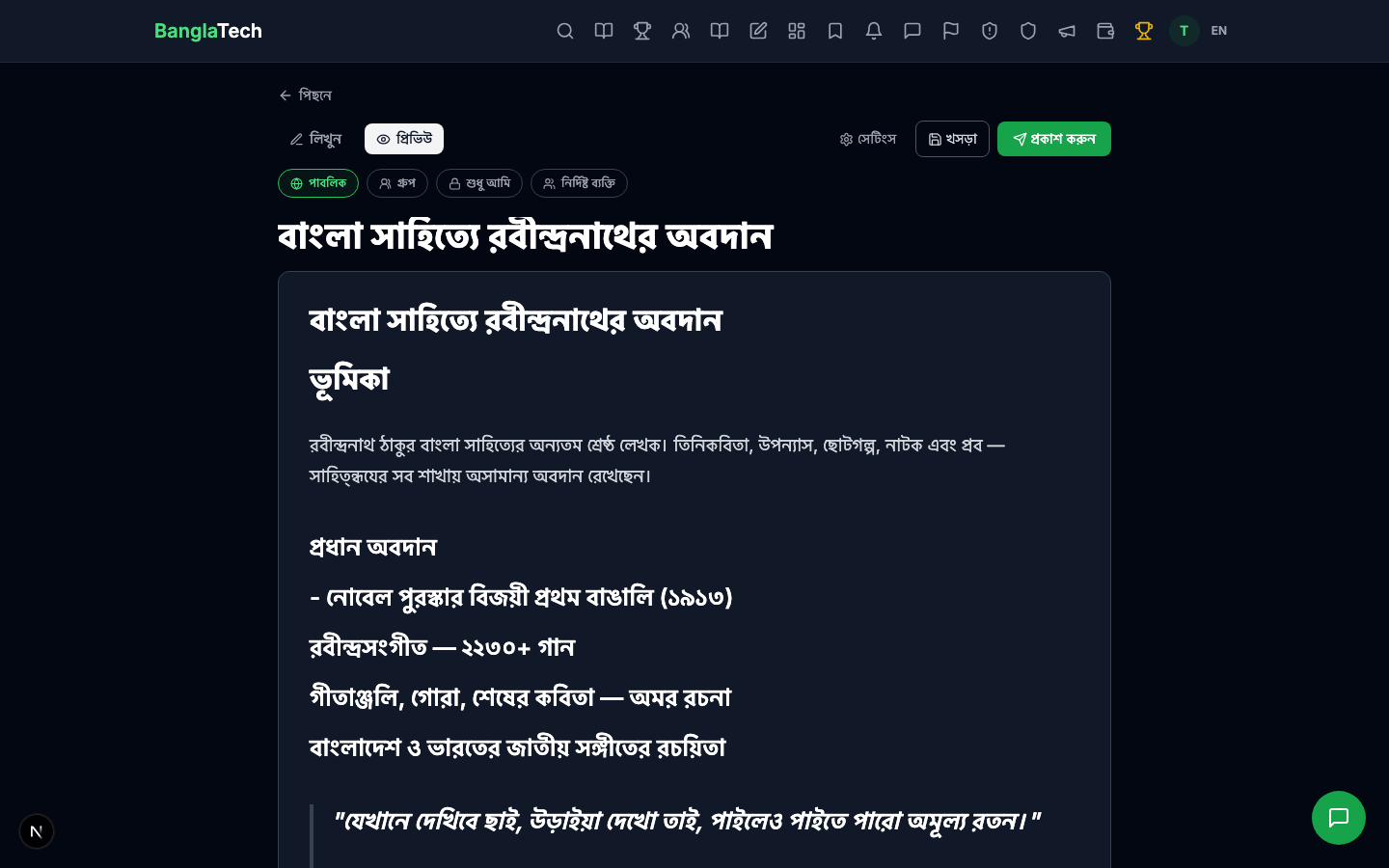
Click the প্রিভিউ (Preview) tab to see exactly how your post will look to readers — with fully-rendered math, code highlighting, and formatted text. Switch back to লিখুন (Write) to make edits.
Part 6 — Publish
When you're ready, click the green প্রকাশ করুন (Publish) button. The post goes live immediately and redirects you to its permanent URL at /post/<slug>.
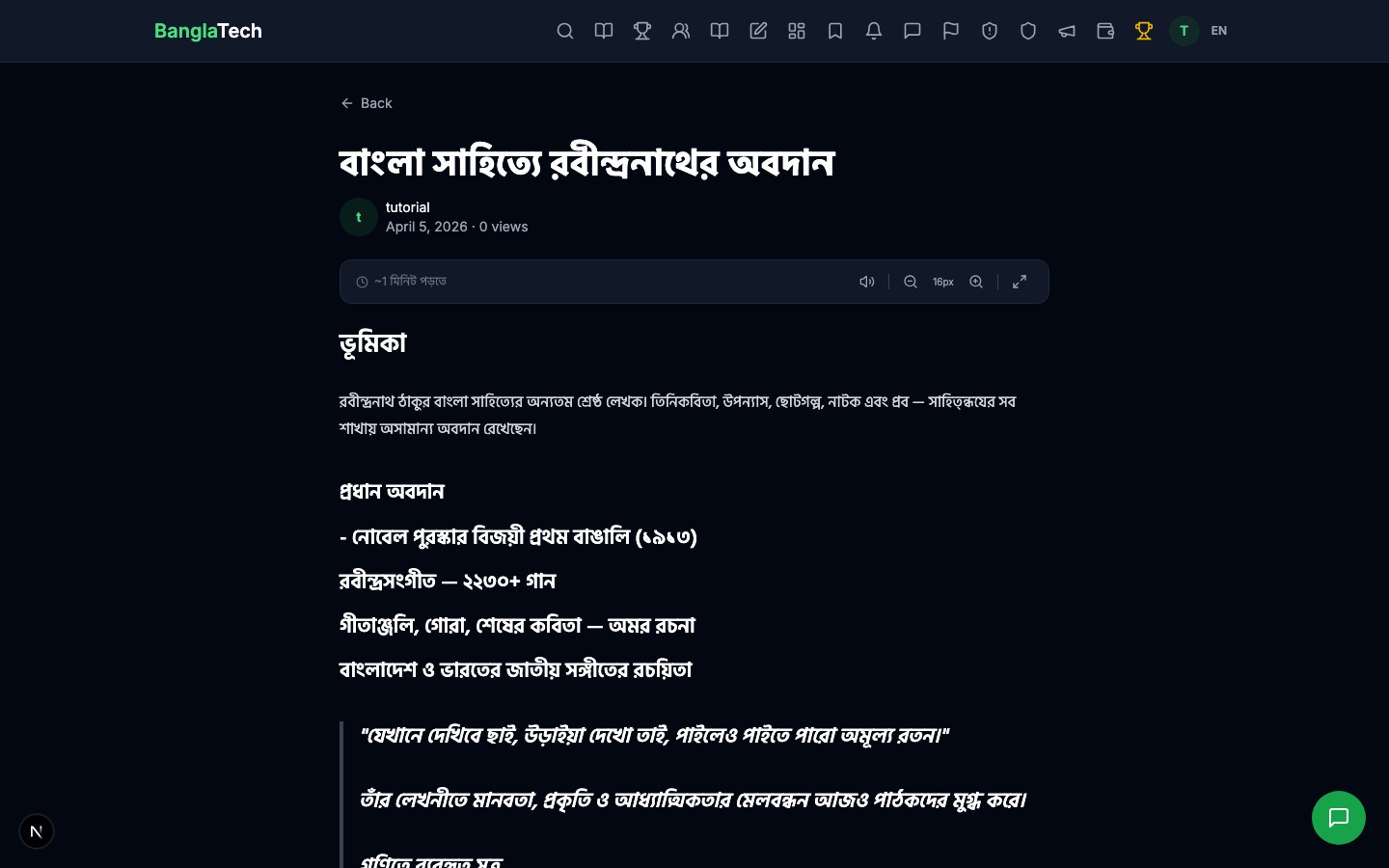
Scroll down — the math equations, code blocks, and all other formatting render beautifully for readers:
Summary
Publishing a BanglaTech blog post takes under 10 minutes once you know the tools:
- ✅ Rich WYSIWYG editor with Markdown shortcuts for fast formatting
- ✅ Full LaTeX math support (inline + block) via KaTeX
- ✅ Syntax-highlighted code blocks in any language
- ✅ Tags, cover images, meta descriptions for SEO and discovery
- ✅ Four visibility levels: public, group, private, or shared with specific people
- ✅ Draft save so you can come back later
- ✅ Live preview tab to check rendering before publishing
To enter writing competitions with your posts, see the Competitions tutorial.