How to Run a Recurring Game Challenge Competition
Create a daily, weekly, or monthly game challenge — players compete on a fresh leaderboard every cycle with Speed Math, Word Battle, Reaction Speed, and more.
Overview
A game challenge is a recurring competition built around one of BanglaTech's mini-games. The key difference from regular competitions: the leaderboard resets automatically at the end of every cycle (daily, weekly, or monthly), giving everyone a fresh chance to top the board.
This tutorial walks through creating a daily Speed Math challenge where students answer rapid-fire arithmetic questions in 60 seconds, and the highest score of the day wins.
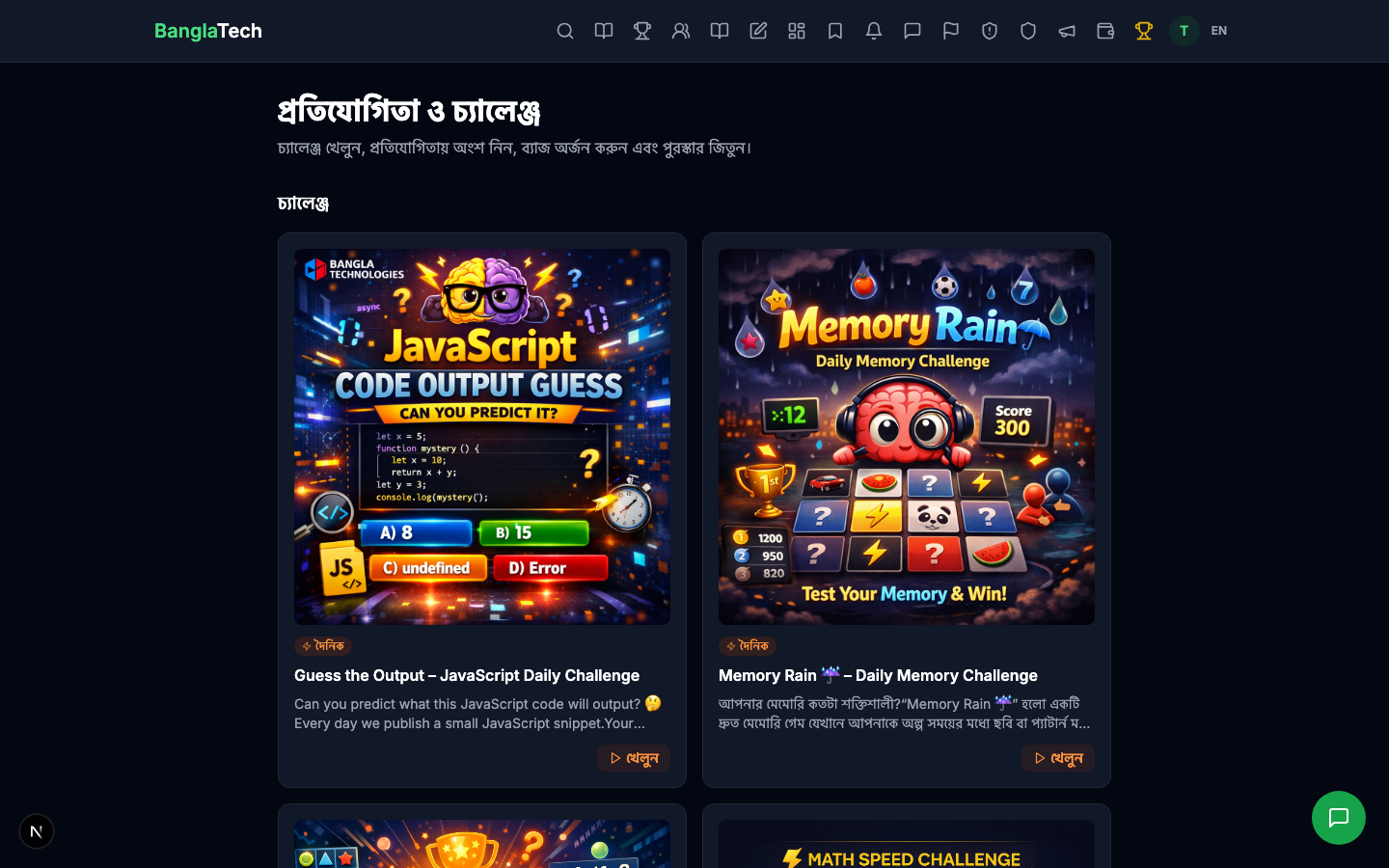
Speed Math, Word Battle, Reaction Speed, Pattern Recognition, Memory Rain, Code Output Guess. Each game has its own scoring logic, but all of them feed a unified competition leaderboard.
Part 1 — Browse and Open Admin Panel
Any user can visit /competitions to see all live competitions and challenges side by side.
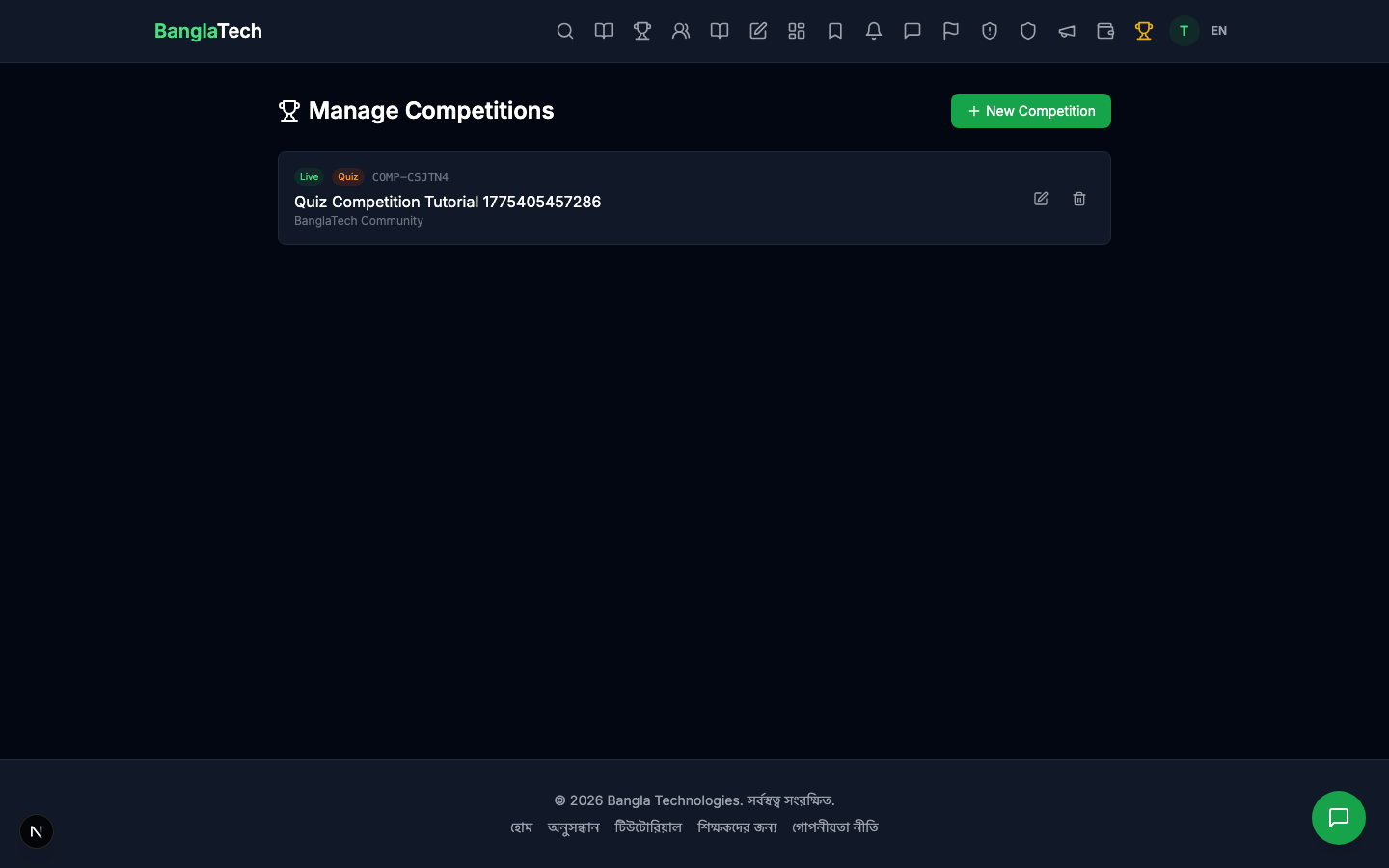
As an admin, go to /admin/competitions to manage your hosted competitions.
Part 2 — Create the Challenge
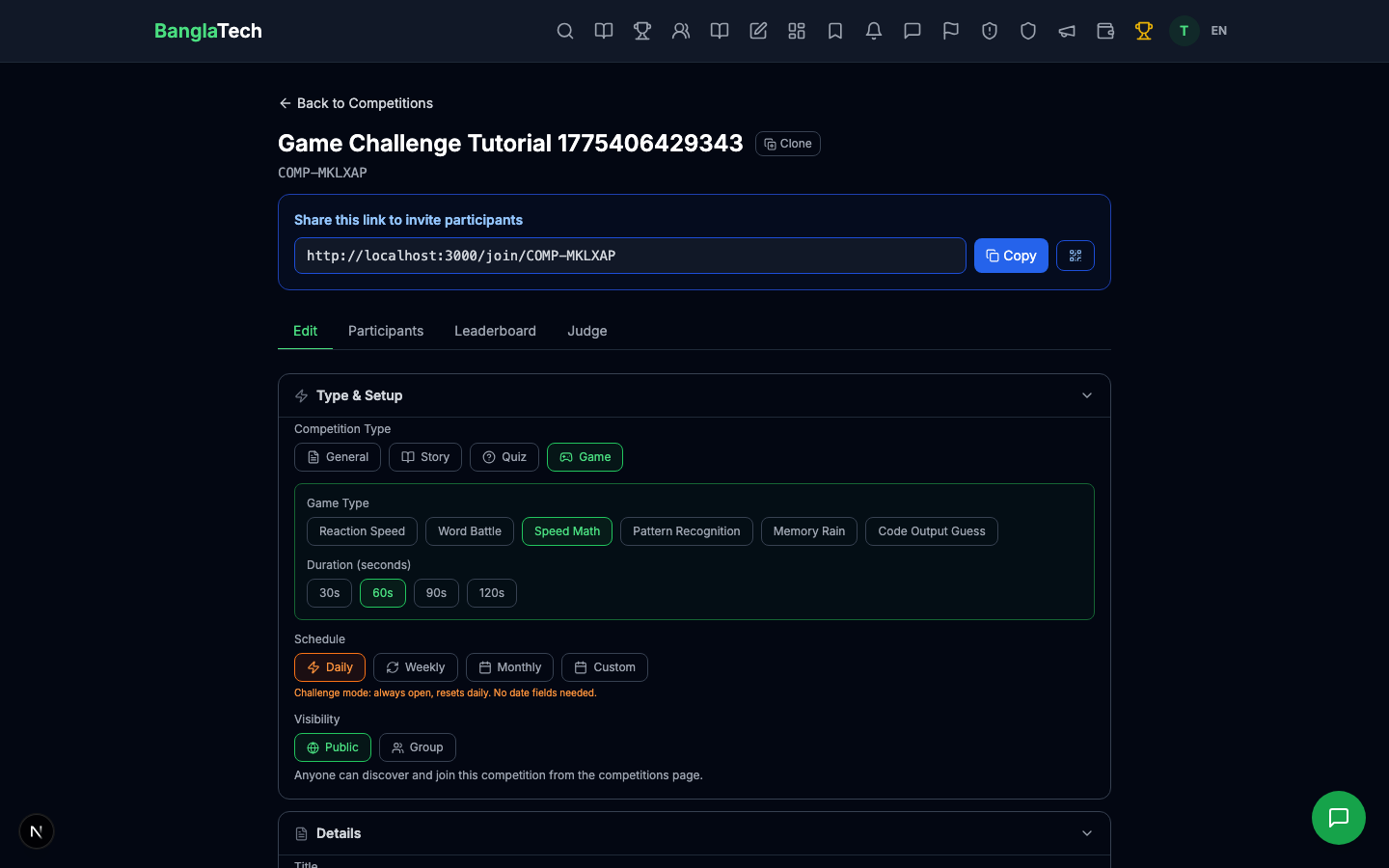
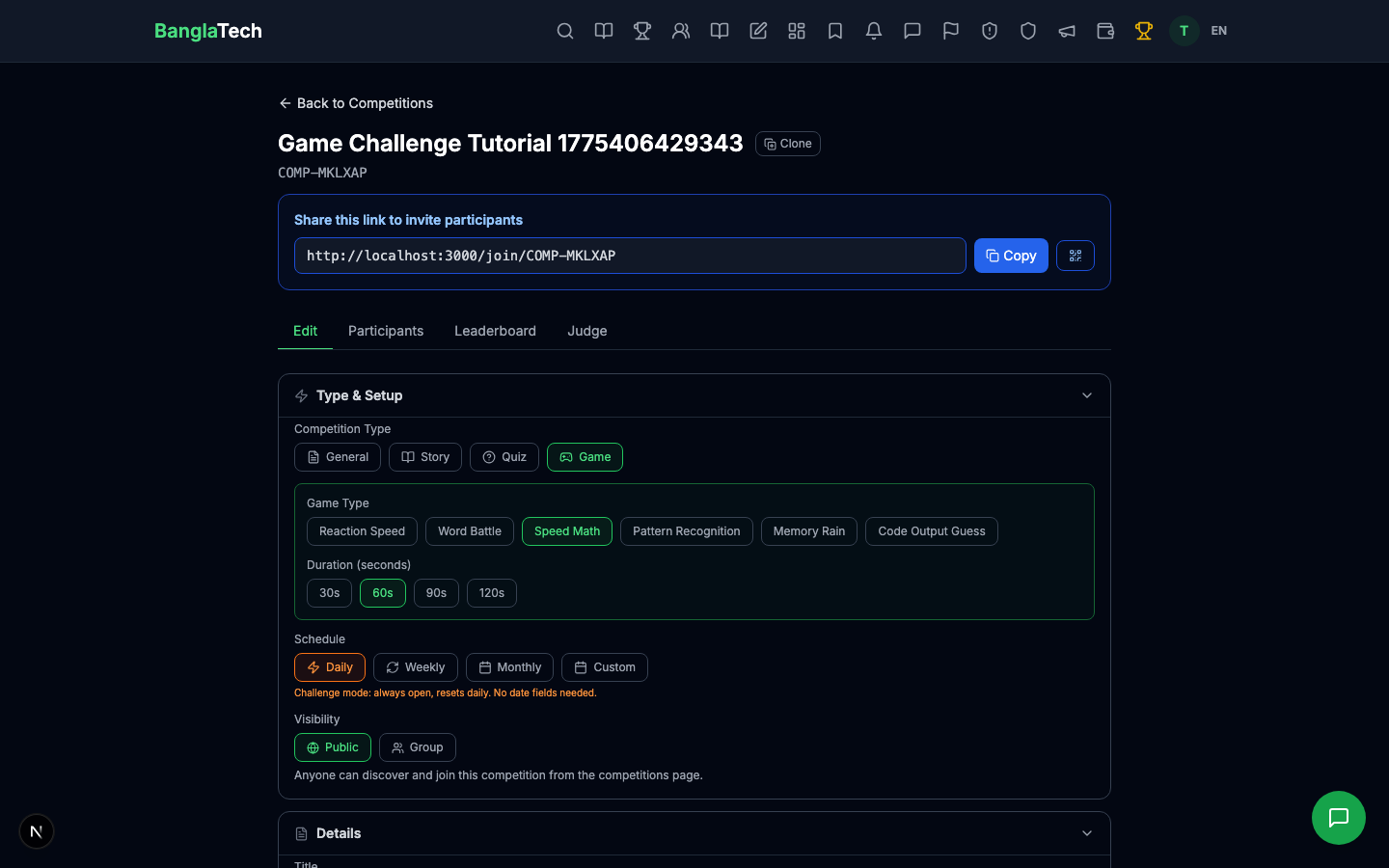
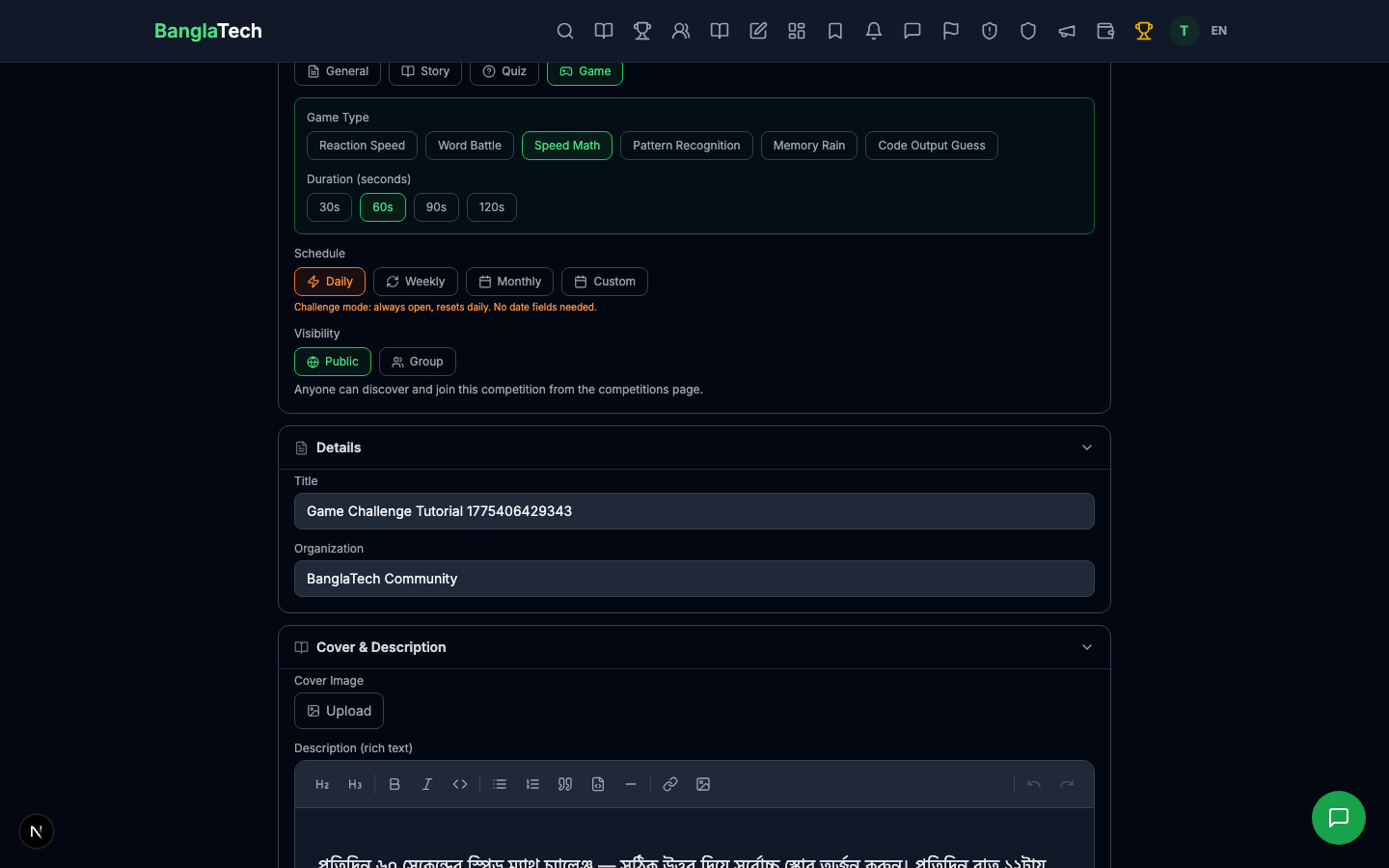
Click New Competition and in the form, switch the Type to Game. This unlocks the game-specific fields:
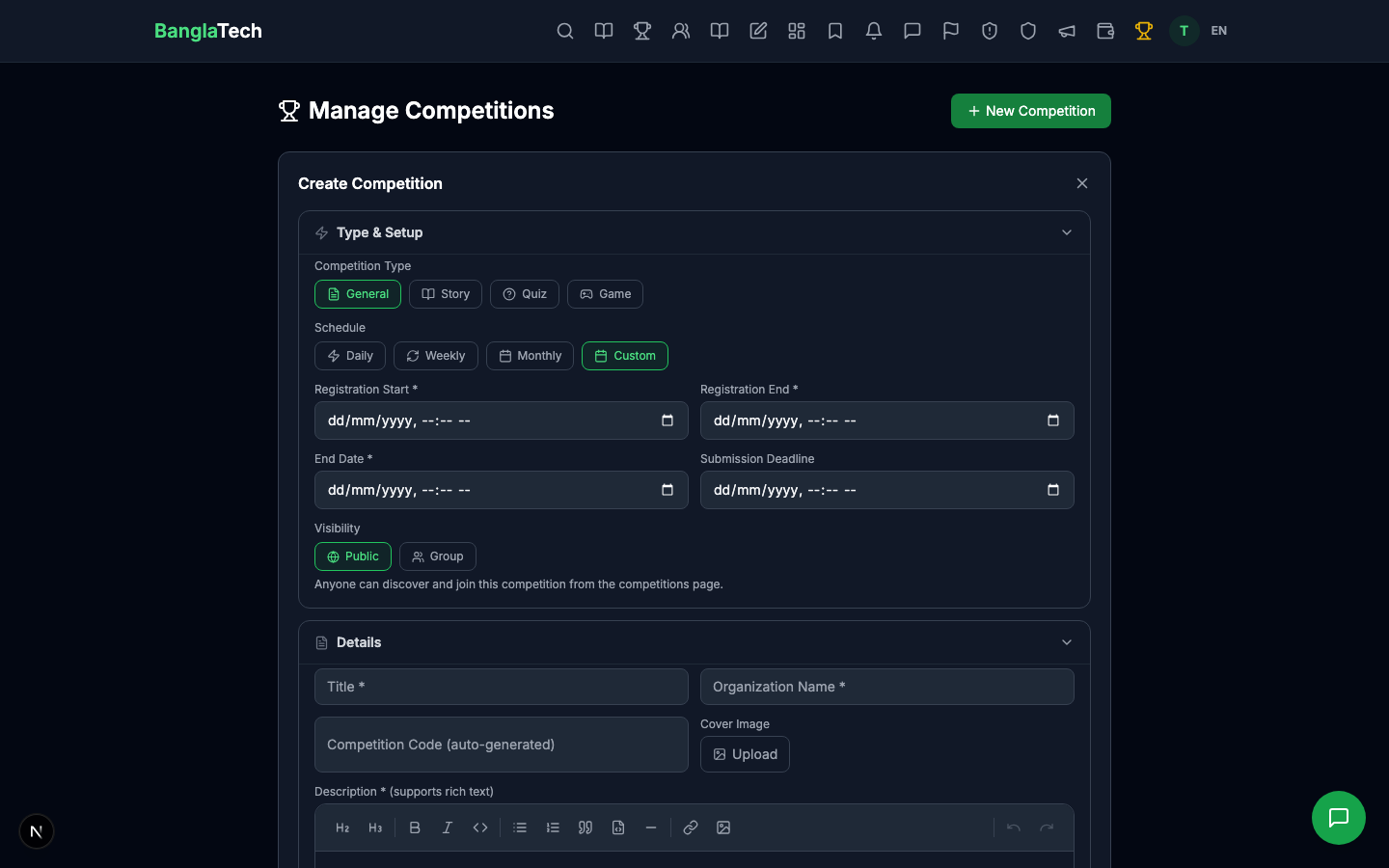
- Linked Game Type — pick one of the 6 games (we chose Speed Math)
- Game Duration — how many seconds each attempt lasts (60s is standard)
- Is Challenge — toggle ON to make it recurring
- Challenge Frequency — daily / weekly / monthly (we chose daily)
- Title + Organization + Description — same fields as any competition
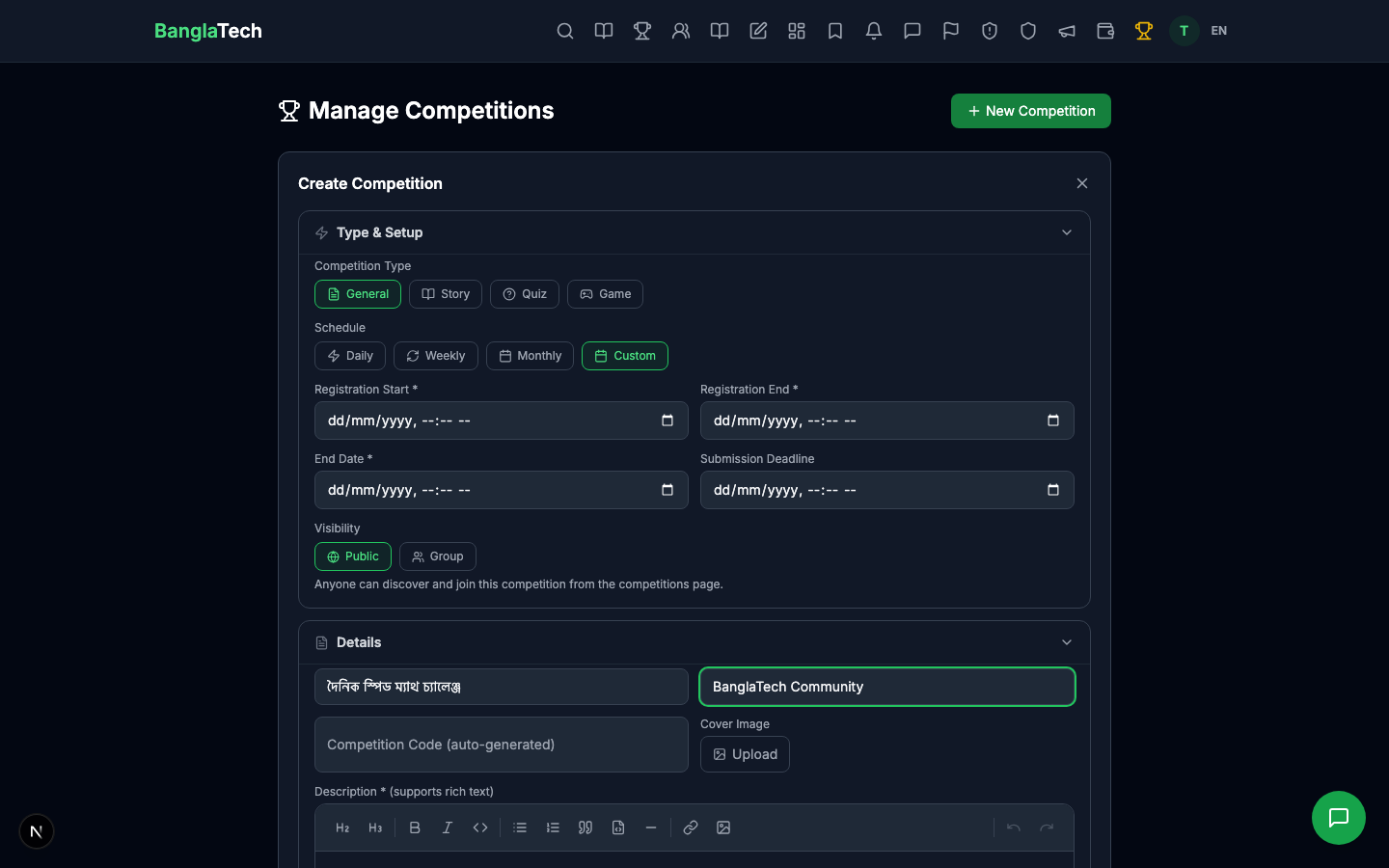
Unlike regular competitions, challenges don't need registration start/end or end date — they run continuously. The system auto-computes the current cycle (today's YYYY-MM-DD for daily, current ISO week for weekly, current month for monthly) and uses it to group scores.
Part 3 — Admin Detail Page
After creating, the admin panel shows the challenge with its current cycle, linked game, and participant stats.
Part 4 — Student: Browse, Join, Play
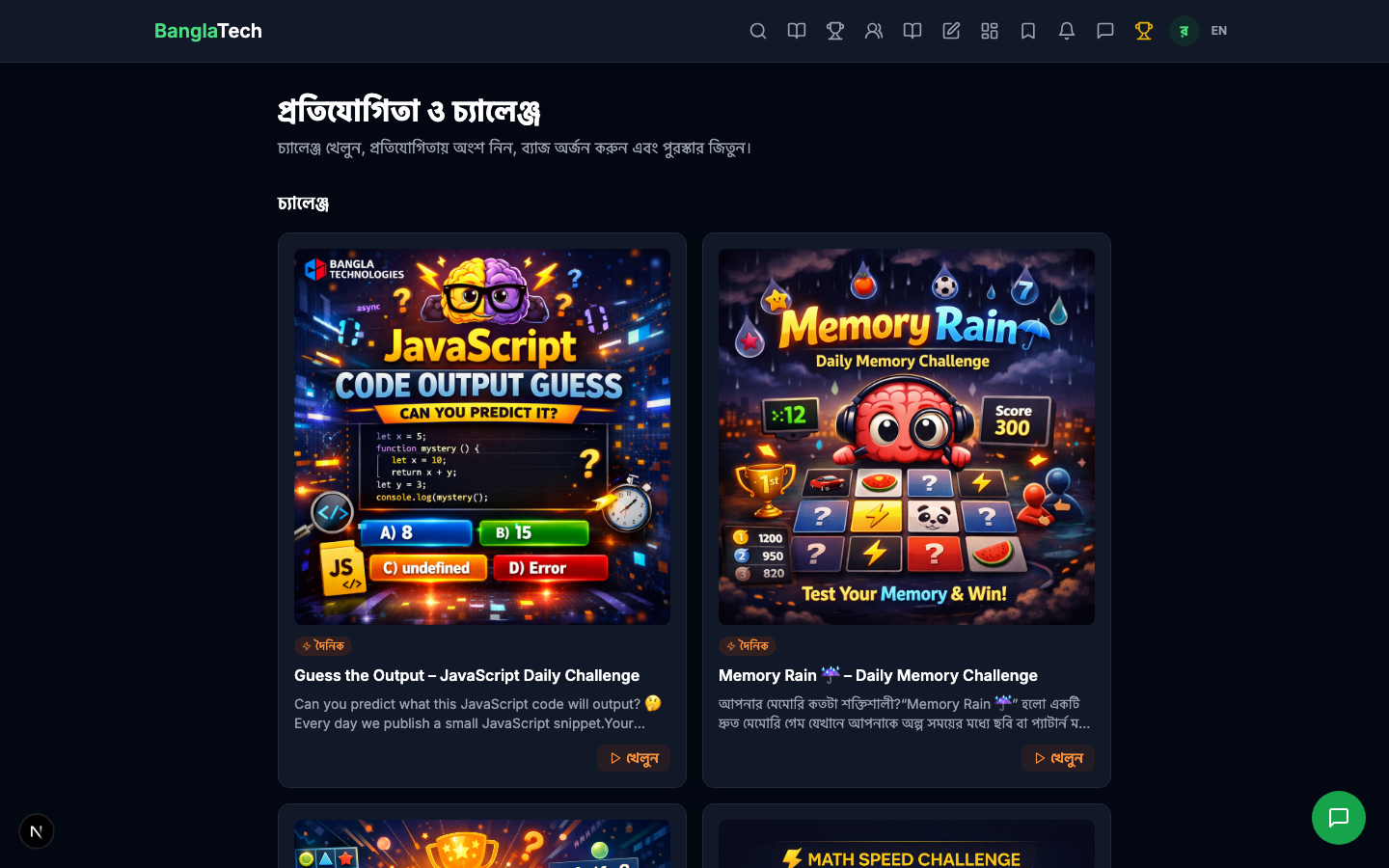
A student browses /competitions and sees the challenge in the list. The Game type is shown with a gamepad icon.
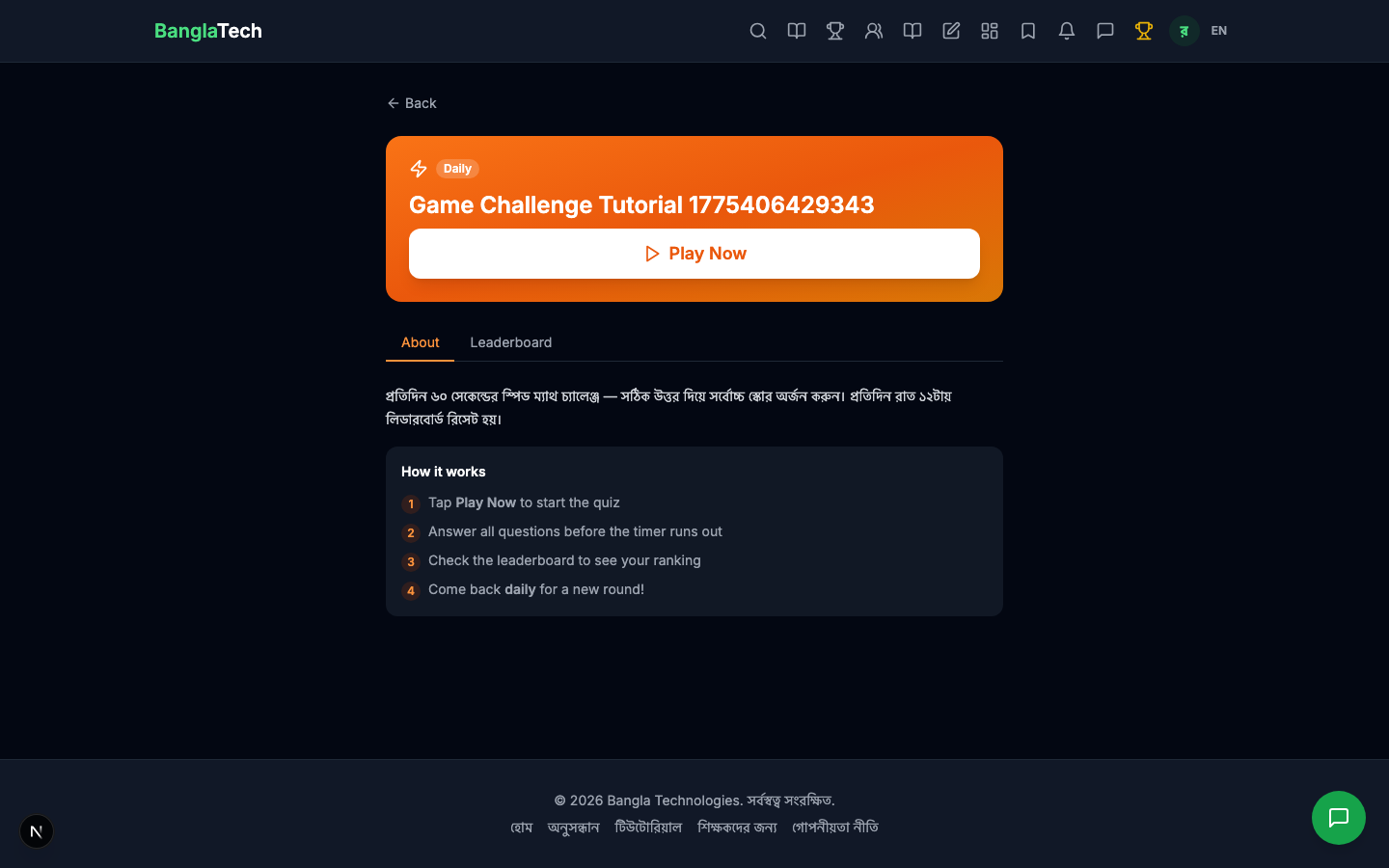
Opens the challenge detail page, which shows the description and a Join button.
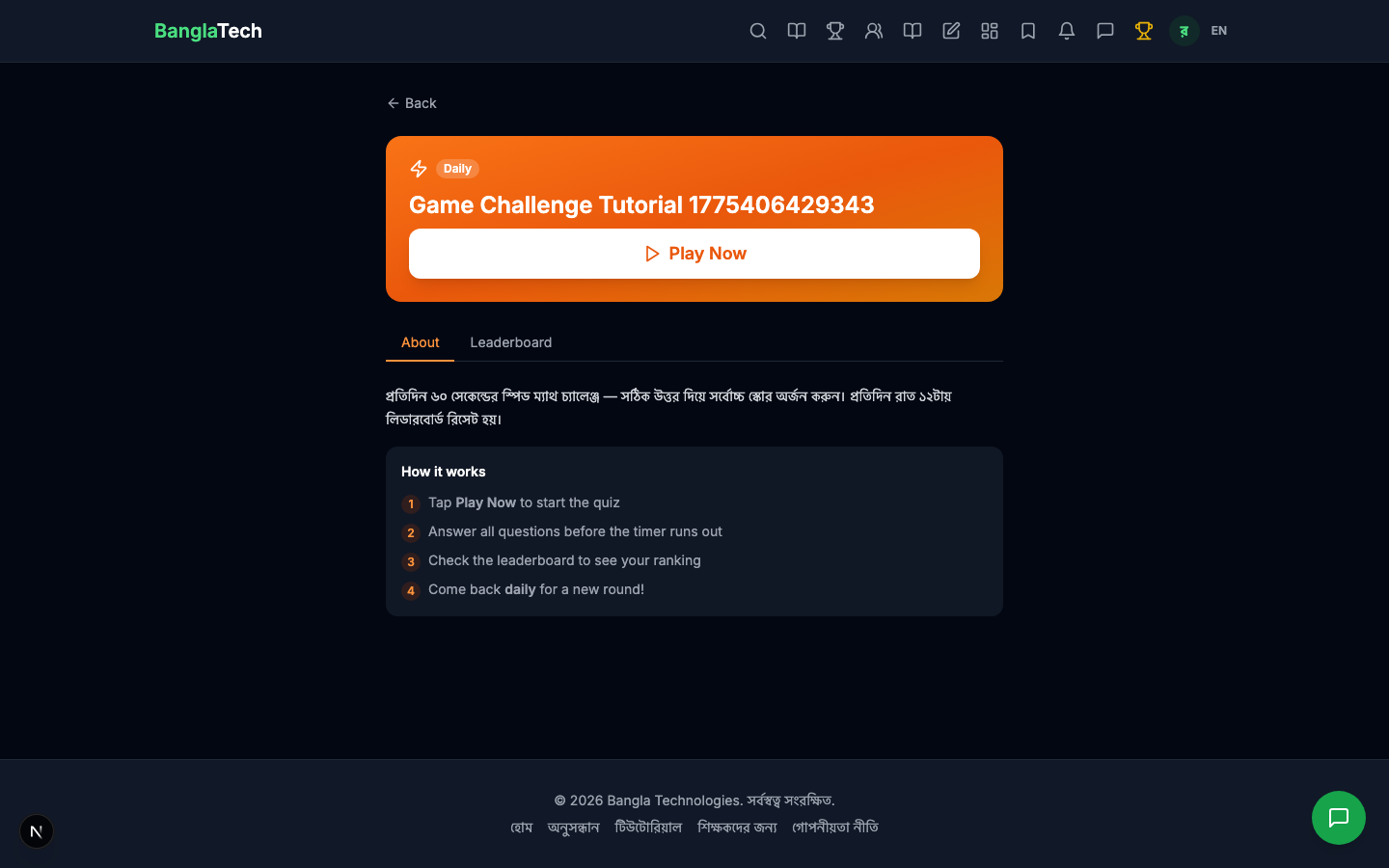
After joining, a green "Play Now" button appears — clicking it launches the linked game.
The Game Page
The game page loads with the duration set by the competition (60 seconds here). The student clicks Start Game to begin.
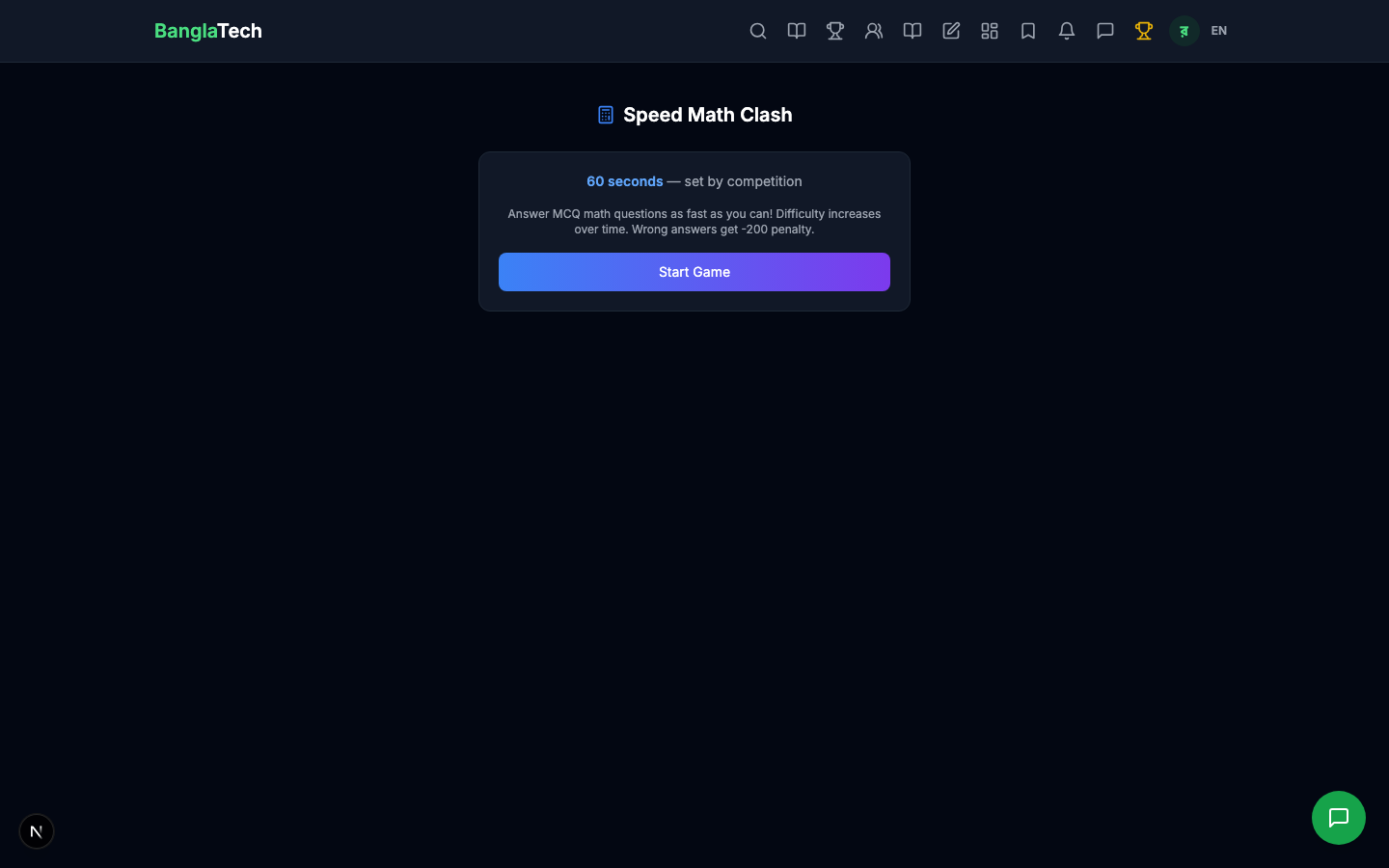
During the game, the student answers MCQ arithmetic questions as fast as they can. Wrong answers have a small penalty. When the timer hits zero, the game auto-submits the final score to the competition.
Part 5 — Leaderboard Updates Live
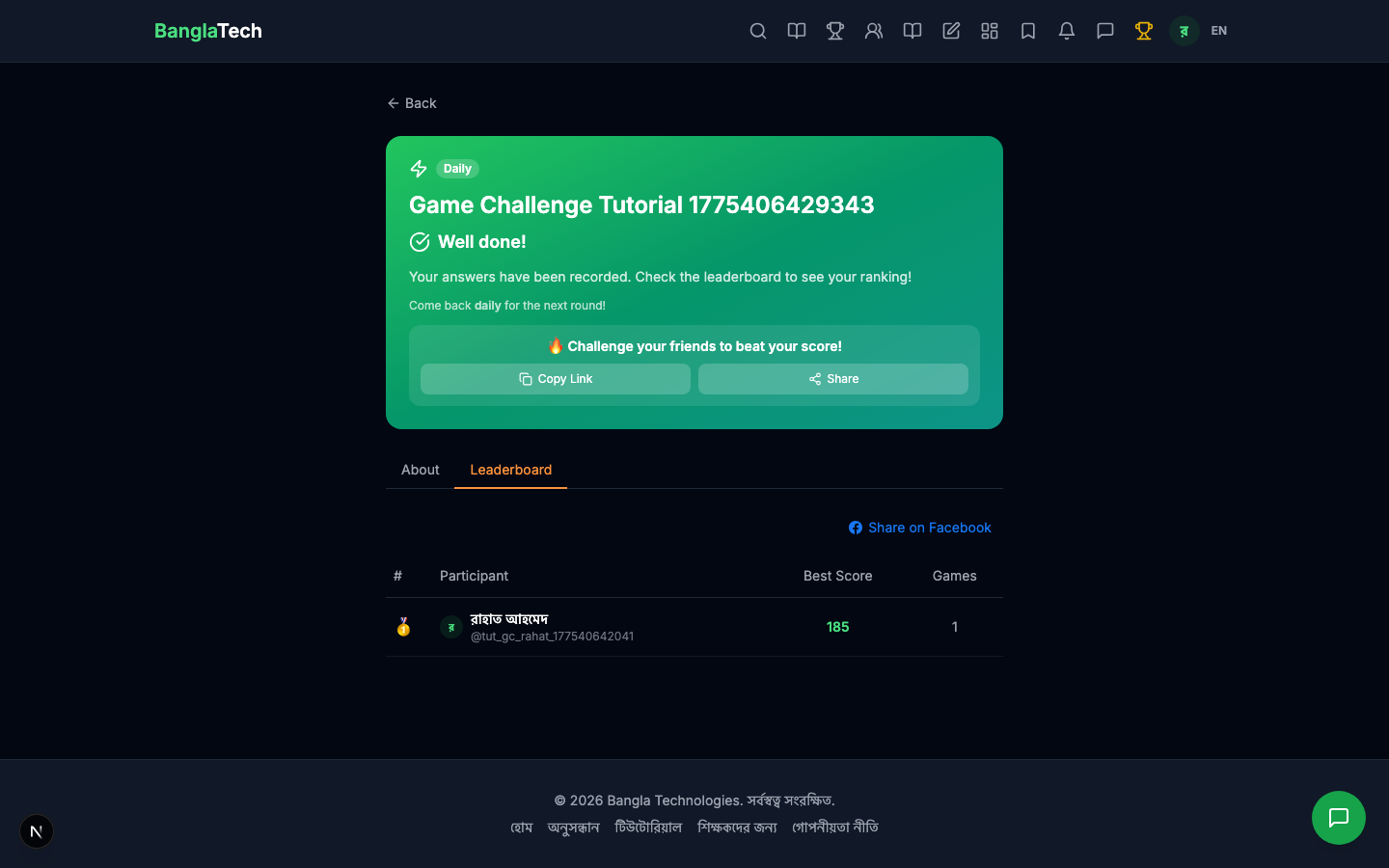
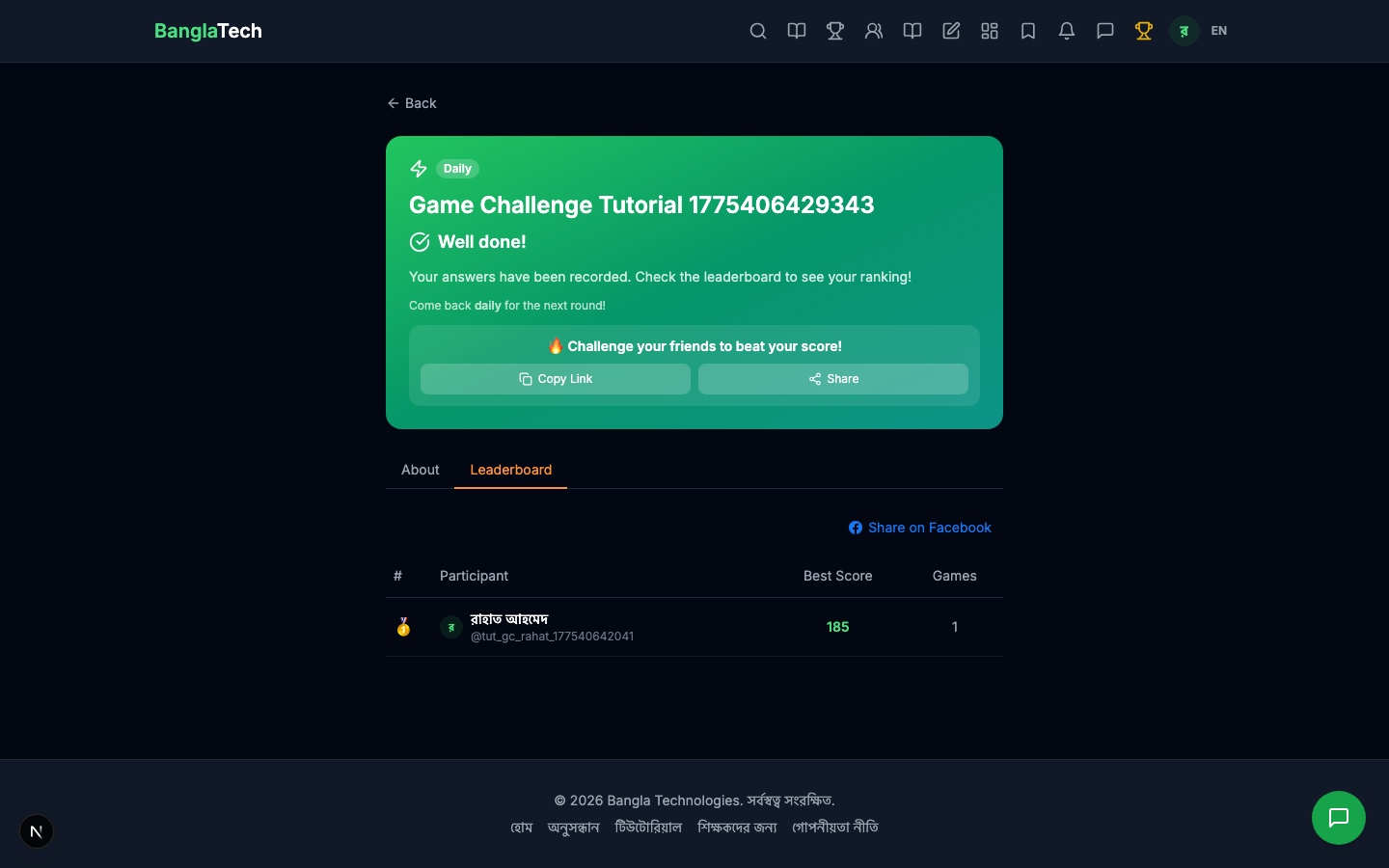
After Rahat finishes with a score of 185, the "Game Complete!" banner shows on the competition page and his entry appears at the top of the leaderboard.
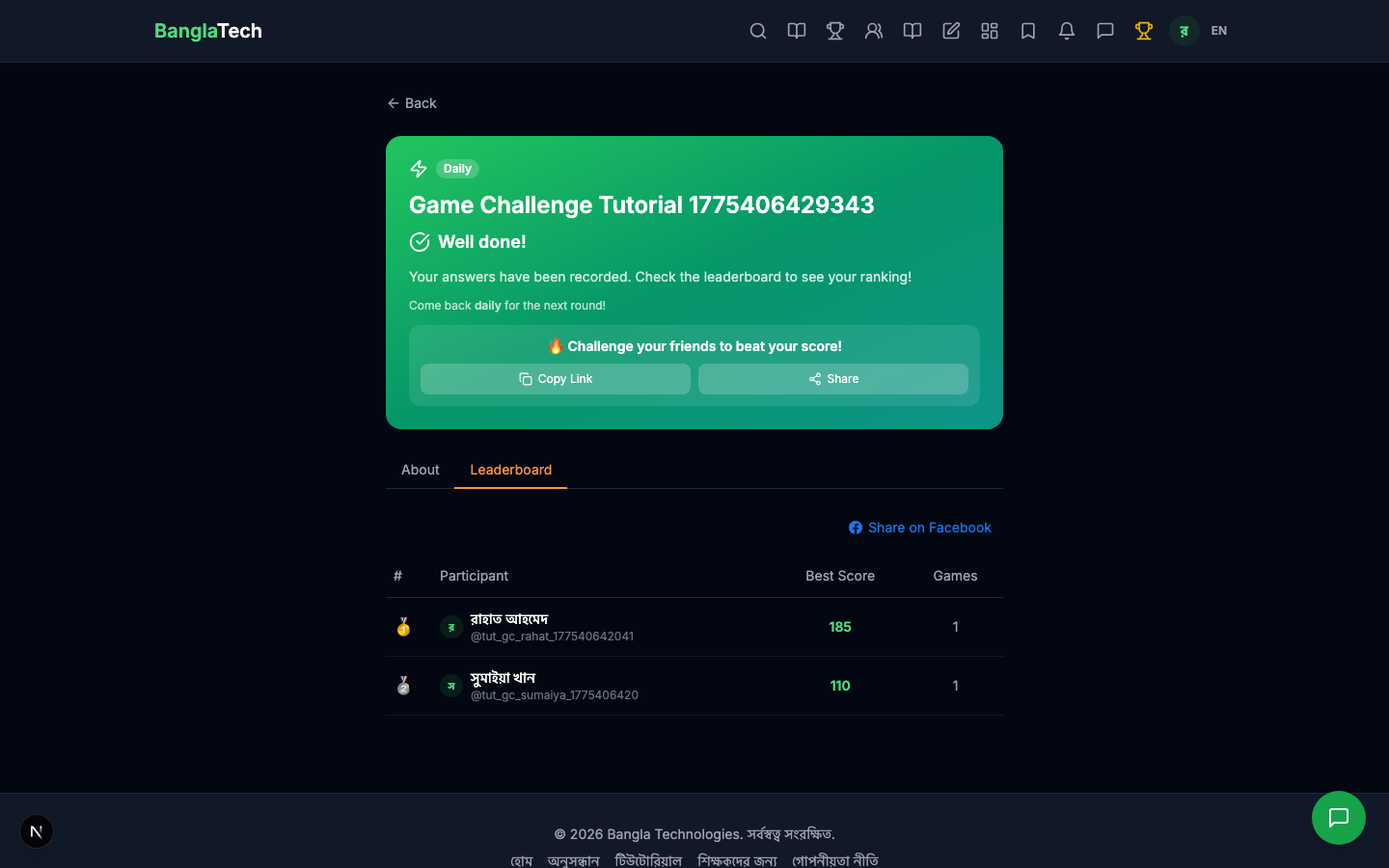
When Sumaiya plays and scores 110, both participants are ranked on the daily leaderboard.
Part 6 — Admin: View All Participants
The admin panel shows both participants with their scores and play times for today's cycle.
Tomorrow: A Fresh Leaderboard
When the clock rolls past midnight (for a daily challenge), the leaderboard resets automatically. Today's top players keep their "streak" history but start from zero on the new board. This keeps the challenge fresh and gives every participant a shot at #1 every day.
Just change the Challenge Frequency field when creating. Weekly challenges reset every Monday, monthly challenges reset on the 1st of each month. All previous cycles are preserved in the database for historical reference.
Summary
- ✅ 6 games to choose from — picks that fit both reflexes (Reaction) and thinking (Code Output)
- ✅ 3 frequencies: daily / weekly / monthly
- ✅ Fresh leaderboard every cycle keeps engagement high
- ✅ Same join + leaderboard flow as quiz competitions — easy for users who already know one system
- ✅ No judging, no scoring by hand — everything is automatic based on game performance
For one-shot quiz competitions (not recurring), see the Quiz Competition tutorial. For writing contests with human judges, see the upcoming Story Competition tutorial.