How to Run a Quiz Competition with Live Leaderboard
Create a public quiz competition linked to any quiz, let students join and compete, and watch the live leaderboard fill up with ranked scores.
Overview
A quiz competition lets you host an event where participants take the same quiz and compete for the top spot on a live leaderboard. Perfect for school quizzes, organization knowledge contests, community challenges, and anything else where you want ranked results automatically.
This walkthrough creates a Bangla general knowledge quiz with 5 MCQs, publishes it as a public competition, and shows two students joining and taking the quiz with different scores — resulting in a ranked leaderboard.
You need an existing quiz with questions to link to the competition. If you haven't created a quiz yet, see the Online Quiz / MCQ tutorial first.
Part 1 — Browse Existing Competitions
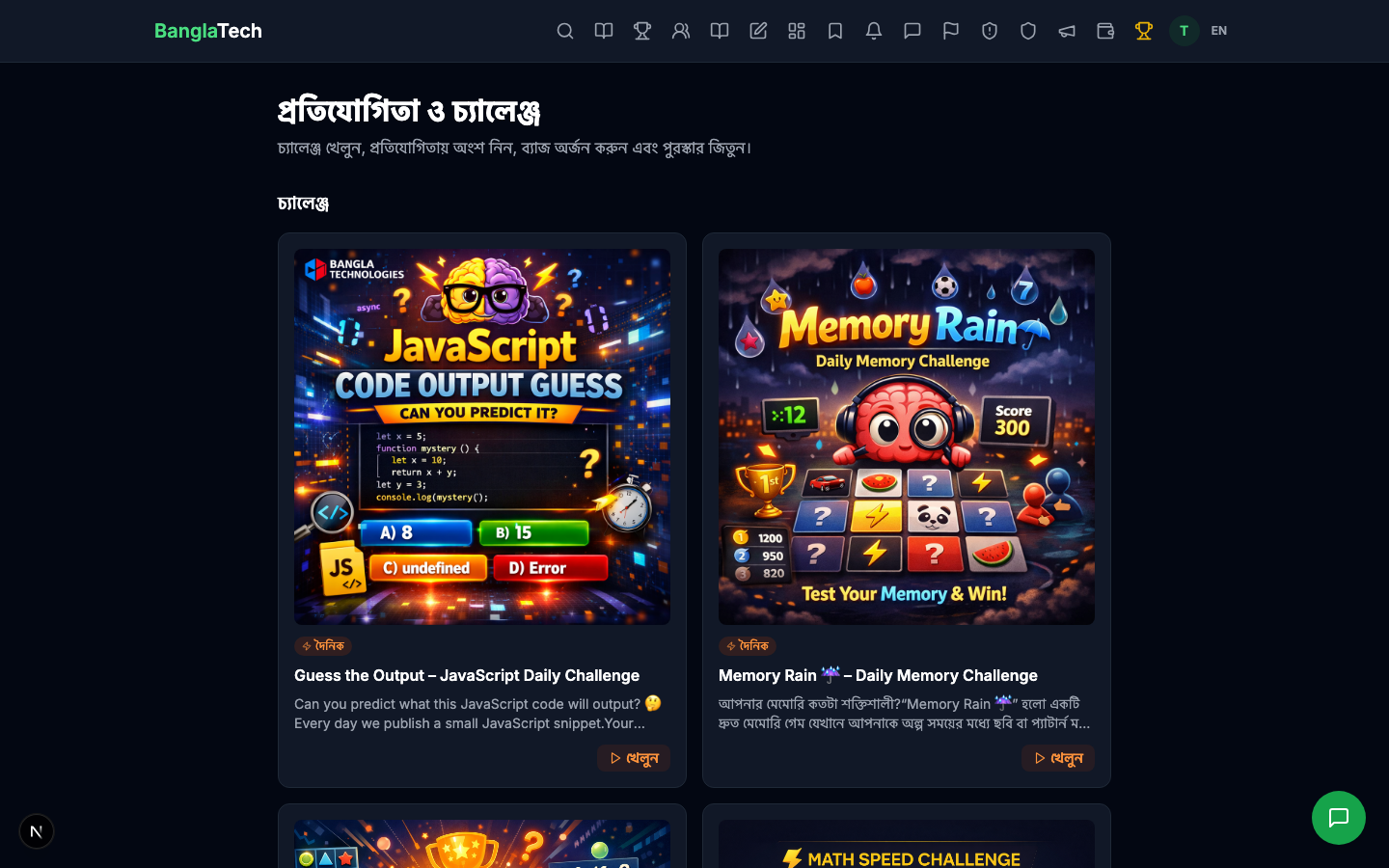
Any user can visit /competitions to browse all active public competitions on the platform.
Part 2 — Admin: Open the Competitions Admin Panel
As an admin, go to /admin/competitions to see the full list (including drafts and ended competitions).
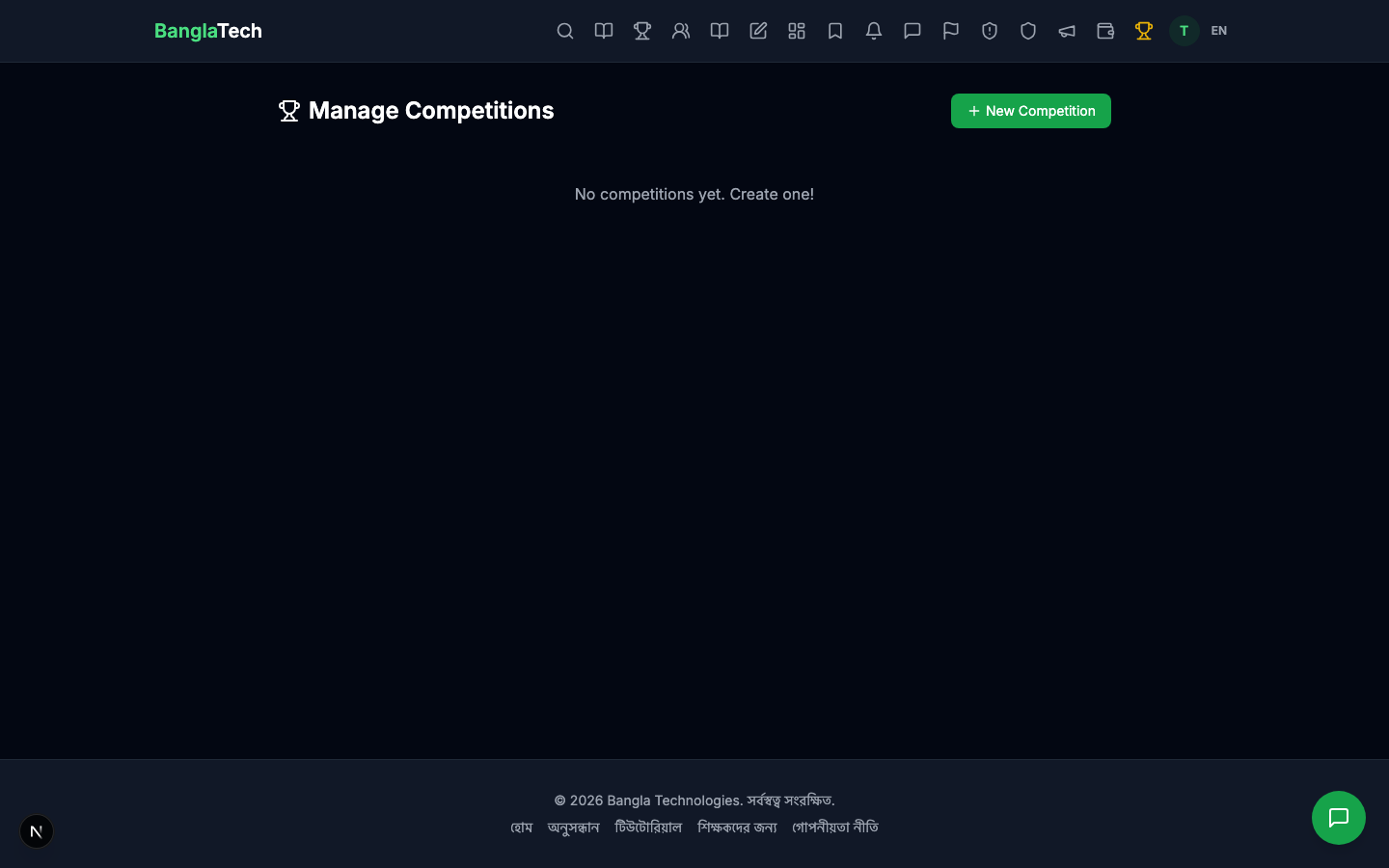
Click New Competition to open the creation form.
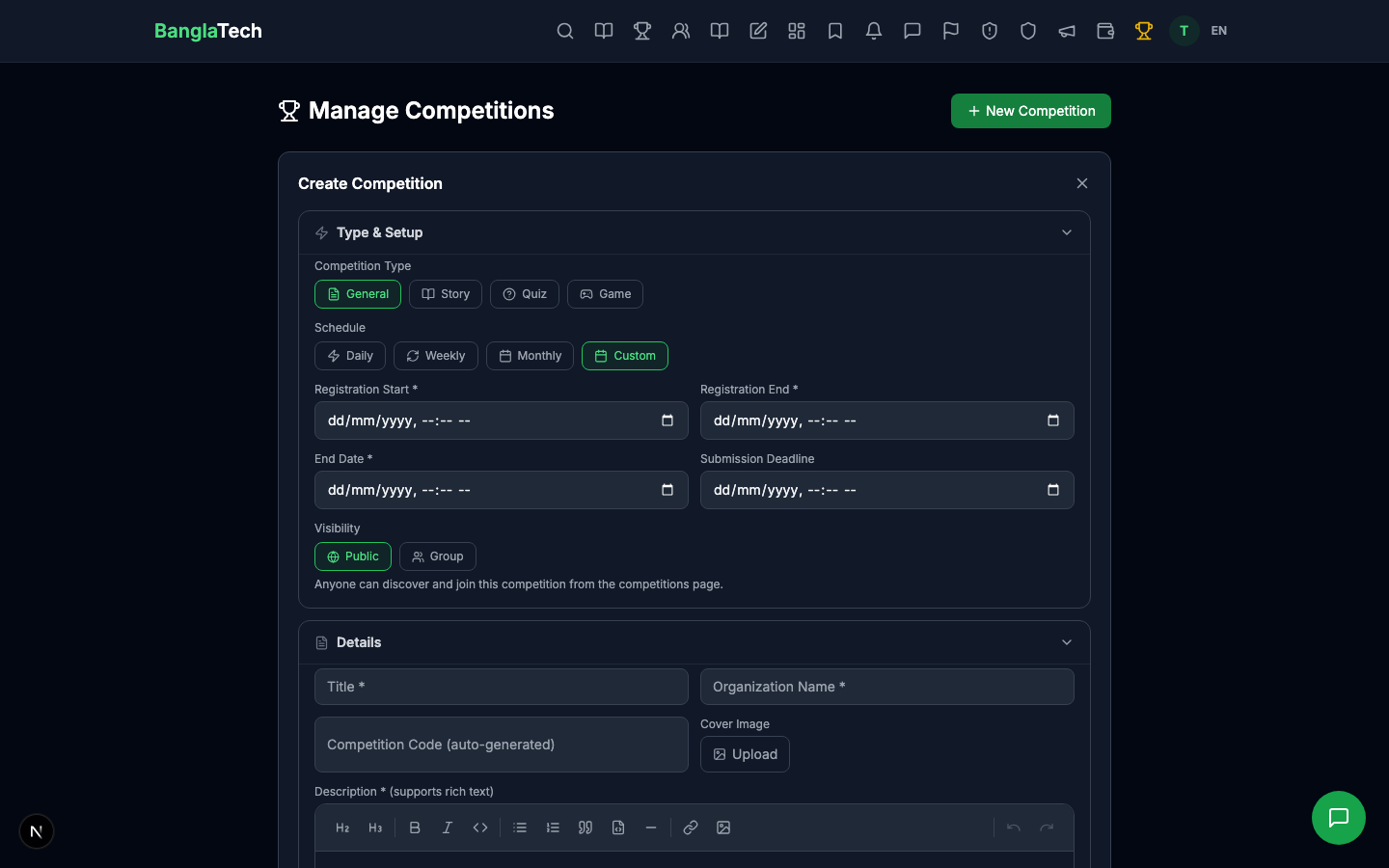
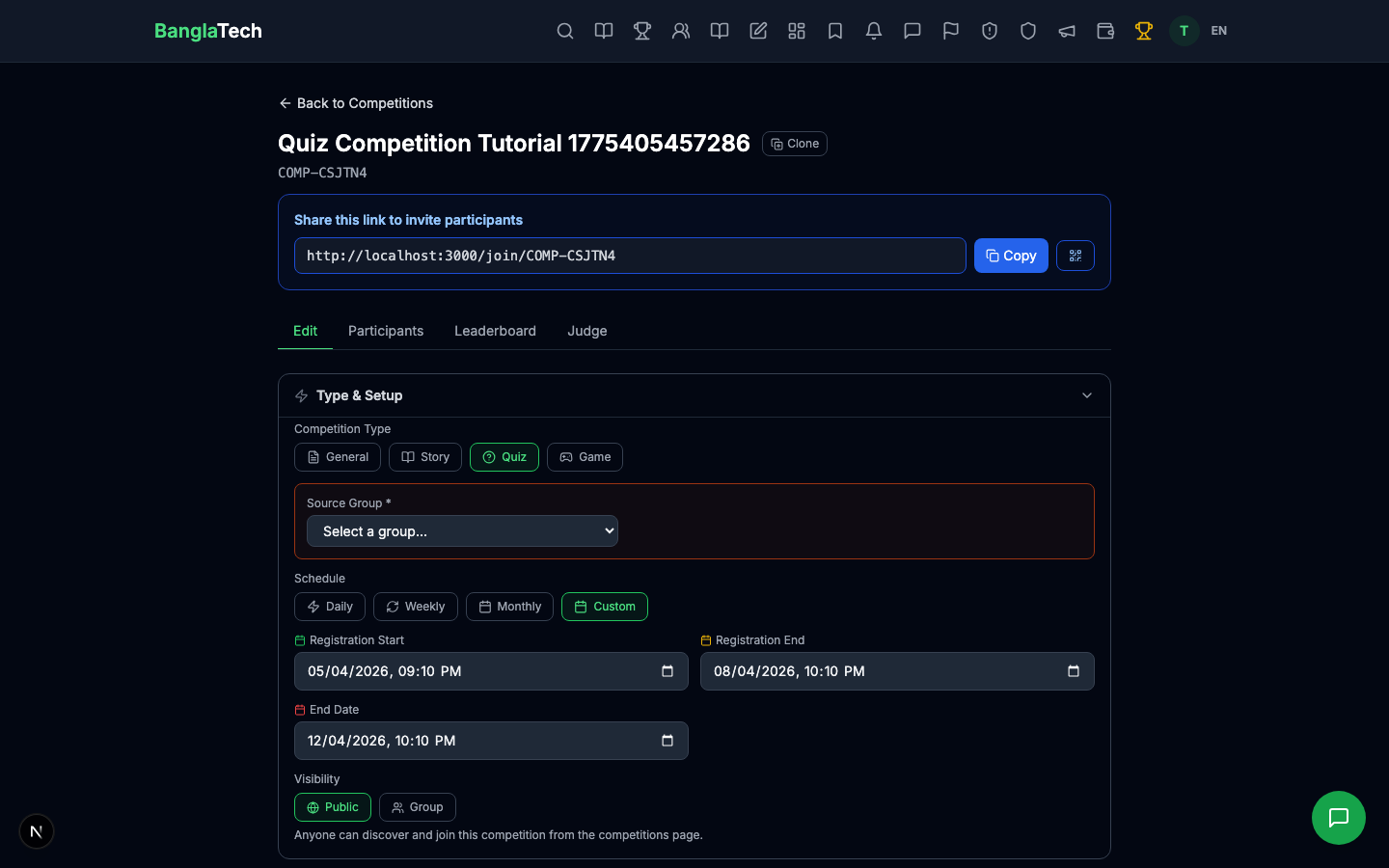
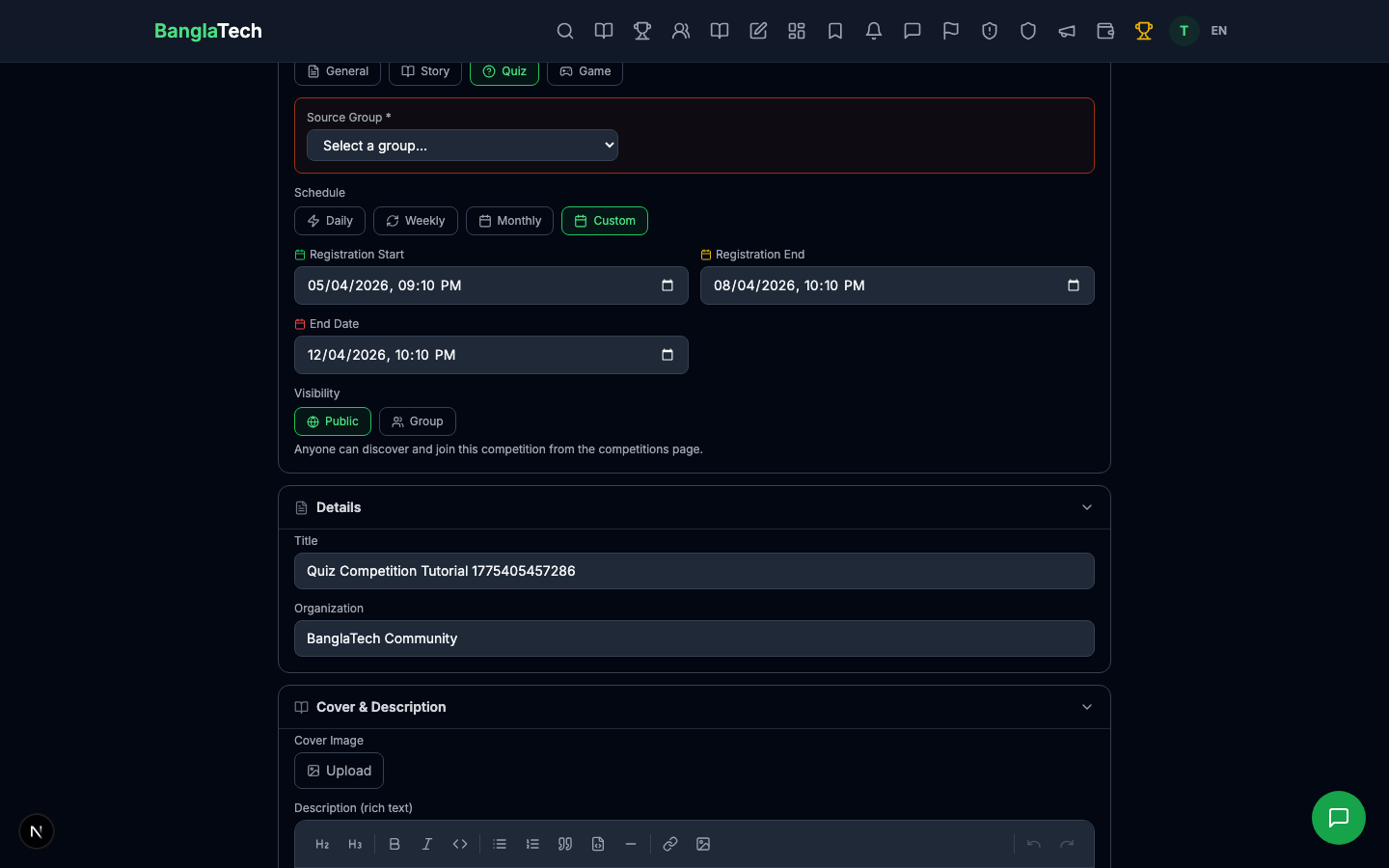
Part 3 — Fill the Competition Form
Fill in the key fields:
- Title — what participants see on the card
- Organization Name — who is hosting (your school, club, or organization)
- Type — select Quiz
- Linked Quiz — pick the quiz participants will take
- Registration Start / End — the window when users can join
- End Date — when the competition closes (must be after registration end)
- Description — rules, prizes, contact info — uses the same rich editor as blog posts
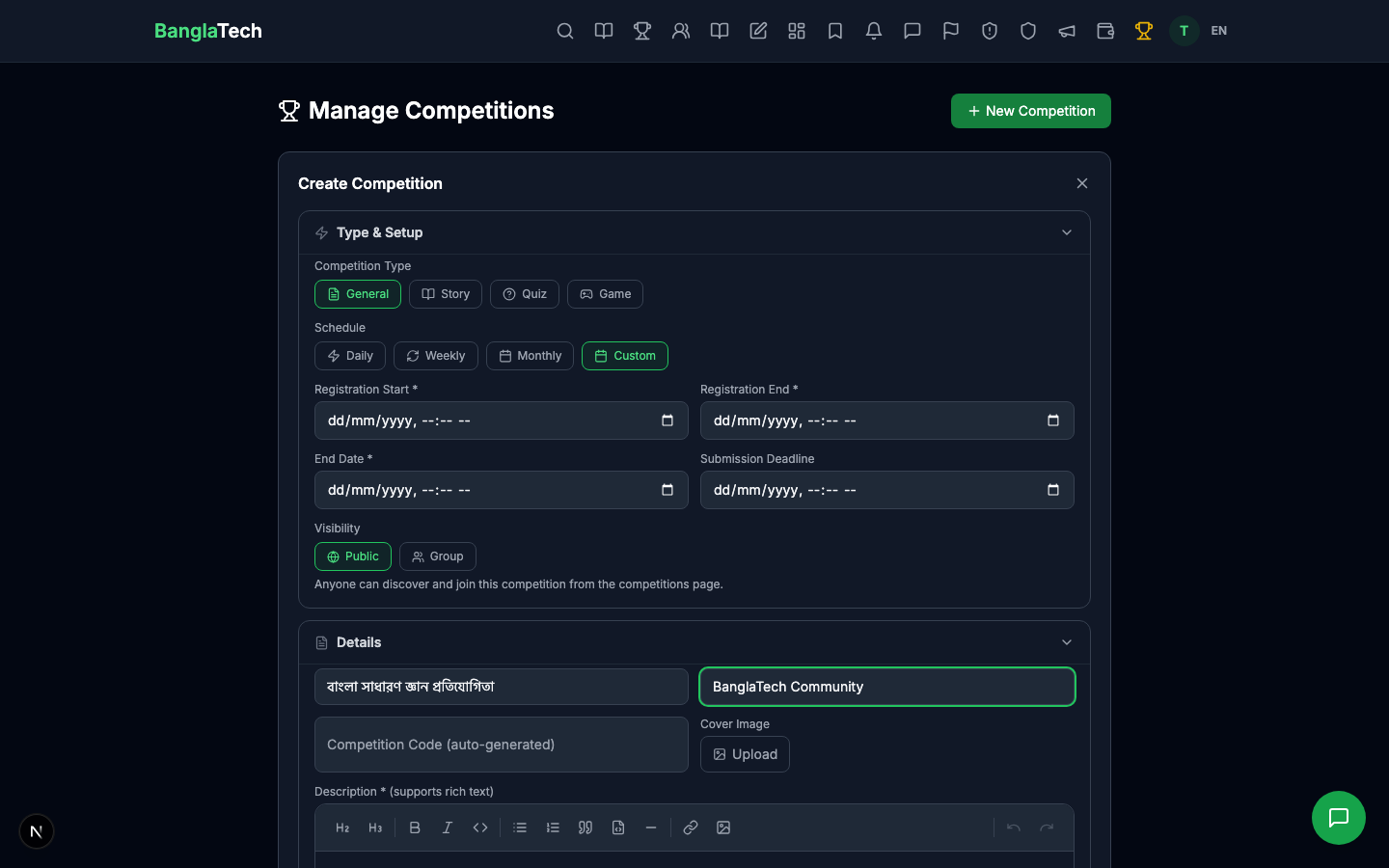
New competitions are created as draft — only visible to you. Change the status to live to make it visible on the public /competitions page so students can join.
Part 4 — Competition Detail (Admin View)
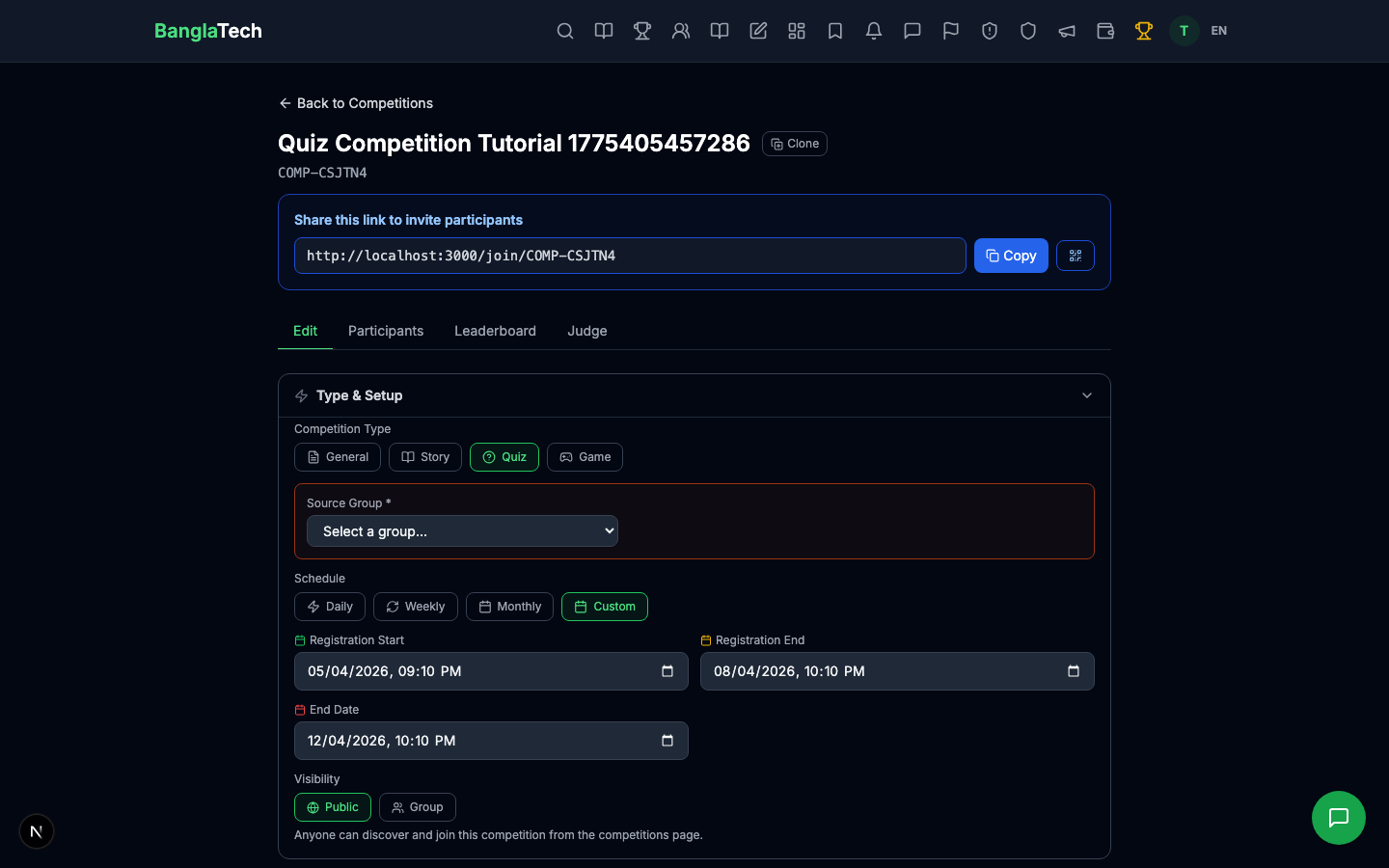
After creating, the admin detail page shows all participants, quiz submissions, leaderboard, and edit controls.
Part 5 — Student: Browse and Join
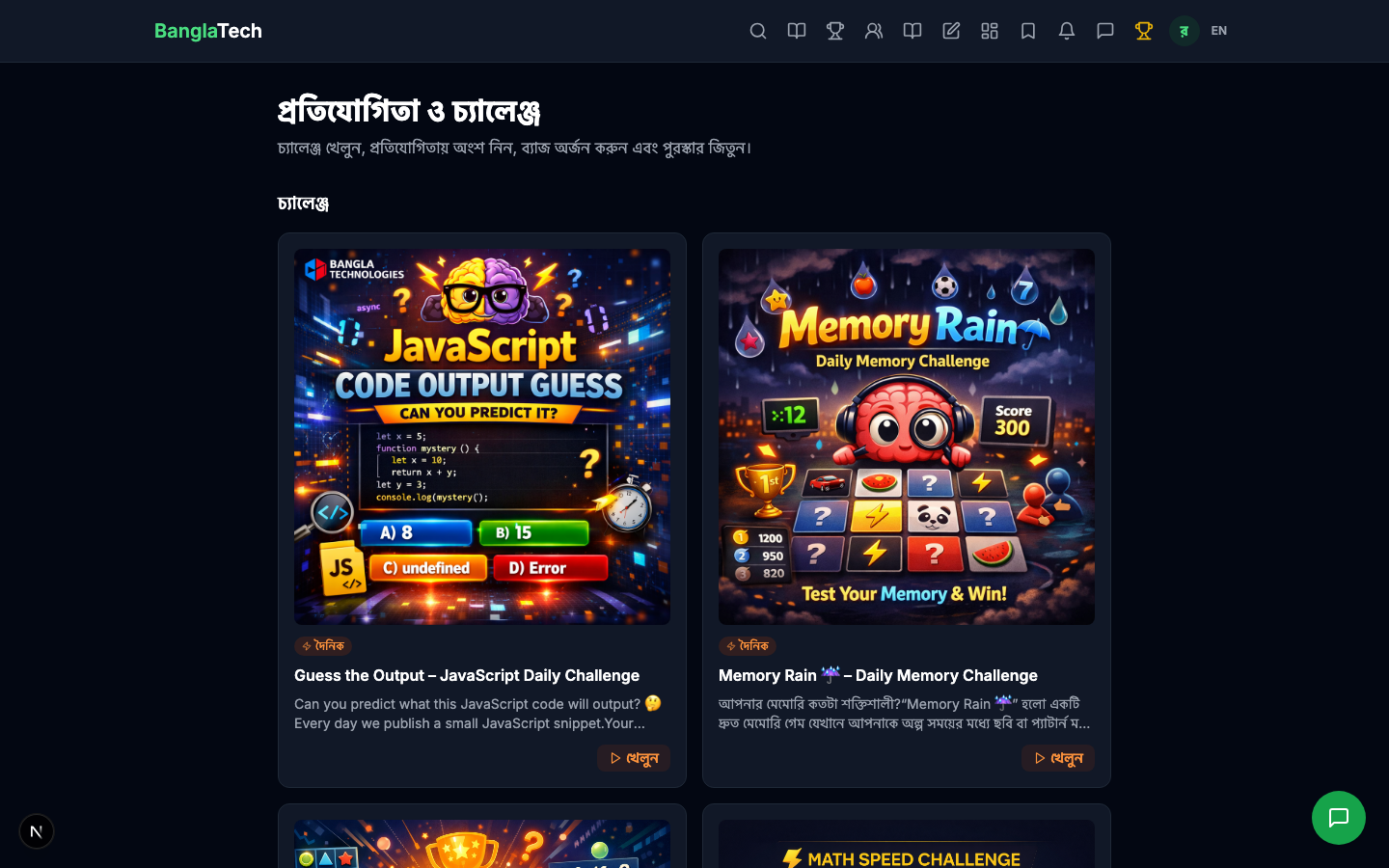
Students open /competitions and see your live competition listed with its title, organization, and cover image.
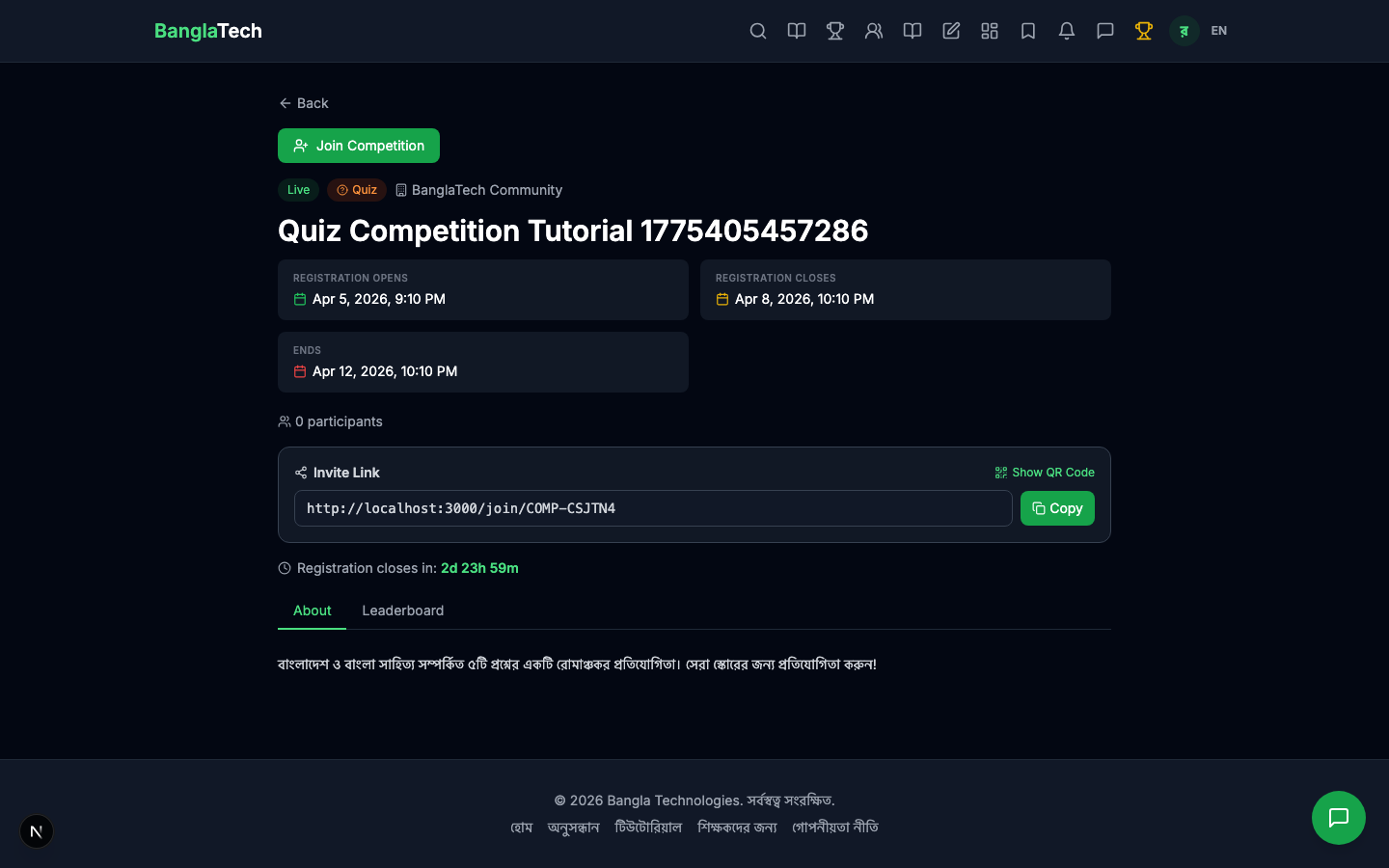
Clicking the card opens the competition detail page with the description, dates, participant count, and a Join Competition button.
Join and Start
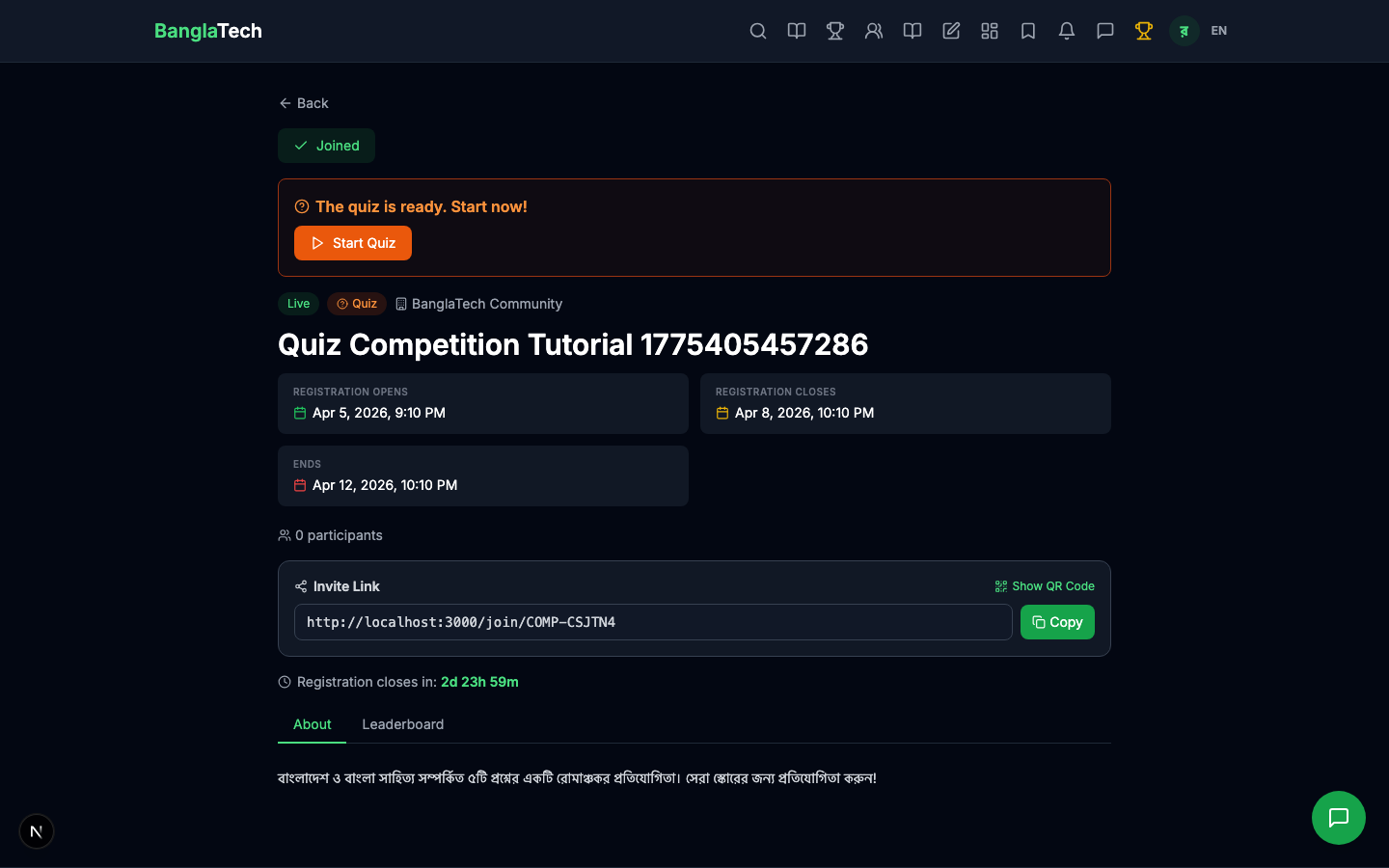
After clicking Join, the page updates to show a green Joined ✓ badge and a Start Quiz button. The student's name is now in the participant list.
Part 6 — Take the Quiz
Clicking Start Quiz takes the student to /competitions/:id/quiz/attempt — the standard quiz attempt page, but the submission gets tagged to the competition automatically.
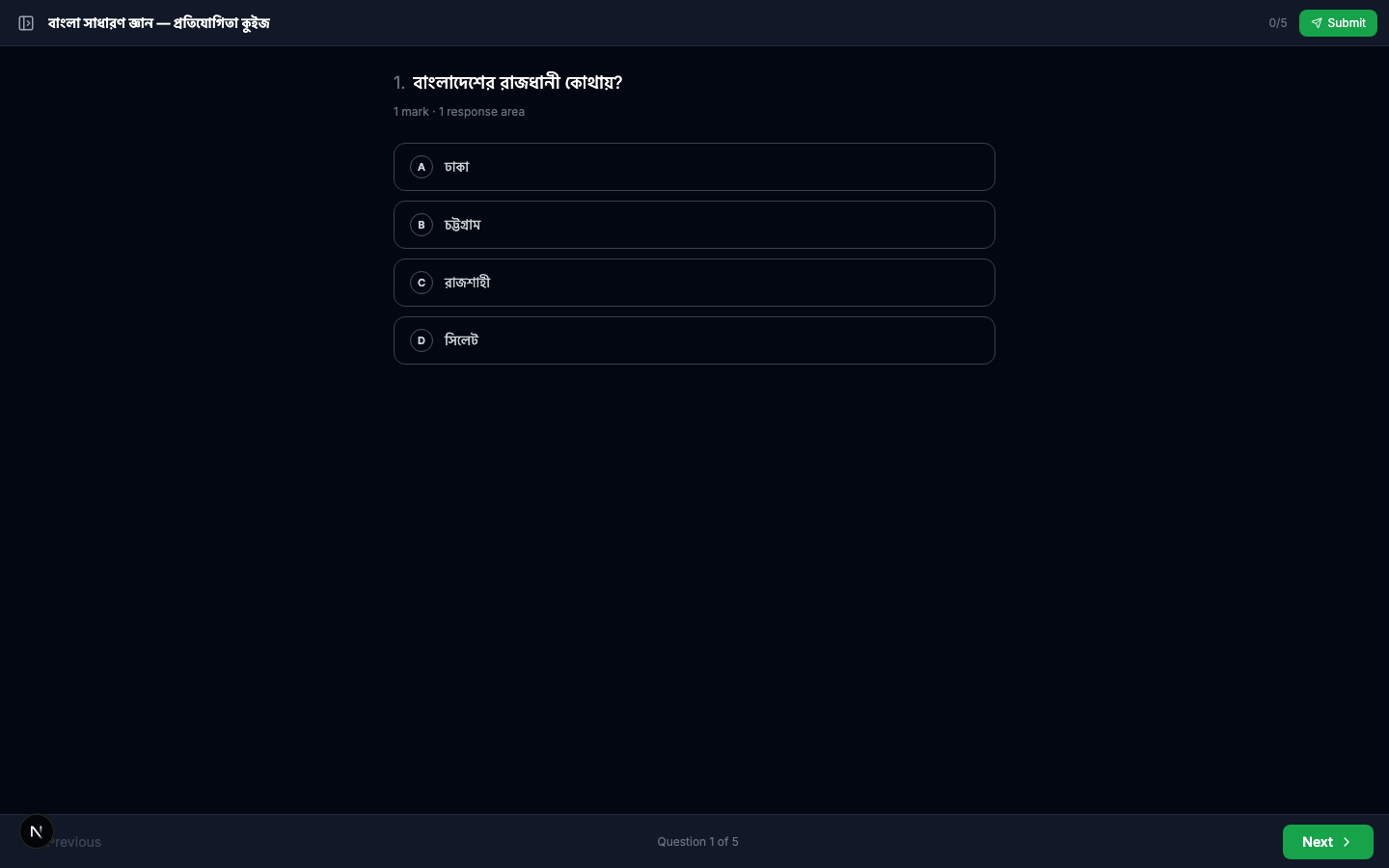
The student answers the questions, submits, and sees their result.
Part 7 — Watch the Leaderboard Fill Up
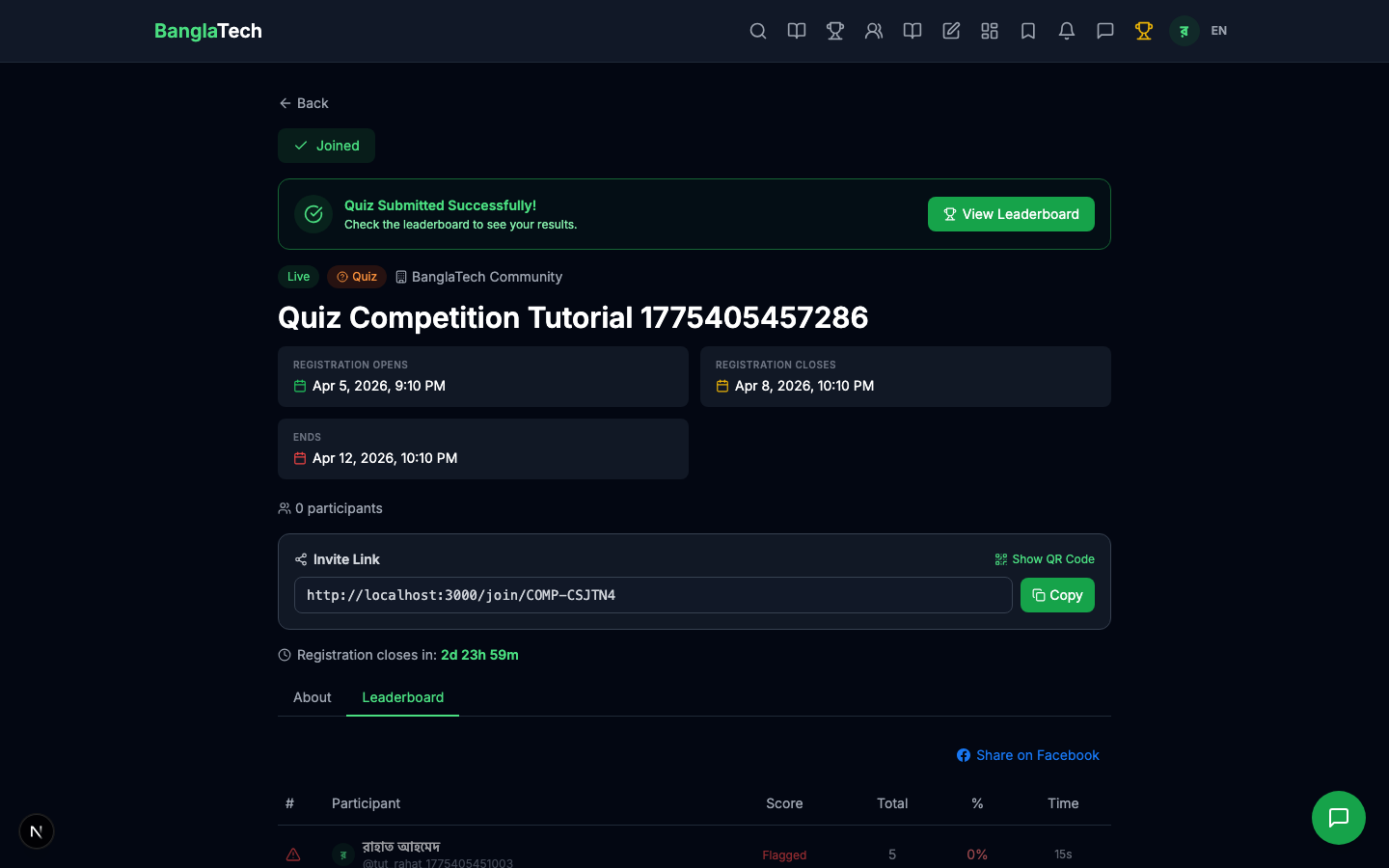
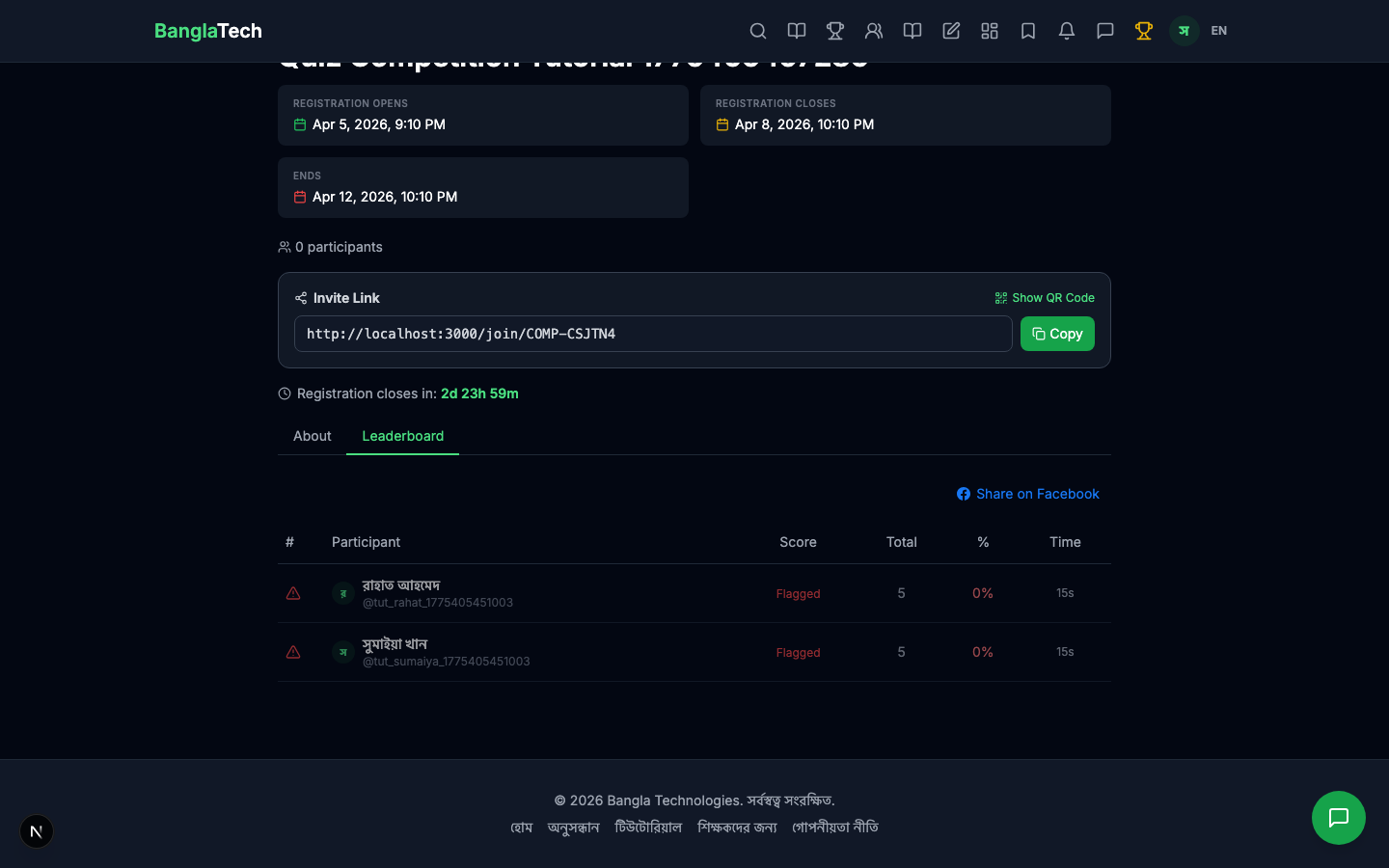
Right after Rahat submits, the leaderboard shows him at rank #1 with 5/5 (100%).
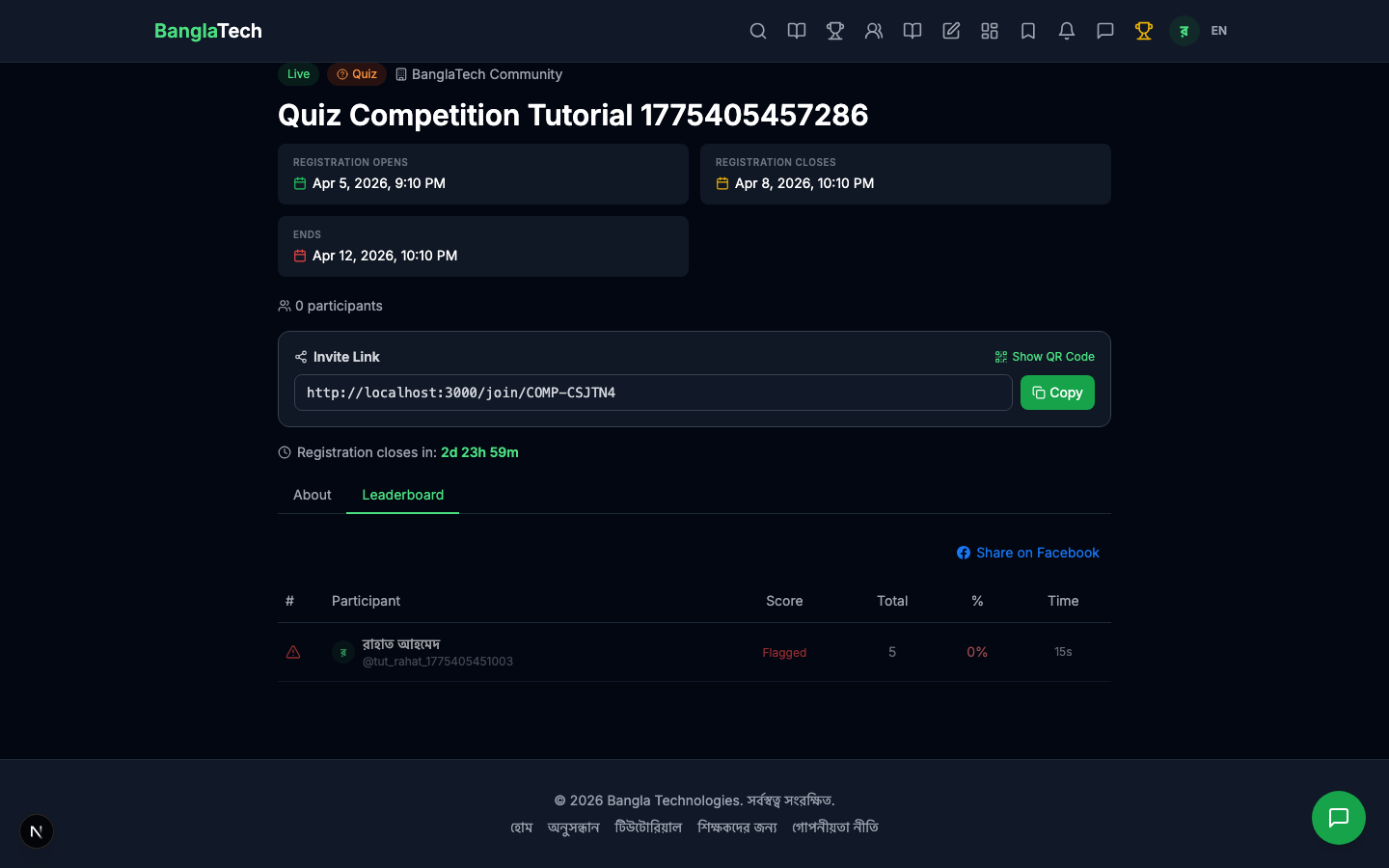
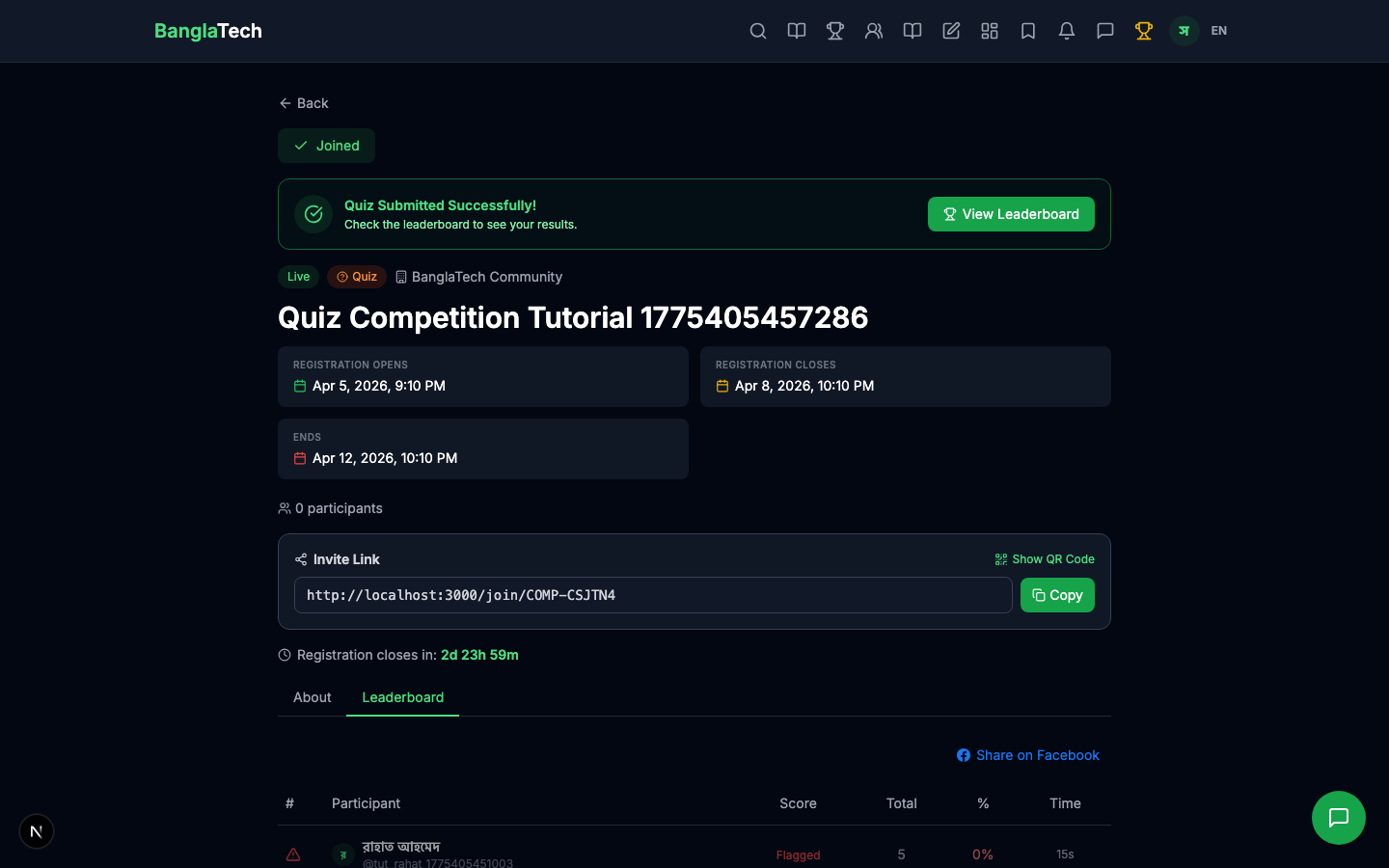
When Sumaiya joins and submits with 3/5 (60%), the leaderboard updates in real time showing both participants ranked by score.
Part 8 — Admin: View All Participants
Back in the admin panel, the competition detail now shows both participants with their scores, time taken, and submission times.
Summary
That's the full free quiz competition flow:
- ✅ Admin creates competition linked to any existing quiz
- ✅ Students browse, join, and take the quiz in one seamless flow
- ✅ Auto-graded scores feed a live leaderboard
- ✅ Admin sees all participants and stats in the admin panel
- ✅ Public shareable URL — anyone with the link can browse and join
Also Available (Coming Soon in Separate Tutorials)
This tutorial covers the free, public quiz competition flow. These features work for any competition type and will be covered in dedicated tutorials:
- Paid competitions — charge an entry fee via bKash with admin approval before allowing participation
- Certificates — auto-generated PDF certificates for top-3 winners when the competition ends
- Achievement badges — manually or automatically award badges to participants
- Story competitions — writing contests with private judge scoring and reveal dates — see the upcoming Story Competition tutorial
- Game challenges — recurring daily/weekly/monthly game leaderboards — see the upcoming Game Challenge Competition tutorial