How to Play Games on BanglaTech
Play Ludo, Reaction Speed, Word Battle and more — offline or online with friends.
Overview
BanglaTech has 7 built-in mini-games you can play solo or against the community. Games are accessible to every registered user — no admin setup, no group membership required. Just pick a game, click Start, and play.
Each game has its own scoring system, a live leaderboard, and can be linked to Game Challenge Competitions for daily/weekly tournaments with prizes.
The Games Hub
Visit /games to see all available games with their descriptions and how many players have played.
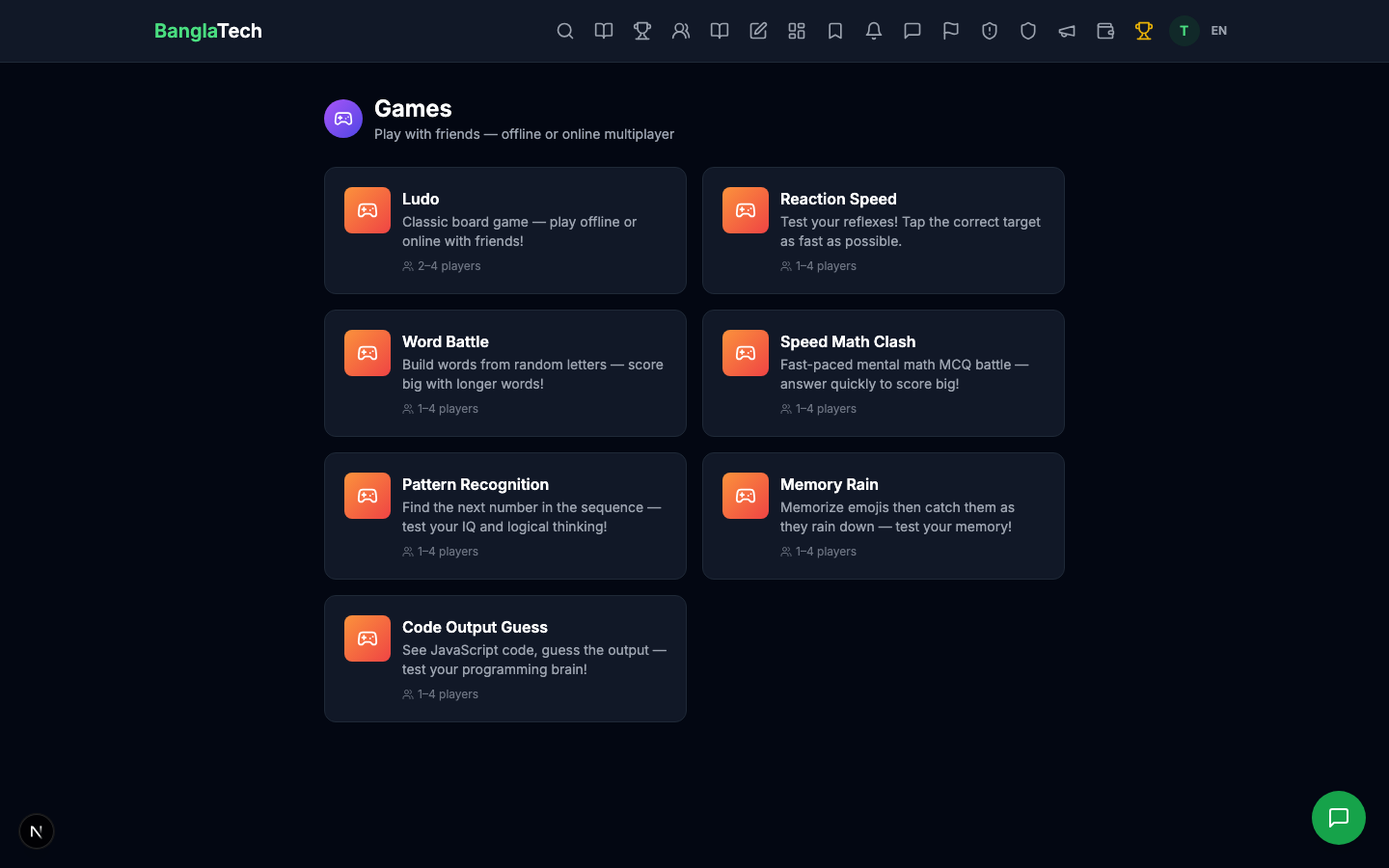
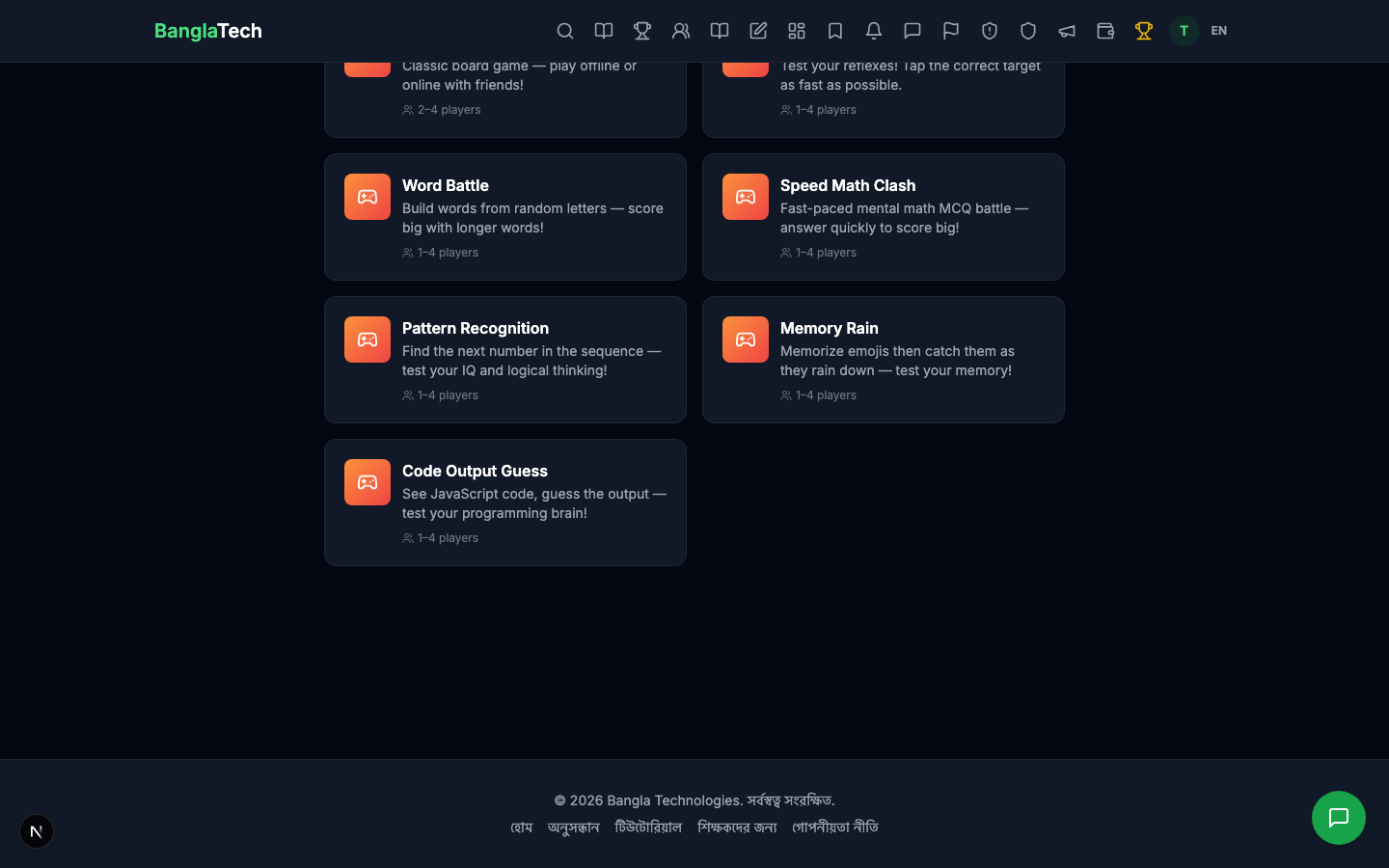
The 7 Games
🧮 Speed Math Clash
Answer MCQ math questions as fast as you can. Difficulty starts easy (basic arithmetic) and increases over time to algebra and harder operations. Wrong answers get a penalty. Timer counts down — when it hits zero, your score is final.
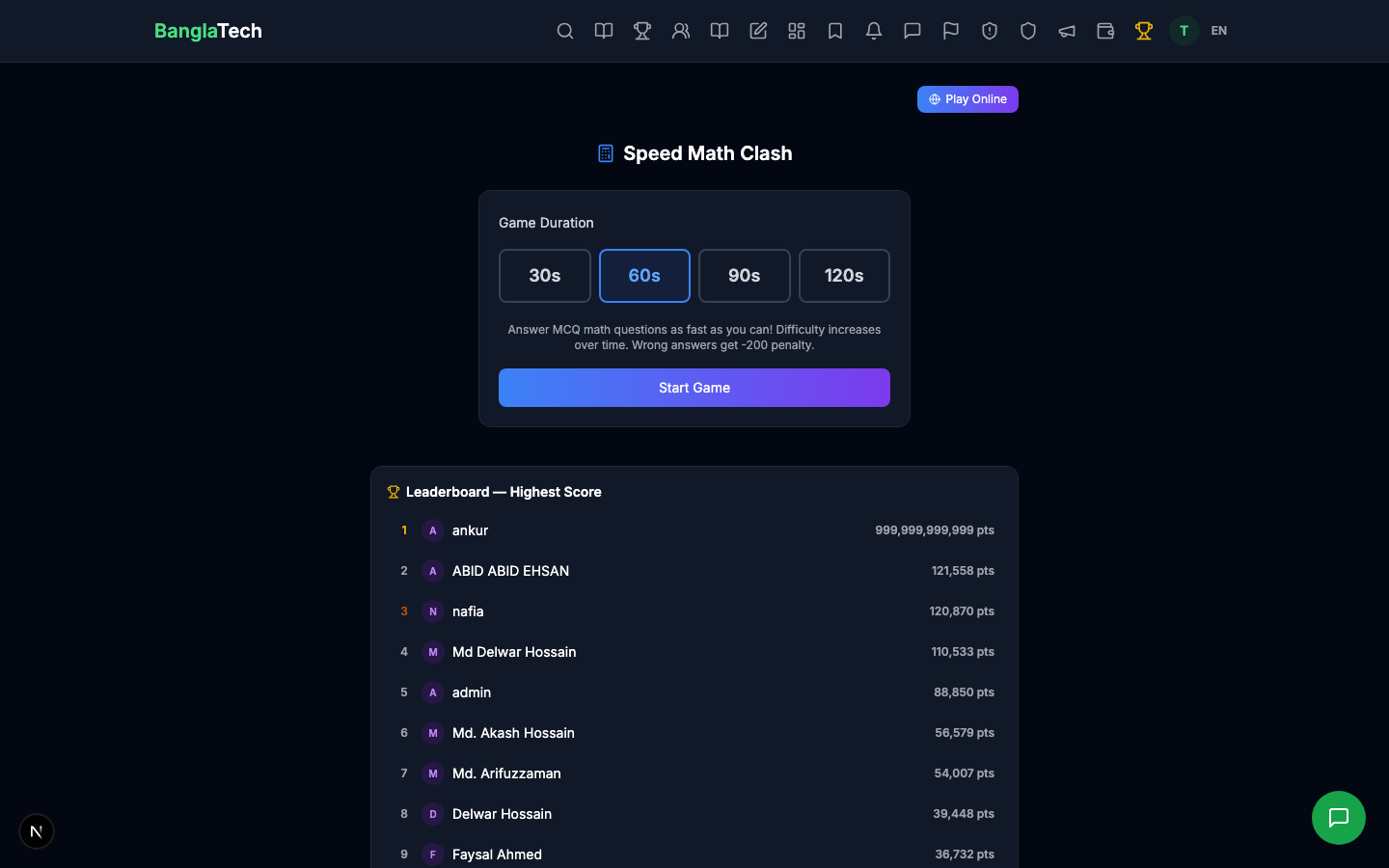
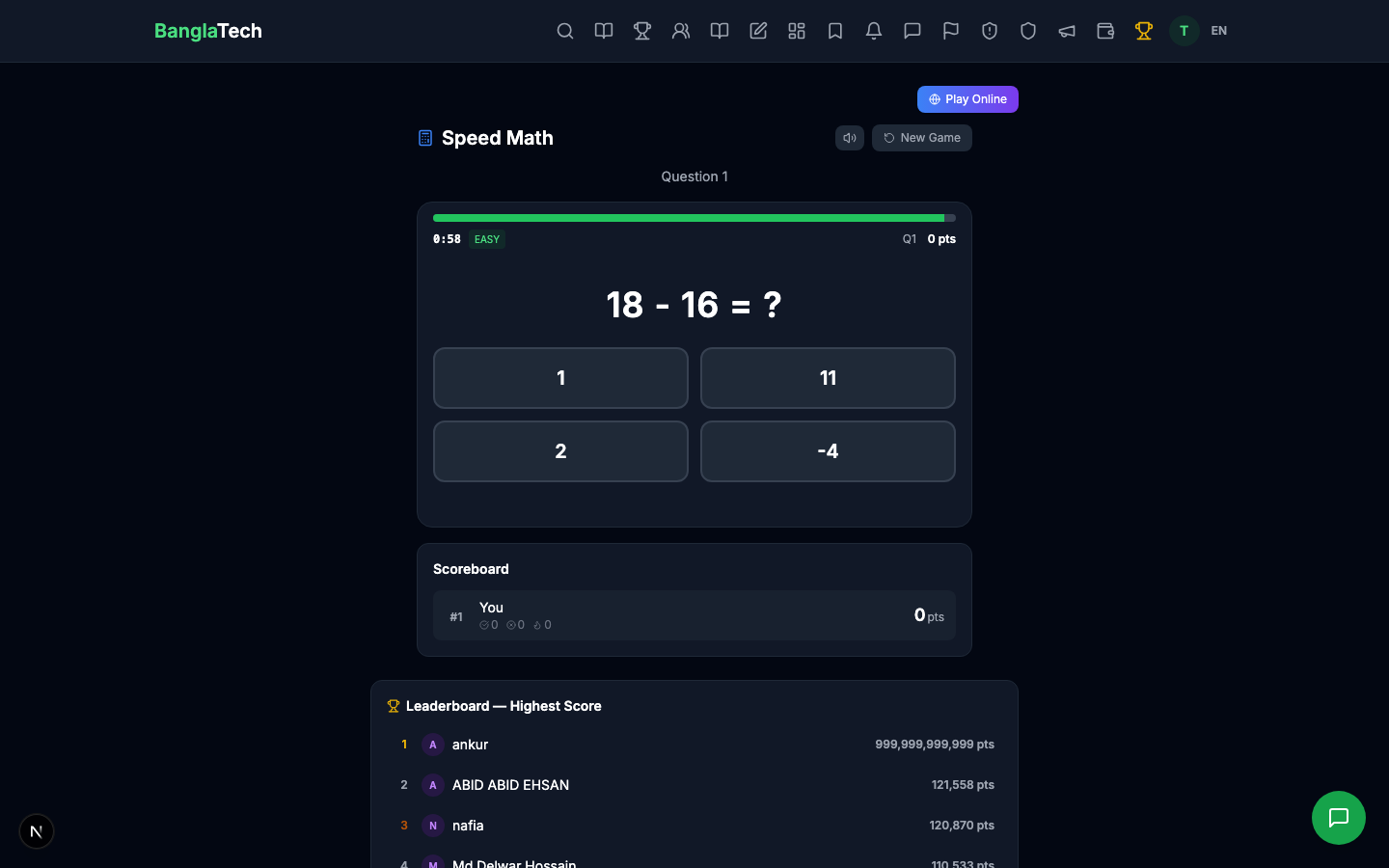
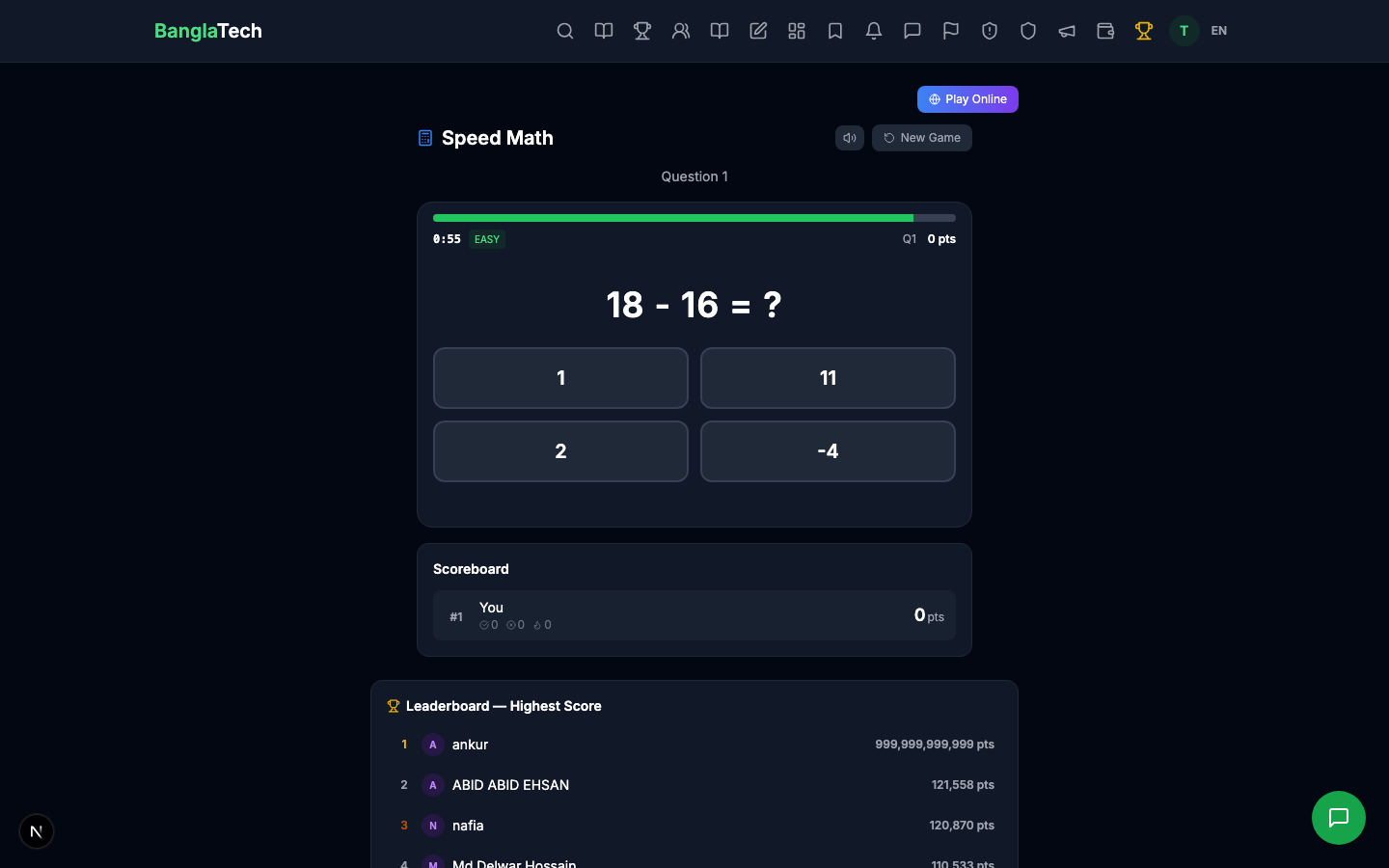
During gameplay, each question shows 4 options. The green timer bar at the top shows remaining time. The scoreboard tracks your current score in real time.
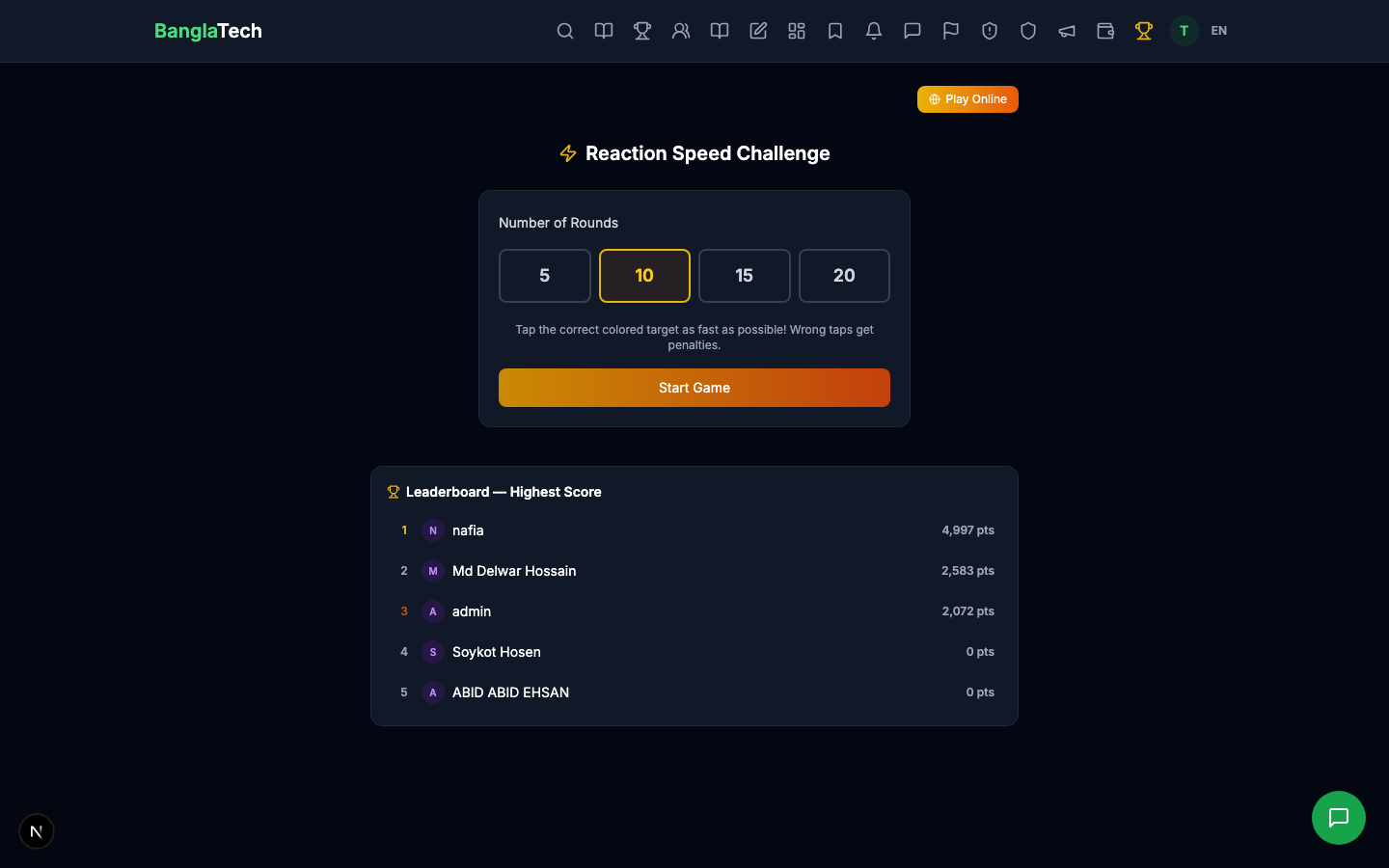
⚡ Reaction Speed
Test your reflexes — tap the correct target when it appears, avoid wrong ones. Measures your best reaction time in milliseconds.
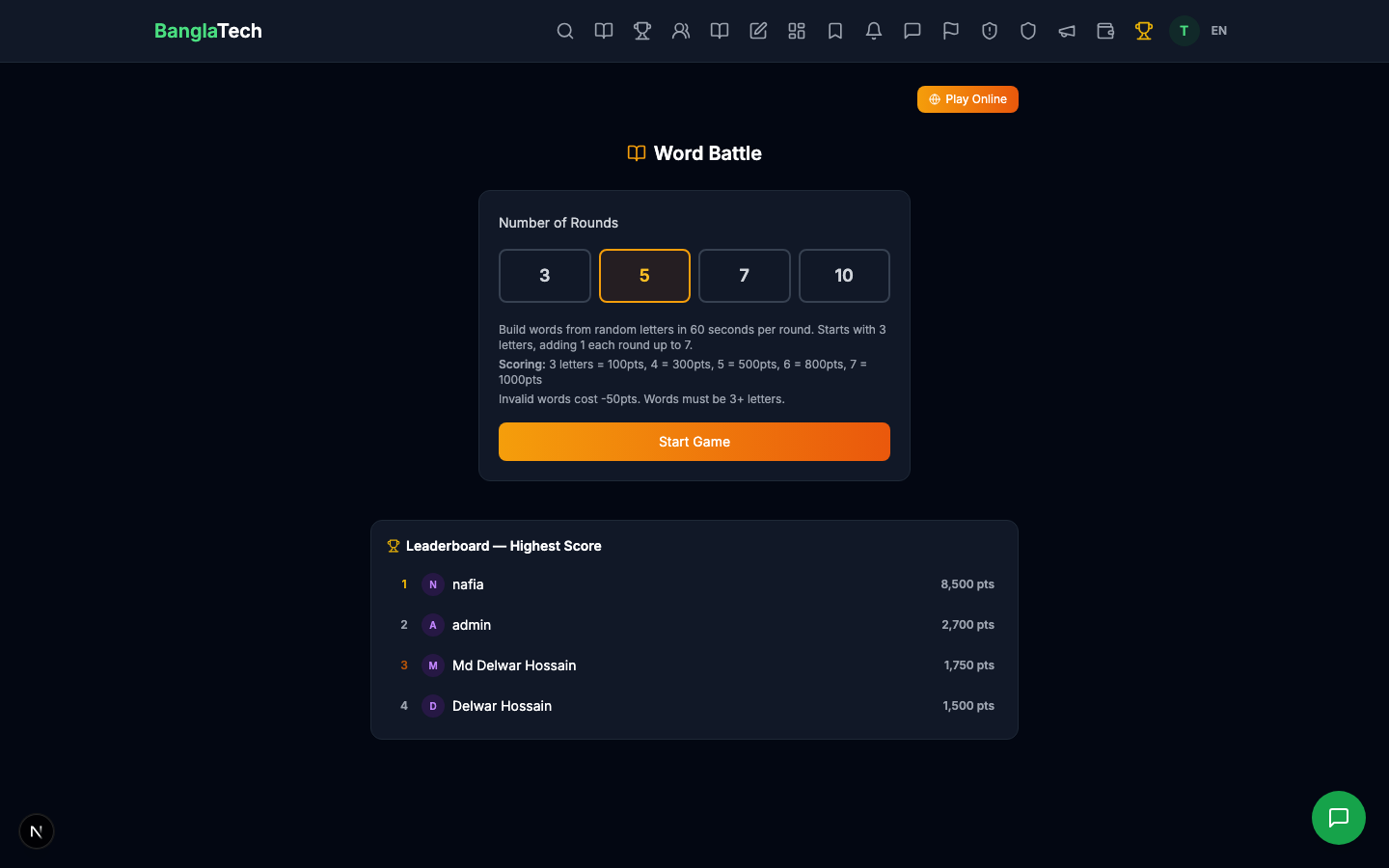
📝 Word Battle
Find as many valid words as you can from a grid of letters. Longer words score more. Use hints when stuck. Each round gives you a fresh grid.
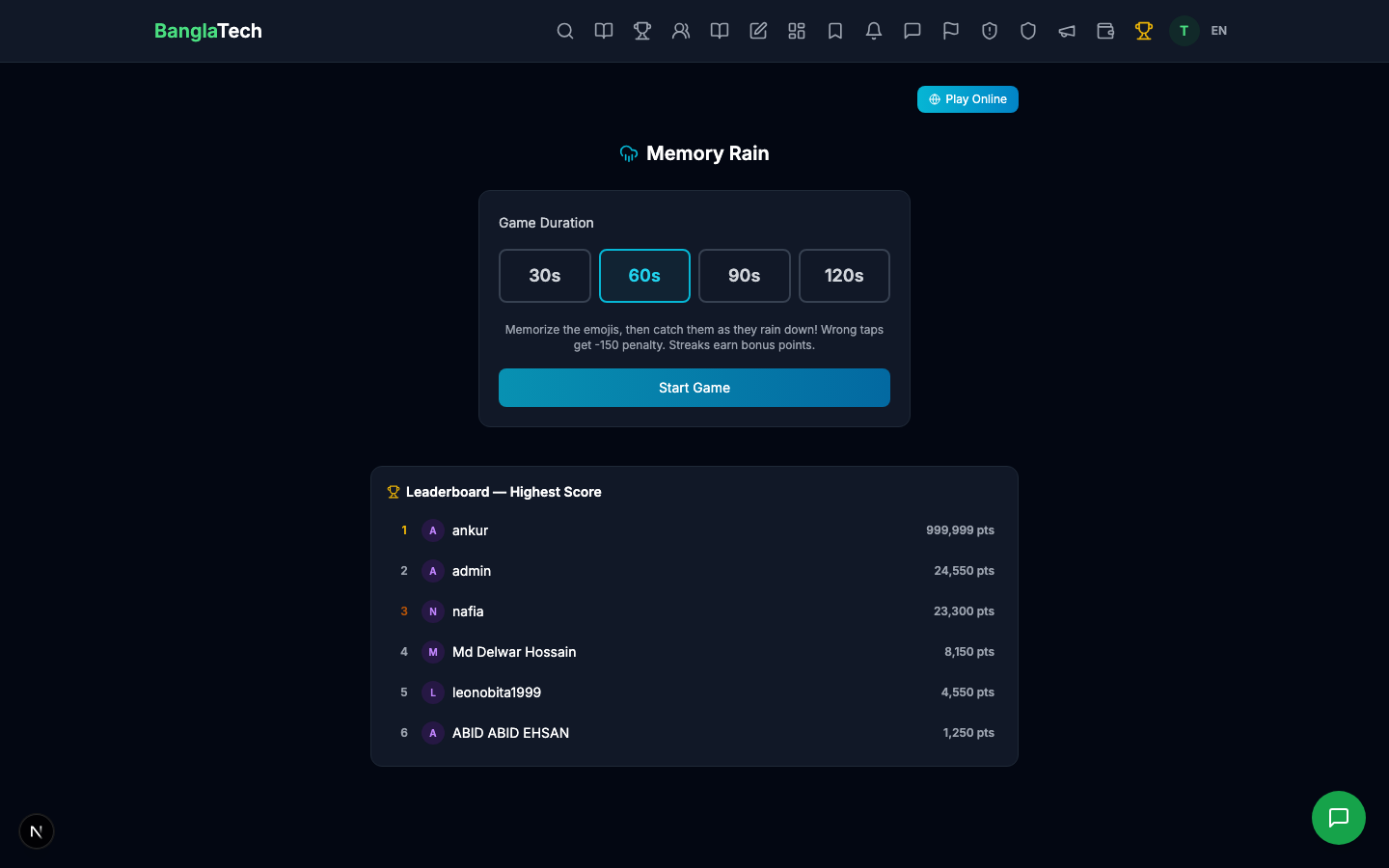
🌧️ Memory Rain
Catch falling items that match the target pattern while avoiding distractors. Tests visual memory and reaction speed. Waves get progressively harder.
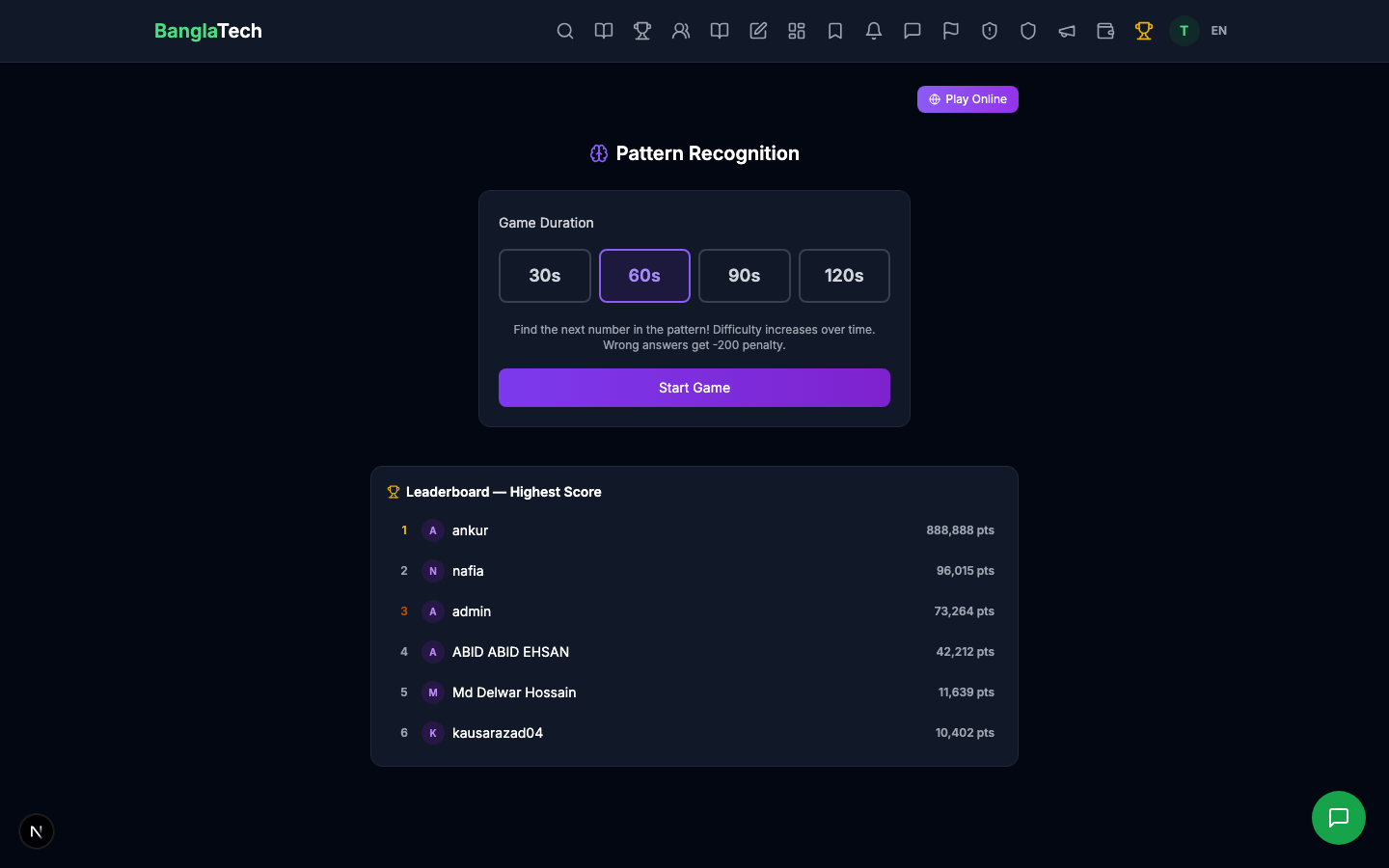
🔢 Pattern Recognition
Find the next number in a sequence. Tests mathematical pattern-spotting skills. Difficulty scales as you progress.
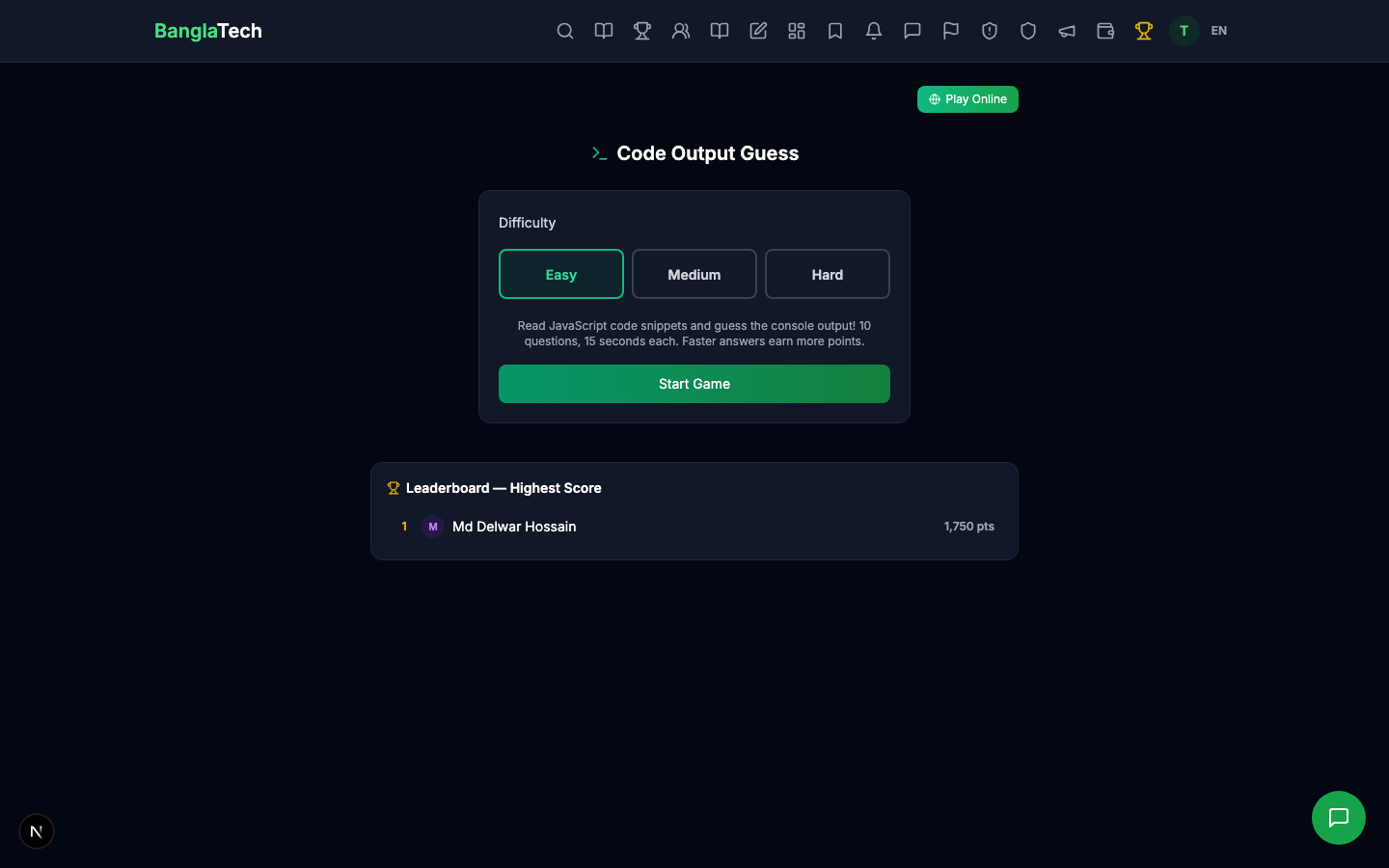
💻 Code Output Guess
Read a short code snippet and predict its output. Supports multiple programming languages. Great for CS students preparing for interviews or exams.
🎲 Ludo
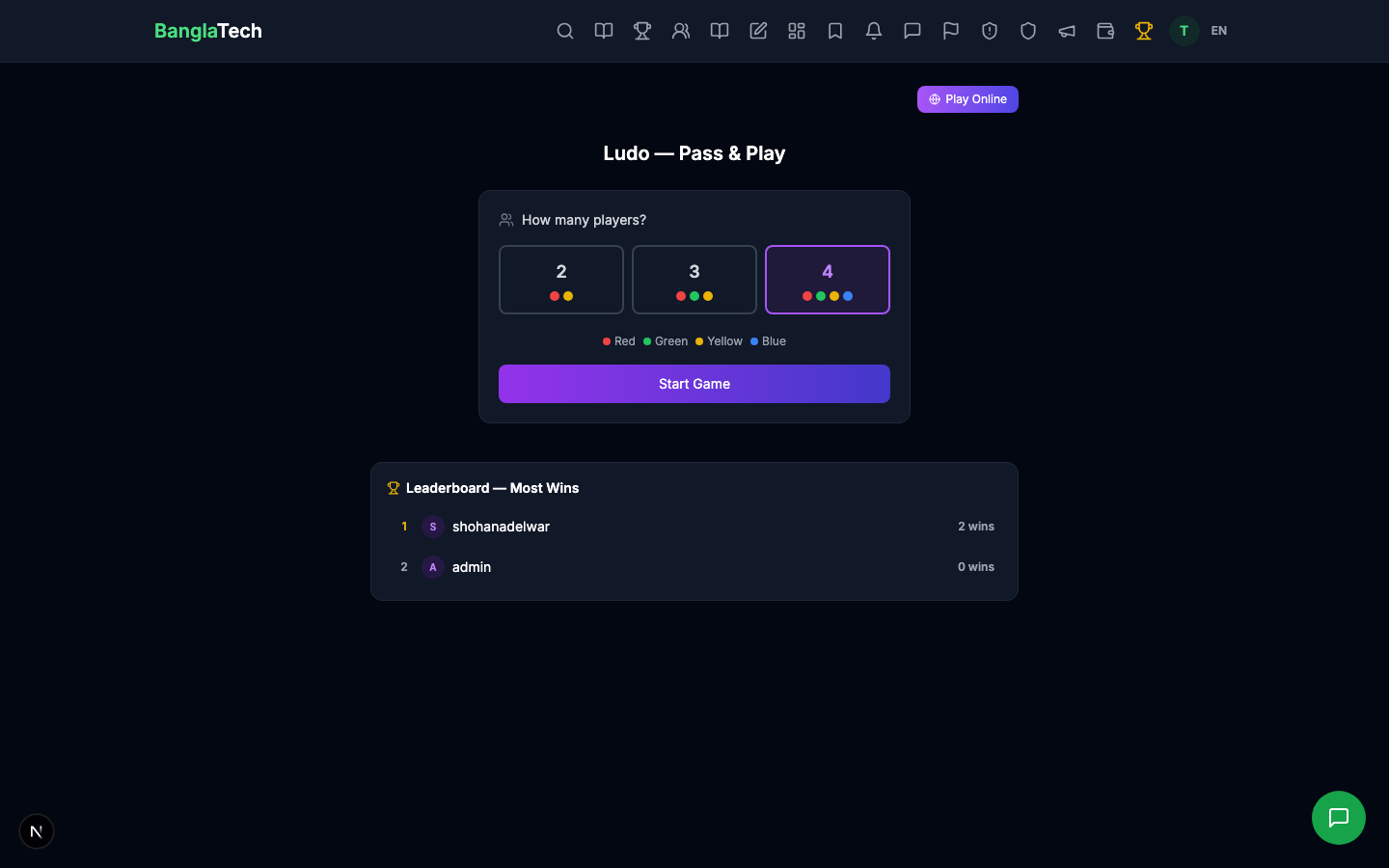
Classic board game — play offline against bots or online with friends. Roll the dice, move your tokens, race to finish first.
Scoring & Leaderboards
Every game has a global leaderboard visible below the game area during play. Your best score is recorded permanently — play as many times as you want to improve your ranking.
During Speed Math gameplay, the leaderboard shows the top scorers and your current position:
Games in Competitions
Any of these 7 games can be linked to a Game Challenge Competition. When linked, the game duration is set by the competition, the leaderboard resets per cycle (daily/weekly/monthly), and top players earn badges and certificates. See the Game Challenge tutorial for the full competition setup flow.
Most games work both offline (solo practice) and online (scores submitted to the leaderboard). The Play Online button at the top of each game page switches to online mode. In online mode, your score is saved to your profile and counts toward competition rankings.
Summary
- ✅ 7 games covering math, language, memory, coding, and reflexes
- ✅ No setup needed — any registered user can play instantly
- ✅ Global leaderboards per game
- ✅ Scores saved to your profile
- ✅ Games can be linked to recurring challenges with badges + certificates
- ✅ Offline mode for practice, online mode for competition