How to Run a Story Writing Competition with Judges
Create a blind-judged writing competition — students submit stories, assigned judges score privately, and winners are revealed on a scheduled date.
Overview
A story competition lets you host a creative writing contest with blind judging. Students submit their stories as blog posts tagged with the competition code. Before the reveal date, each student can only see their own submission — this keeps the judging fair and avoids students reading each other's entries before the deadline. After the reveal, everyone can read all stories and see the final ranked leaderboard.
This walkthrough creates a Bangla short story competition on the theme "বর্ষাকাল ও স্মৃতি" (Monsoon and Memory) with three student submissions and one judge scoring them out of 100.
Submitting to a public story competition requires the Author role (to publish public posts). You can promote trusted users to Author from the admin user panel, or run a group-scoped story competition where any group member can submit without the Author role.
Part 1 — Open Admin Panel and Create Competition
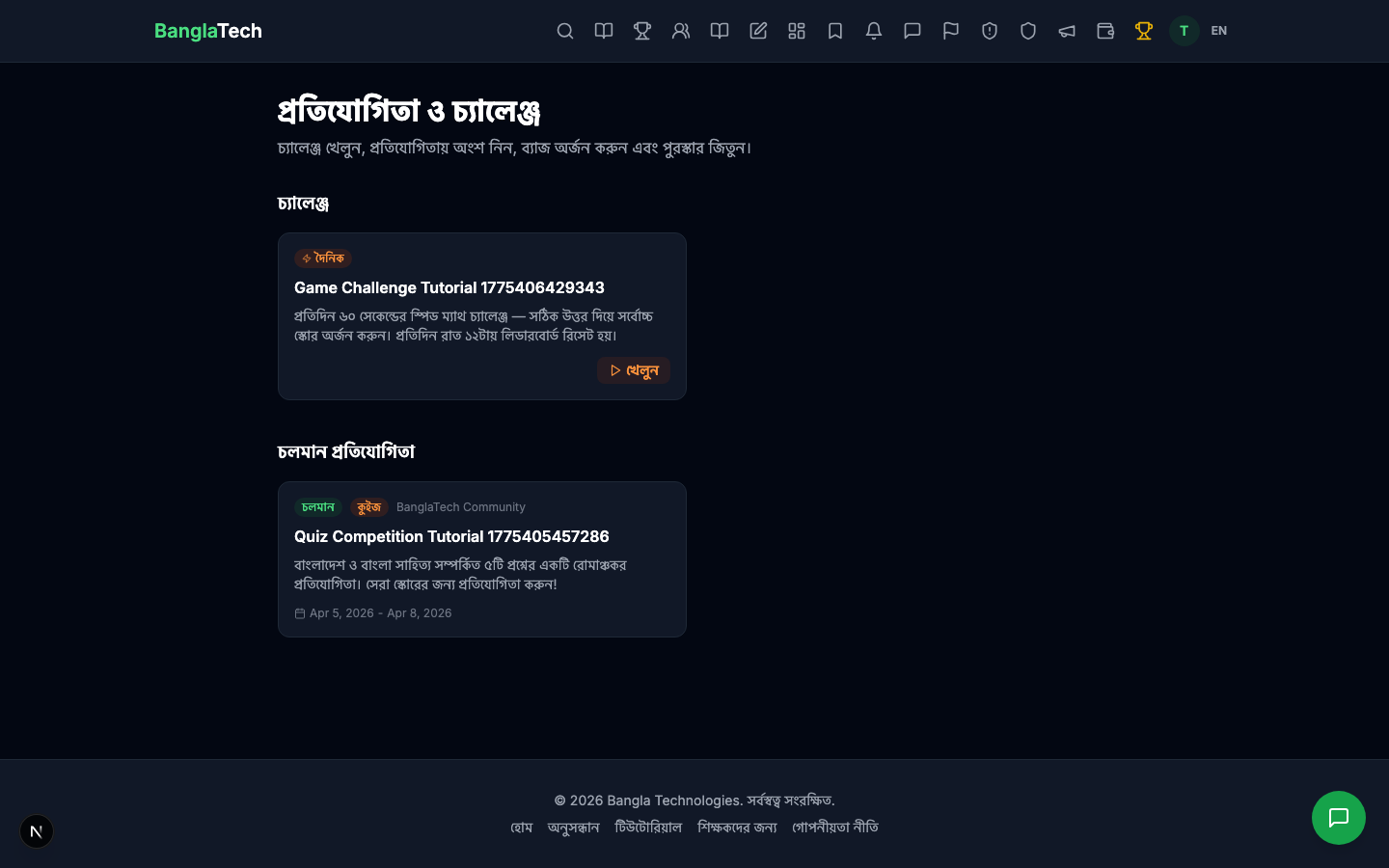
From the public competitions list, admins navigate to /admin/competitions to manage competitions.
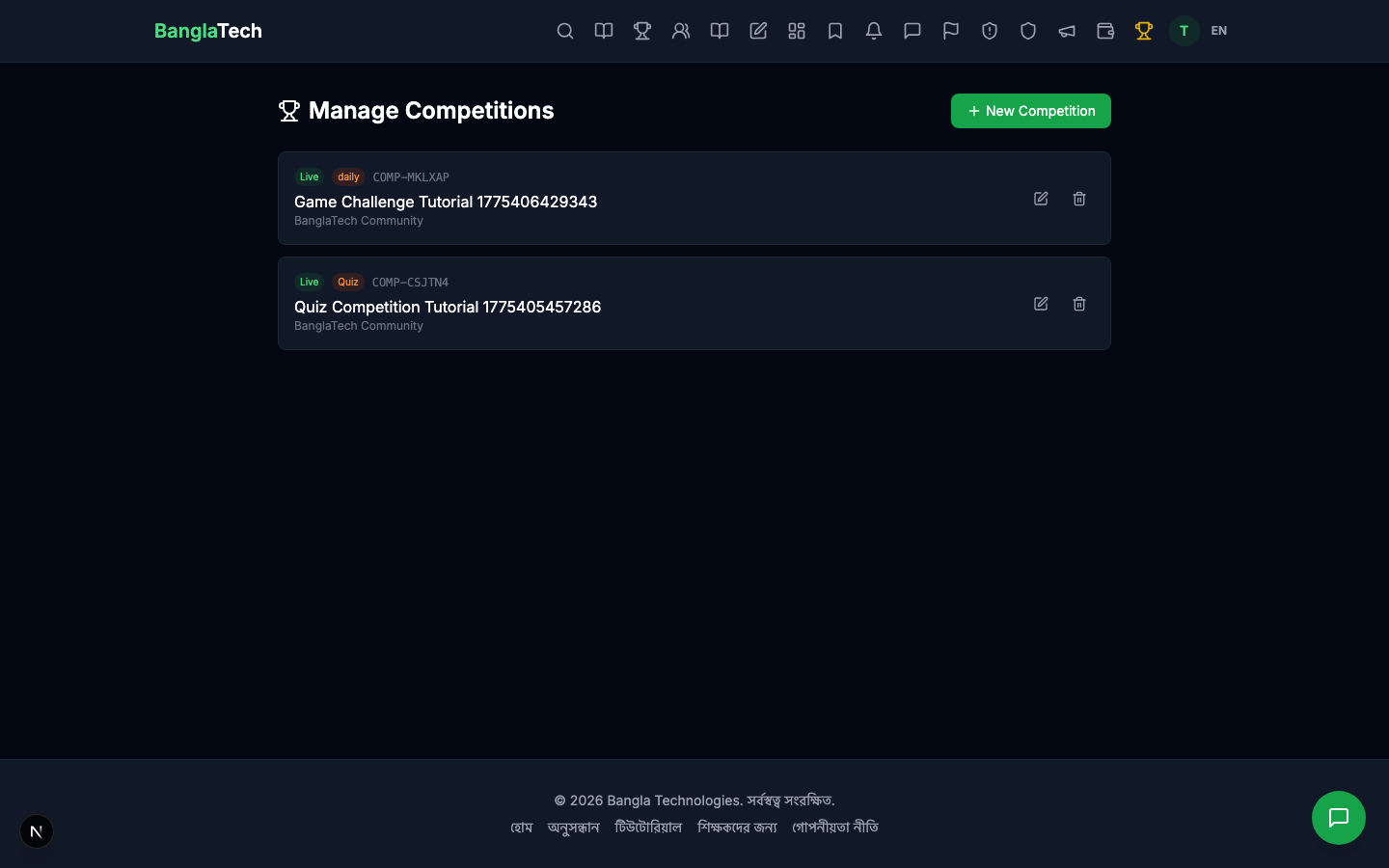
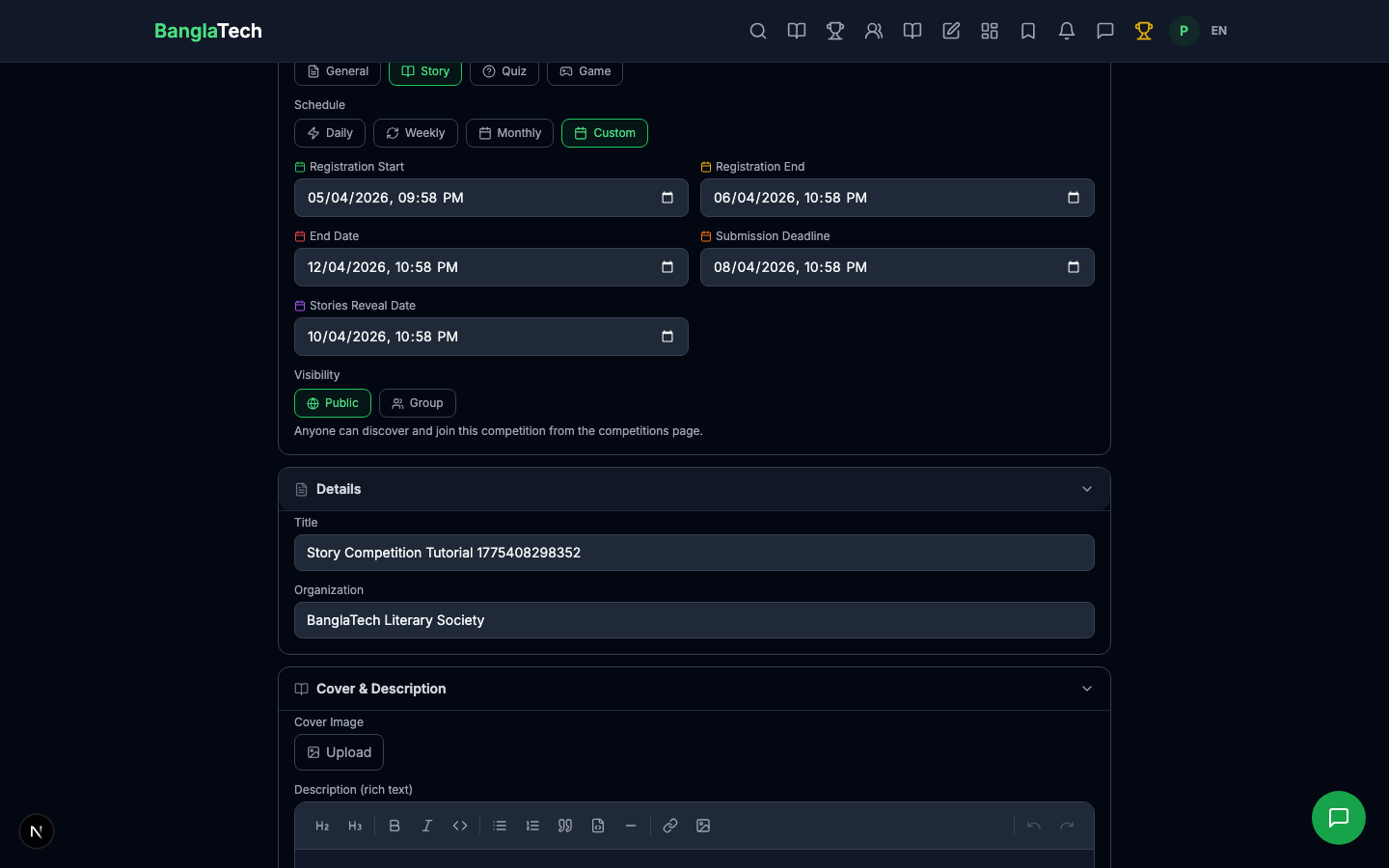
Click New Competition and set the type to Story. This unlocks story-specific fields.
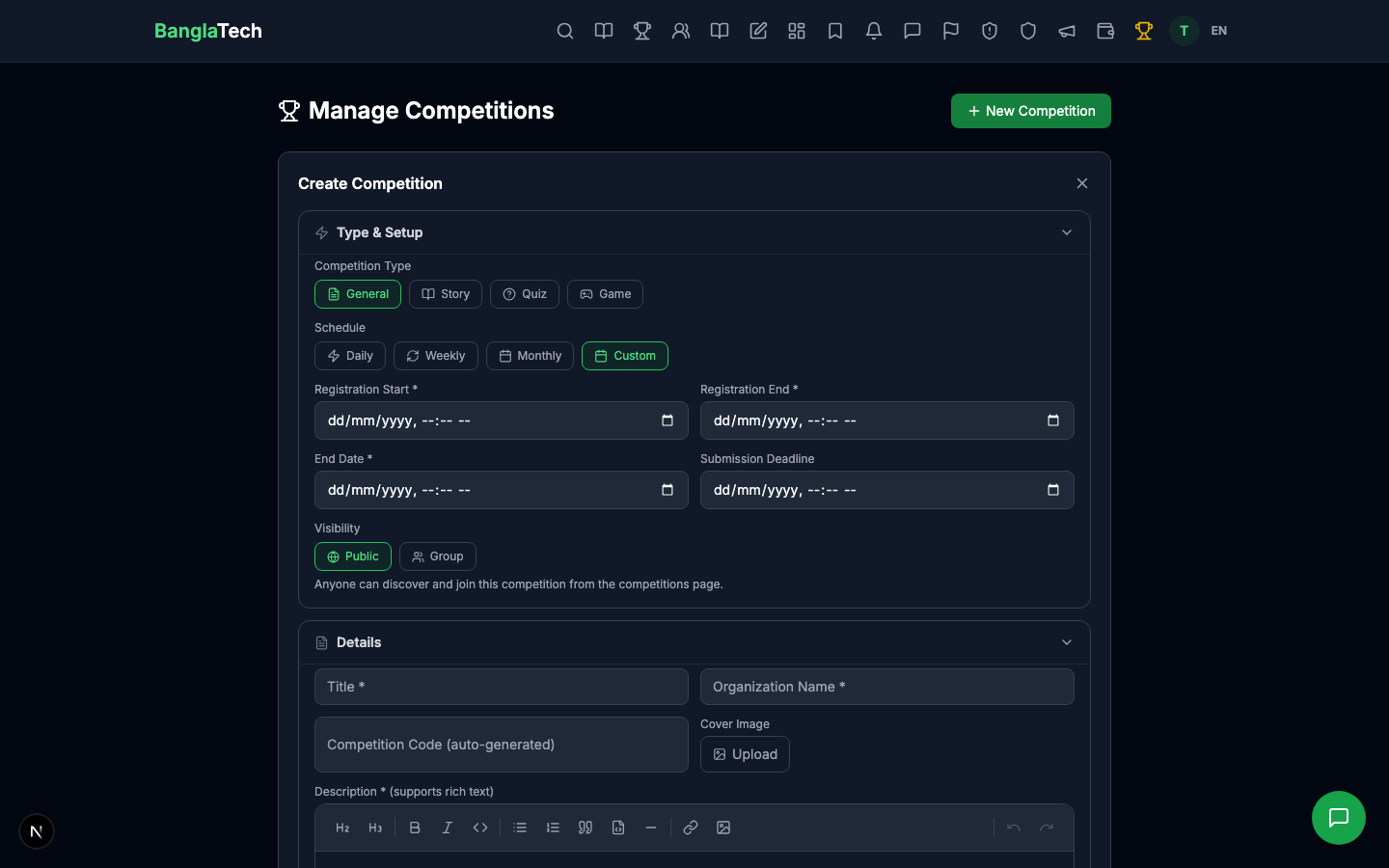
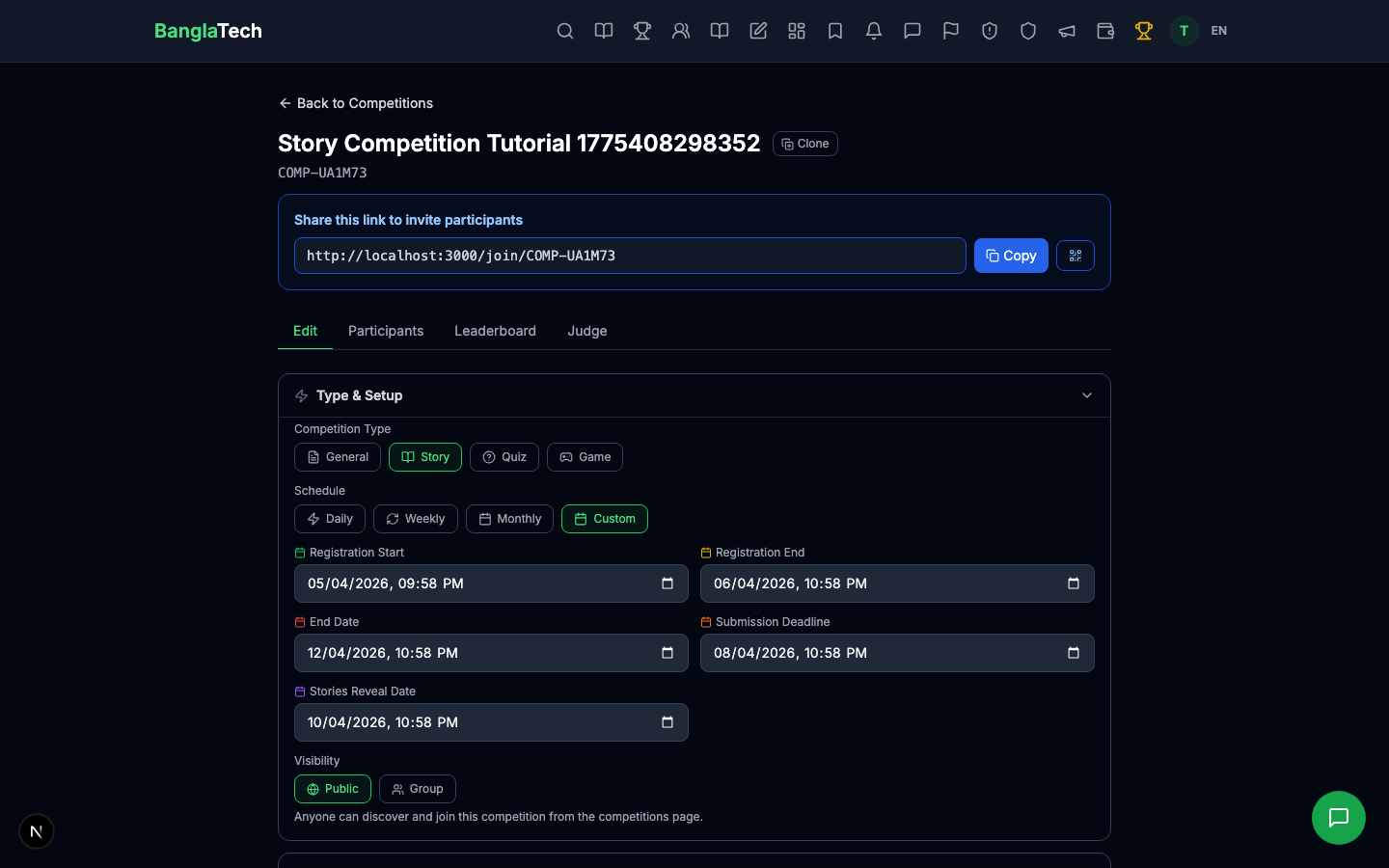
Key fields for story competitions
- Title + Organization + Description — the usual fields. Use the description to state rules, word count, theme, and prize details.
- Registration Start / End — when students can join
- Submission Deadline — last moment to post a story (must be between registration end and end date)
- Reveal Date — when all stories become visible to everyone and the leaderboard goes public (must be after submission deadline)
- End Date — when the competition closes completely
- Judges — pick one or more users who will score each submission (they need to be registered users)
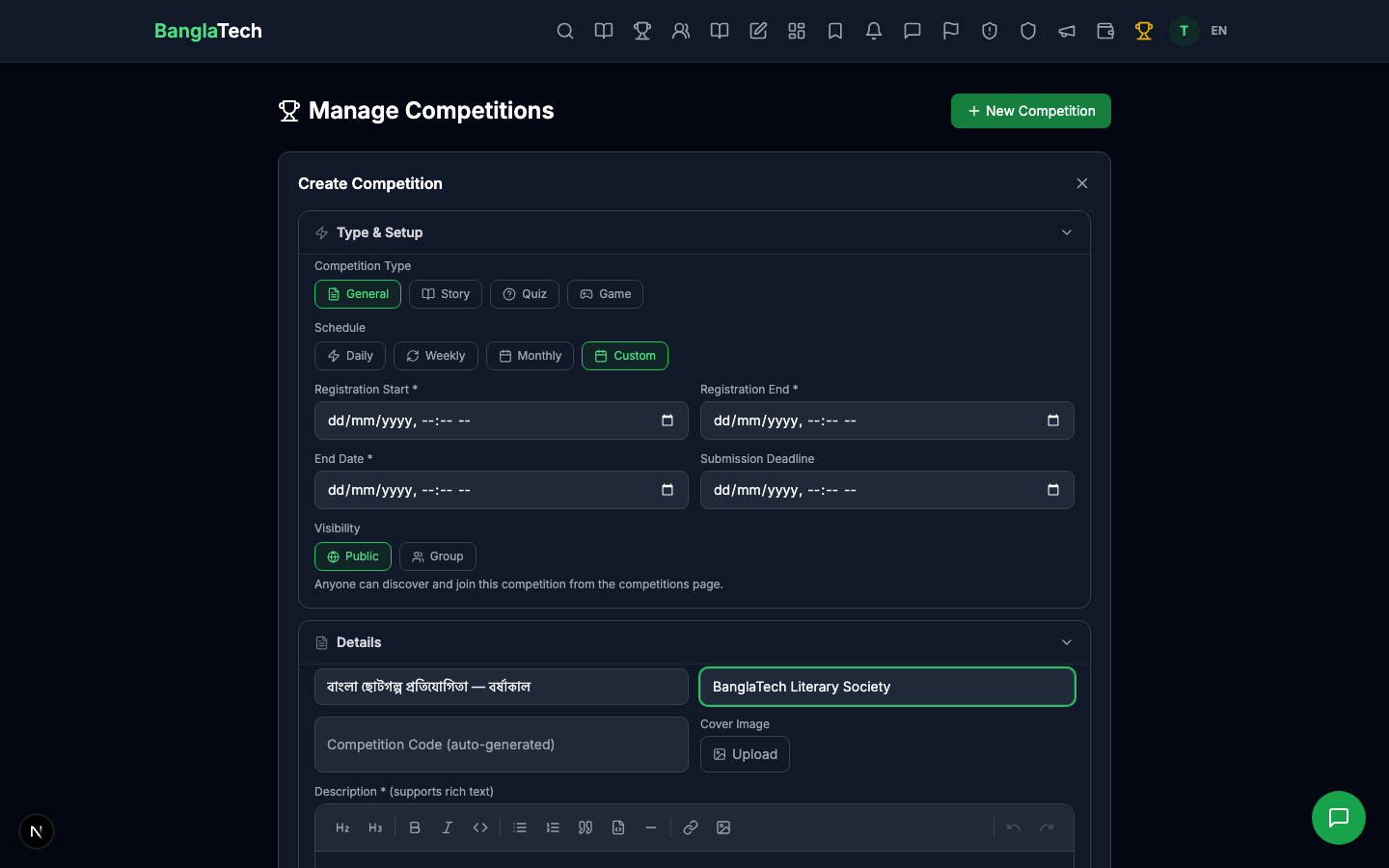
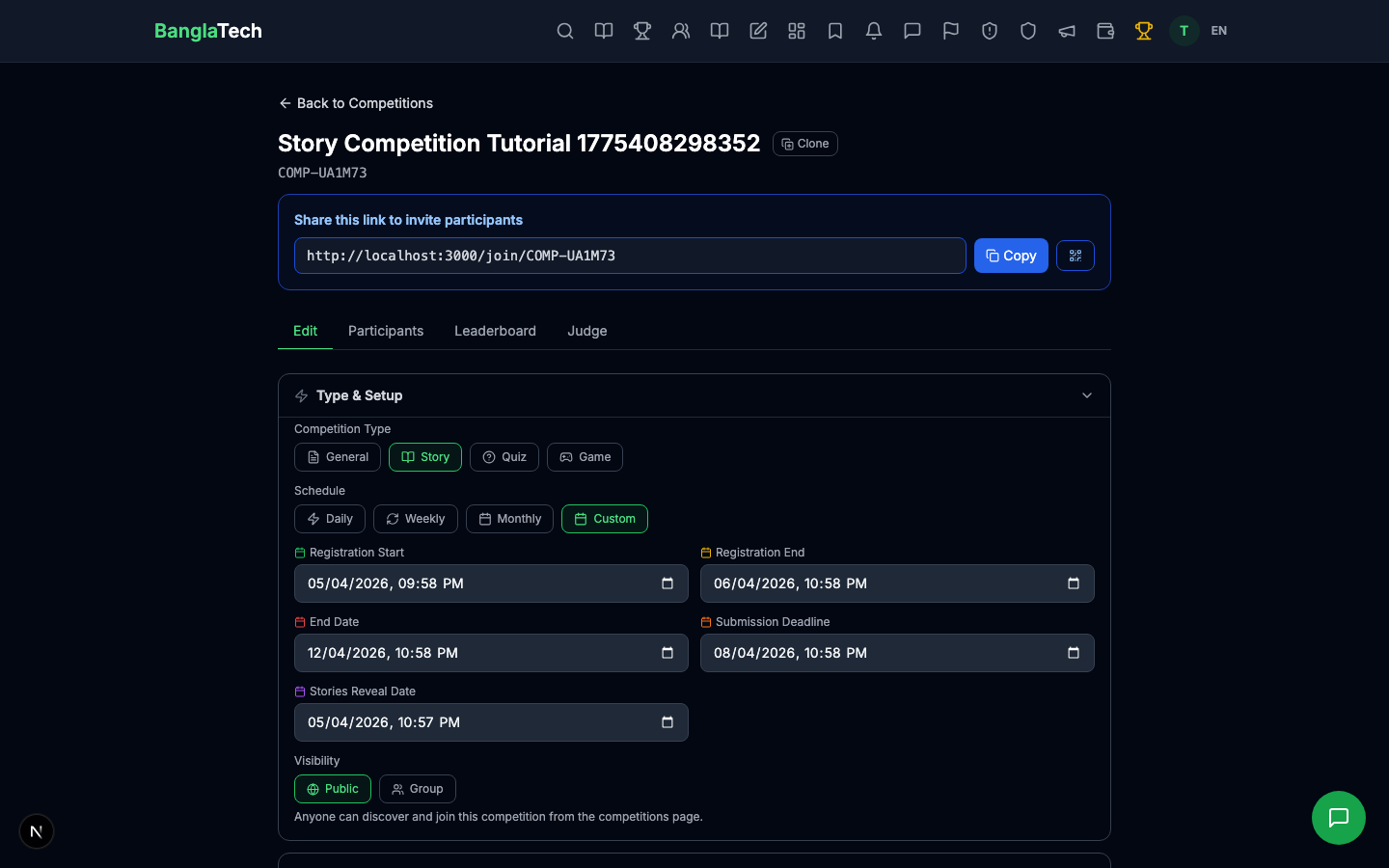
registration start → registration end → submission deadline → reveal date → end date. Each step must be after the previous one. This creates the timeline students see on the competition card.
Part 2 — Competition is Live
After creating and publishing, the admin detail page shows the competition with its timeline, linked judge(s), and a placeholder for submissions.
Part 3 — Students Submit Stories
Each student goes through this flow:
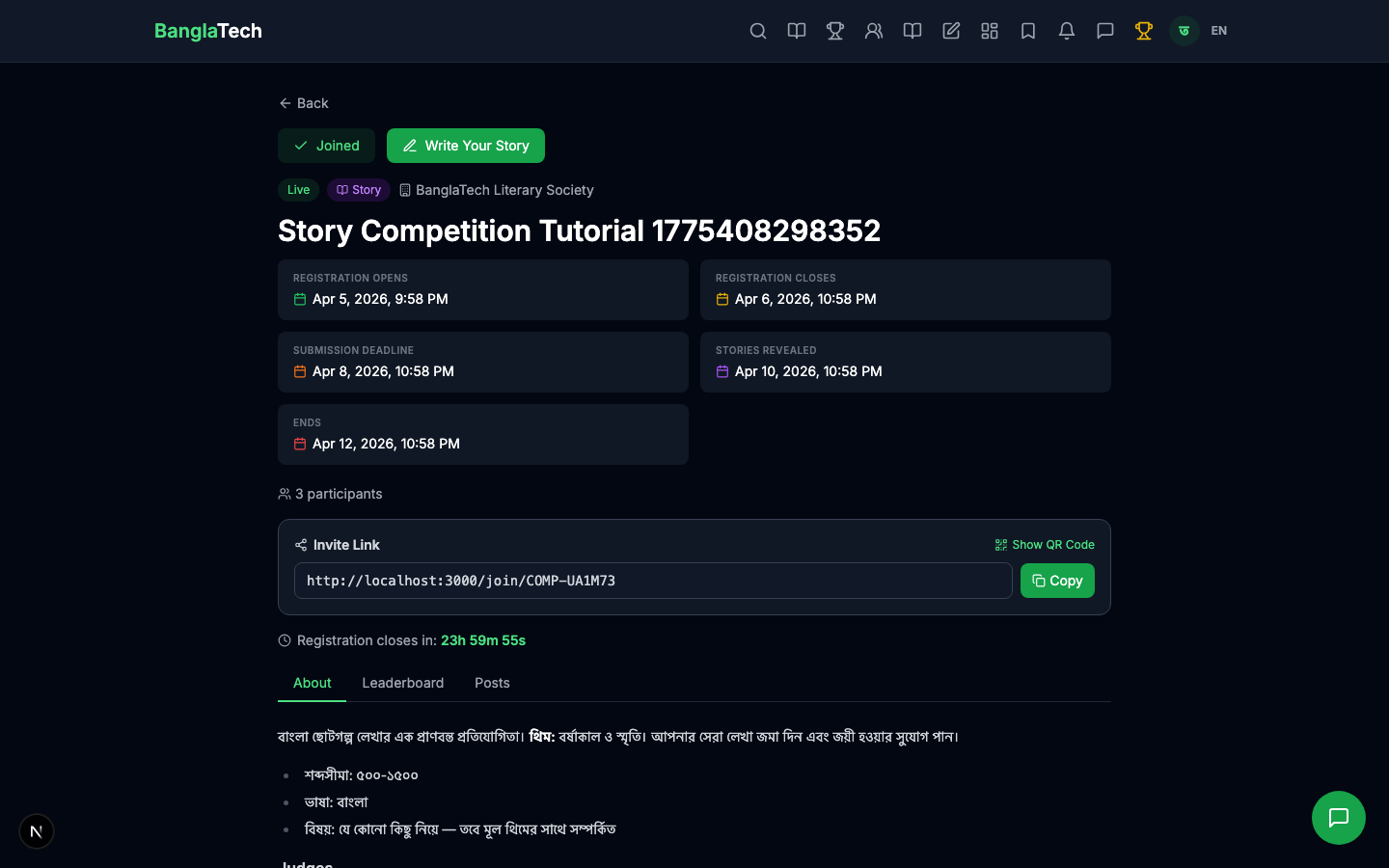
- Open the competition page on /competitions/:id
- Click Join Competition
- Go to /editor and write their story
- In the post settings, select the competition from the "Submit to Competition" dropdown (or enter the competition code manually)
- Publish the post — it automatically gets tagged with the competition code
For tutorial simplicity, we pre-created 3 stories from 3 authors:
- তানিয়া আক্তার — "দাদিমার রূপকথা" (A grandmother's fairy tale)
- ইমরান হোসেন — "নদীর গান" (Song of the river)
- নাদিয়া রহমান — "শহরের আলো" (Lights of the city)
Privacy before reveal
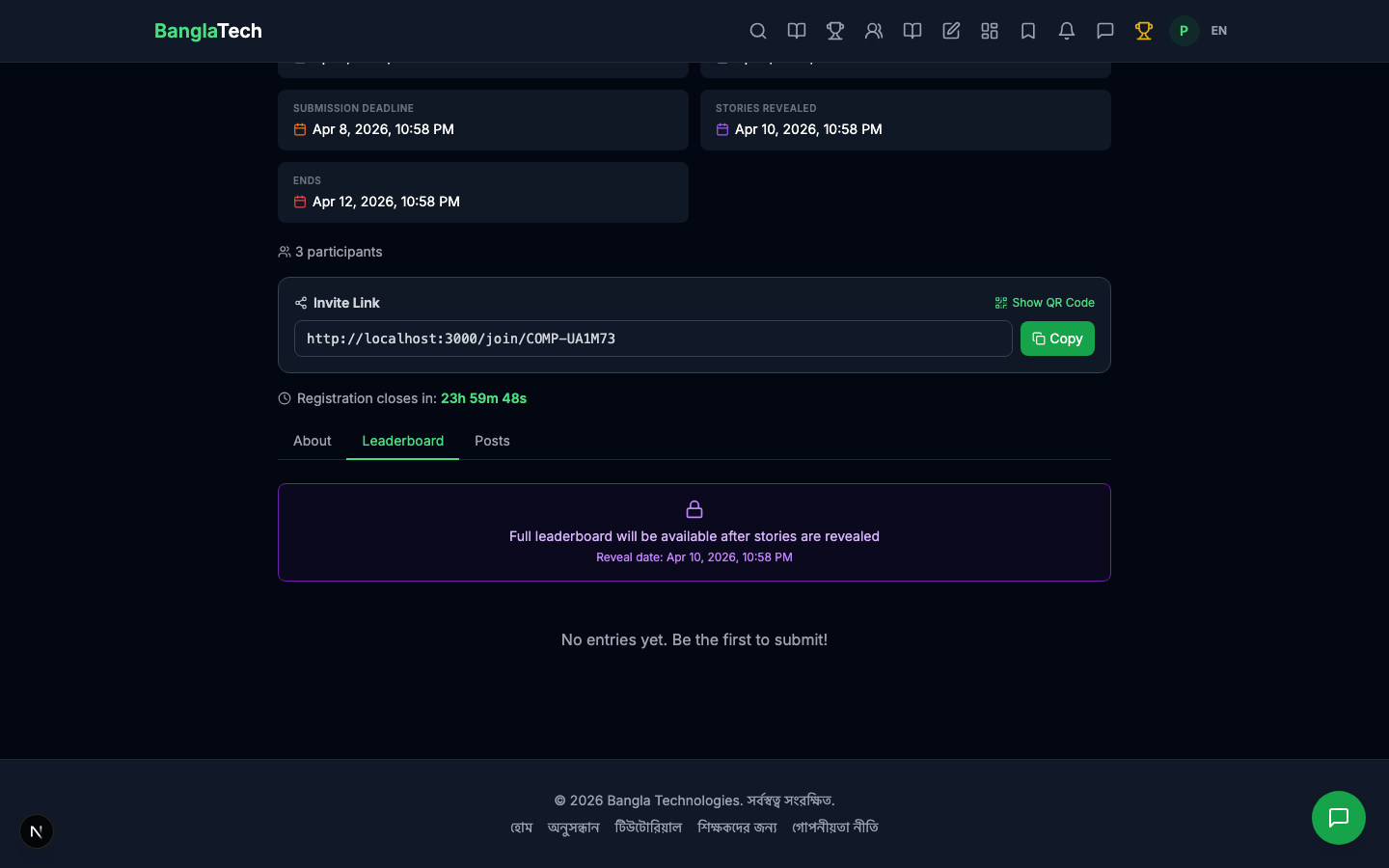
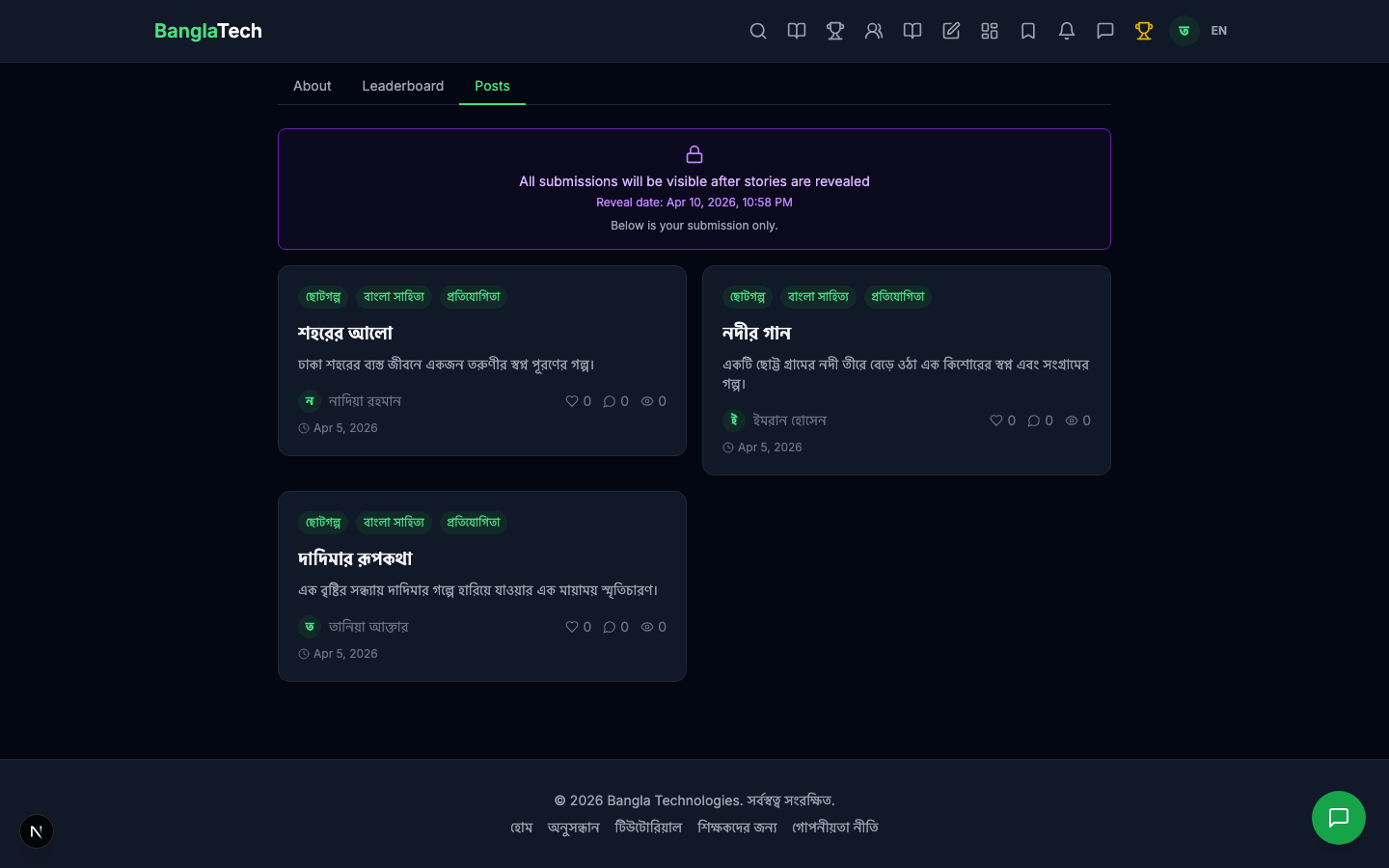
When a student opens the competition Posts tab before the reveal date, they see a notice that other submissions are hidden. Only their own post is visible.
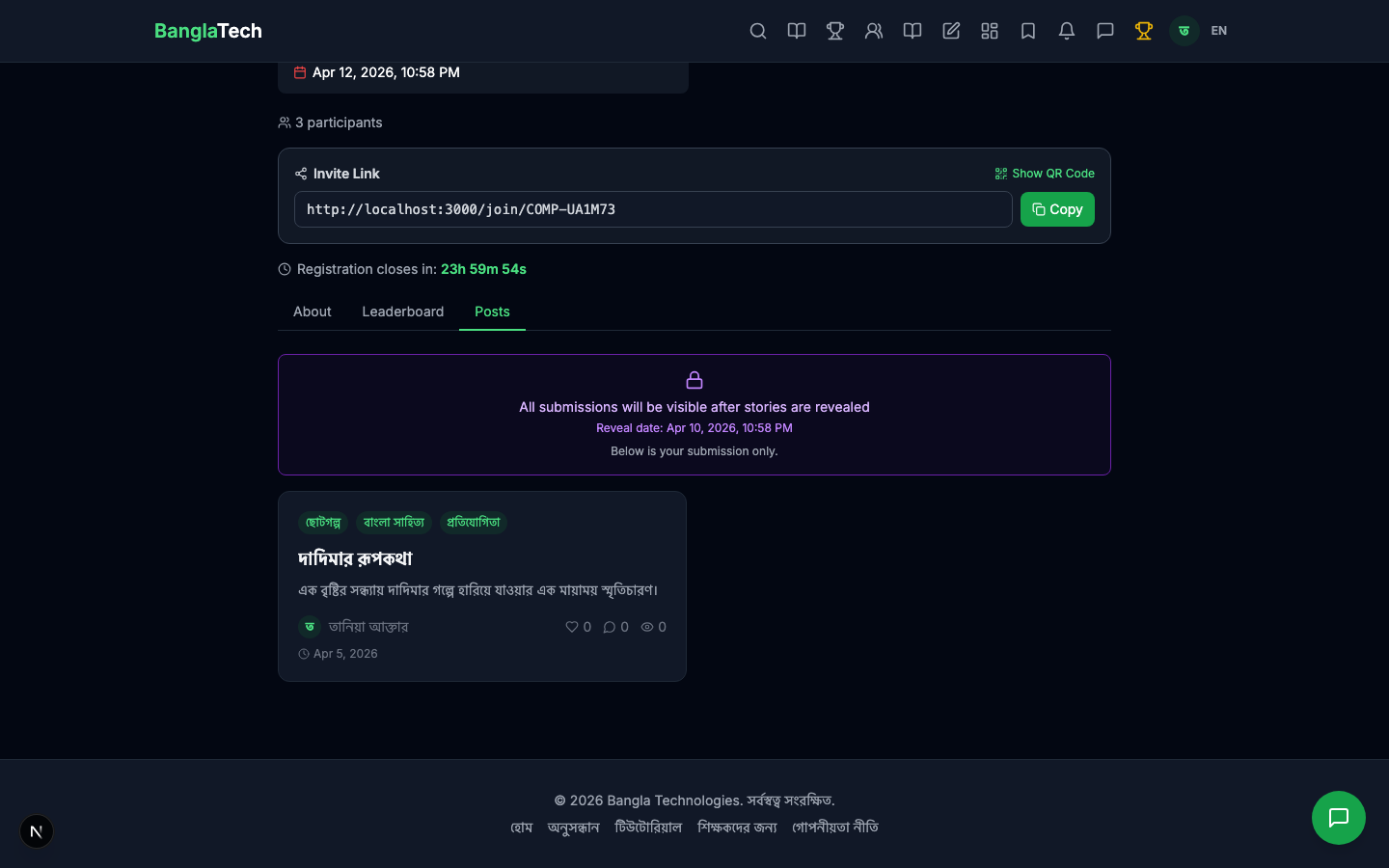
Writing competitions work best when students can't read each other's entries before the deadline — it prevents copying, keeps the judging blind, and lets every participant develop their own voice.
Part 4 — Judge Scores Each Submission
The judge (assigned when the competition was created) logs in and can see all submissions immediately — they don't wait for the reveal date. Their view shows every story with a score input (0–100) and an optional feedback text box for each.
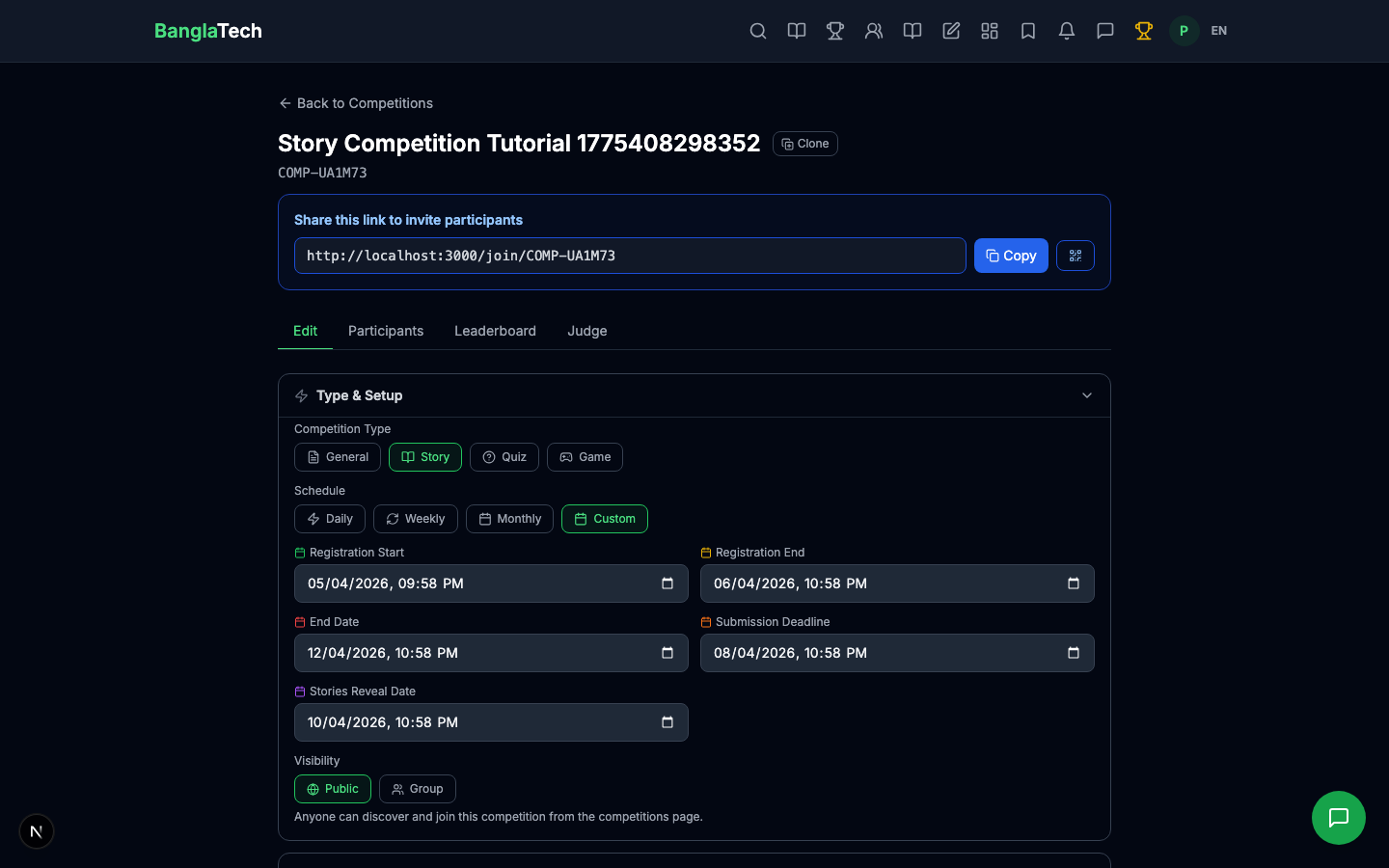
The judge reads each story, enters a score, and writes feedback. In this tutorial the judge assigned:
- তানিয়া — 85/100 — "চমৎকার গদ্য, আবেগময় বর্ণনা। শিরোনাম এবং বিষয়বস্তু দুটোই সুন্দর।"
- নাদিয়া — 78/100 — "সুন্দর পরিবেশ নির্মাণ, চরিত্র বিকাশ আরও গভীর হলে ভালো হত।"
- ইমরান — 72/100 — "ভালো লেখা, তবে শেষটুকু আরও শক্তিশালী হতে পারত।"
At this point the leaderboard exists internally but isn't publicly visible yet.
Part 5 — Admin Publishes Scores and Reveals
Once all judges have scored, the admin clicks Publish Judge Scores. On the reveal date, the leaderboard becomes public and all stories become readable to everyone.
"Publish scores" is a separate admin action from the "reveal date". You can publish scores early, but the leaderboard only appears publicly once the reveal date passes. This lets you prepare the final rankings quietly and have a coordinated reveal.
Part 6 — Public Leaderboard and Story Reading
After the reveal, anyone visiting the competition sees the full ranked leaderboard with judge scores:
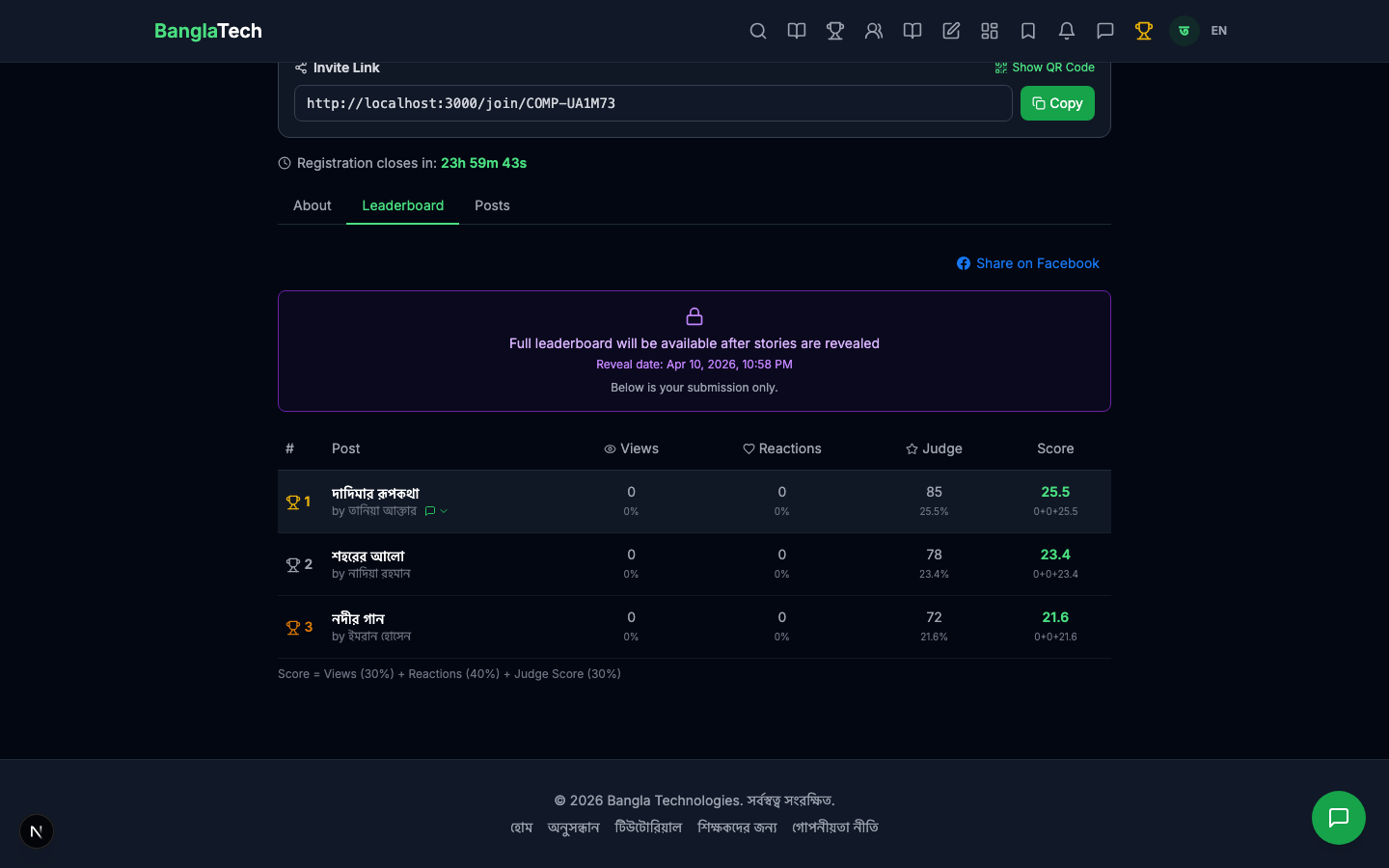
- 🥇 দাদিমার রূপকথা — তানিয়া আক্তার — 85
- 🥈 শহরের আলো — নাদিয়া রহমান — 78
- 🥉 নদীর গান — ইমরান হোসেন — 72
The Posts tab now shows all submitted stories for anyone to read.
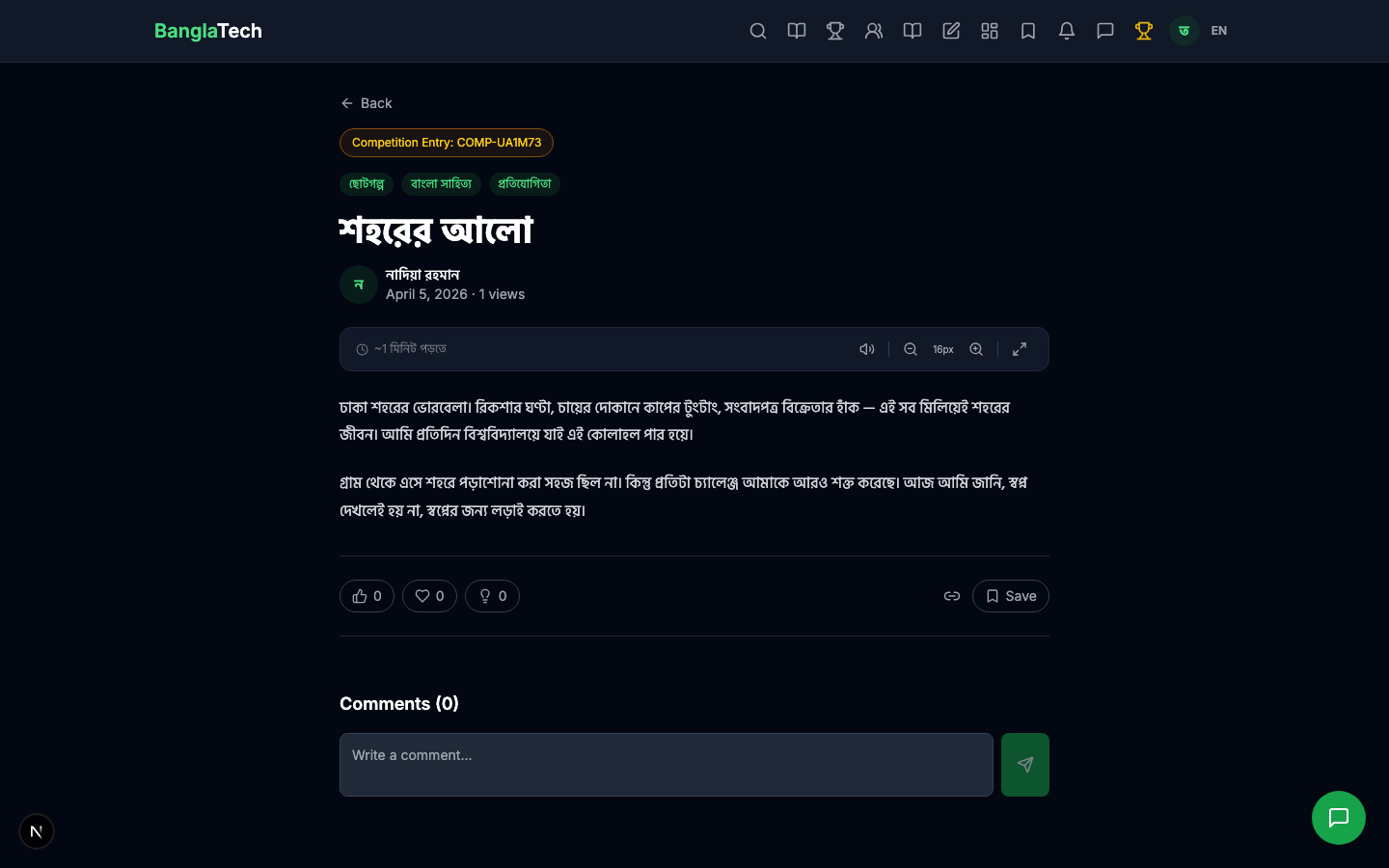
Clicking any story opens the full post — written in the same rich editor used for any BanglaTech blog post. Judges' feedback can optionally be shown on the author's own view.
Summary
- ✅ Blind judging — students can't see each other's stories before reveal
- ✅ Judge + score model — scores out of 100 with optional feedback per story
- ✅ Multiple judges supported — final score averaged across all judges
- ✅ Separate "publish" and "reveal" actions for coordinated unveiling
- ✅ Stories reuse the same rich editor as regular blog posts — math, code, images all supported
- ✅ Public competition page with shareable URL, ranked leaderboard, and full story reading
For quiz-based competitions with instant auto-graded leaderboards, see the Quiz Competition tutorial. For recurring game challenges, see the Game Challenge Competition tutorial.