How to Award Certificates and Badges to Competition Winners
Auto-generate digital certificates for top winners and award custom achievement badges — students see both on their public profile.
Overview
BanglaTech has a built-in recognition system for competition winners with two connected pieces:
- 🏅 Achievement Badges — admin awards named badges to winners (e.g., "🥇 Gold — Bangla Literature Quiz"). Badges appear on the student's profile under the Achievements tab.
- 🎓 Certificates — when the competition has
enableCertificates: trueand a badge's rank is 1–3, a "Certificate" link appears next to the badge. Clicking it opens a printable/shareable certificate page.
This tutorial walks through a quiz competition with 3 students, awarding Gold/Silver/Bronze badges, and viewing the resulting certificates.
Certificates + badges work identically for quiz, story, and game challenge competitions. The flow in this tutorial applies to all three.
Part 1 — Enable Certificates When Creating the Competition
When creating a new competition from /admin/competitions, toggle Enable Certificates in the advanced settings. This single switch controls whether the "Certificate" link will appear next to awarded badges.
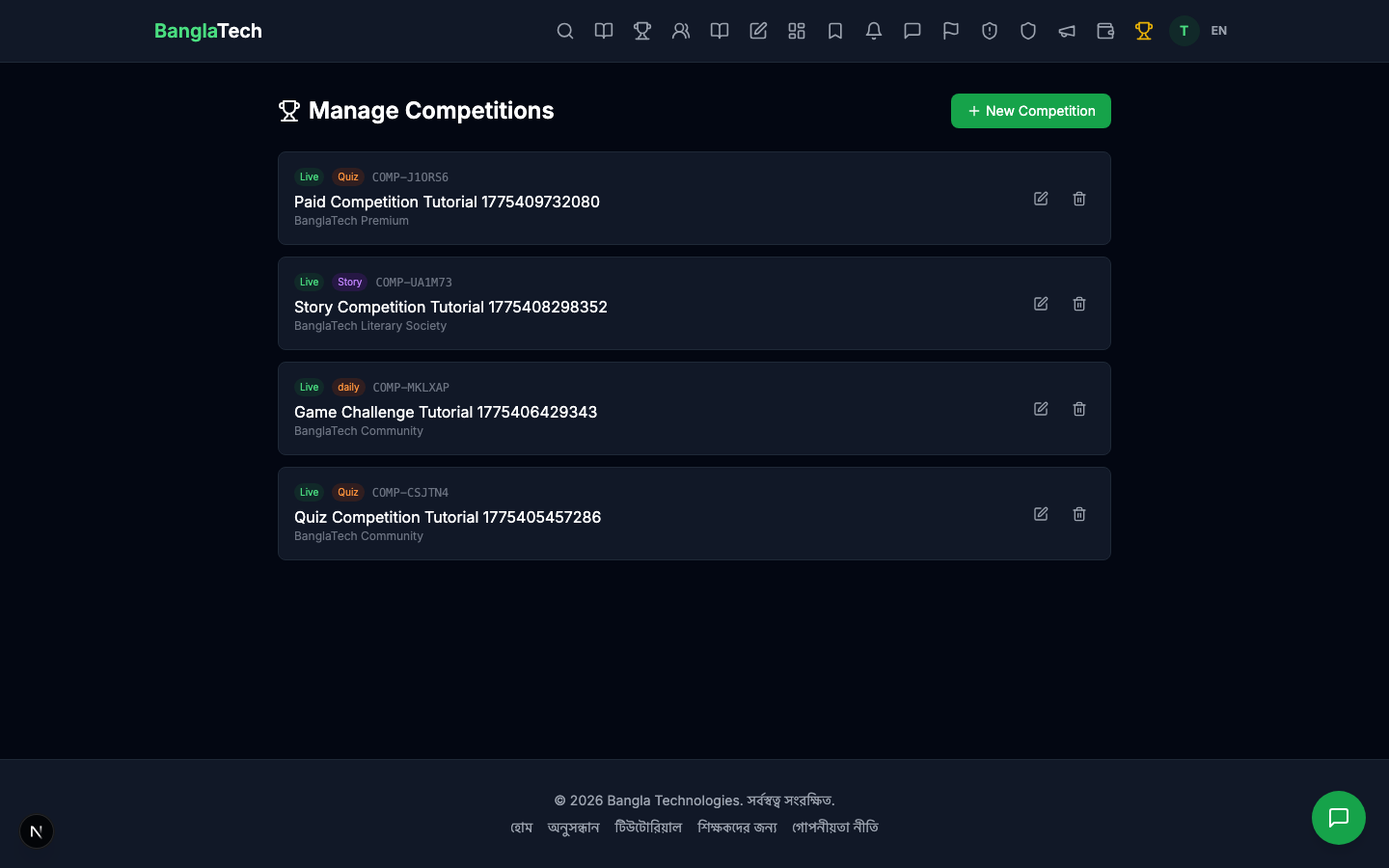
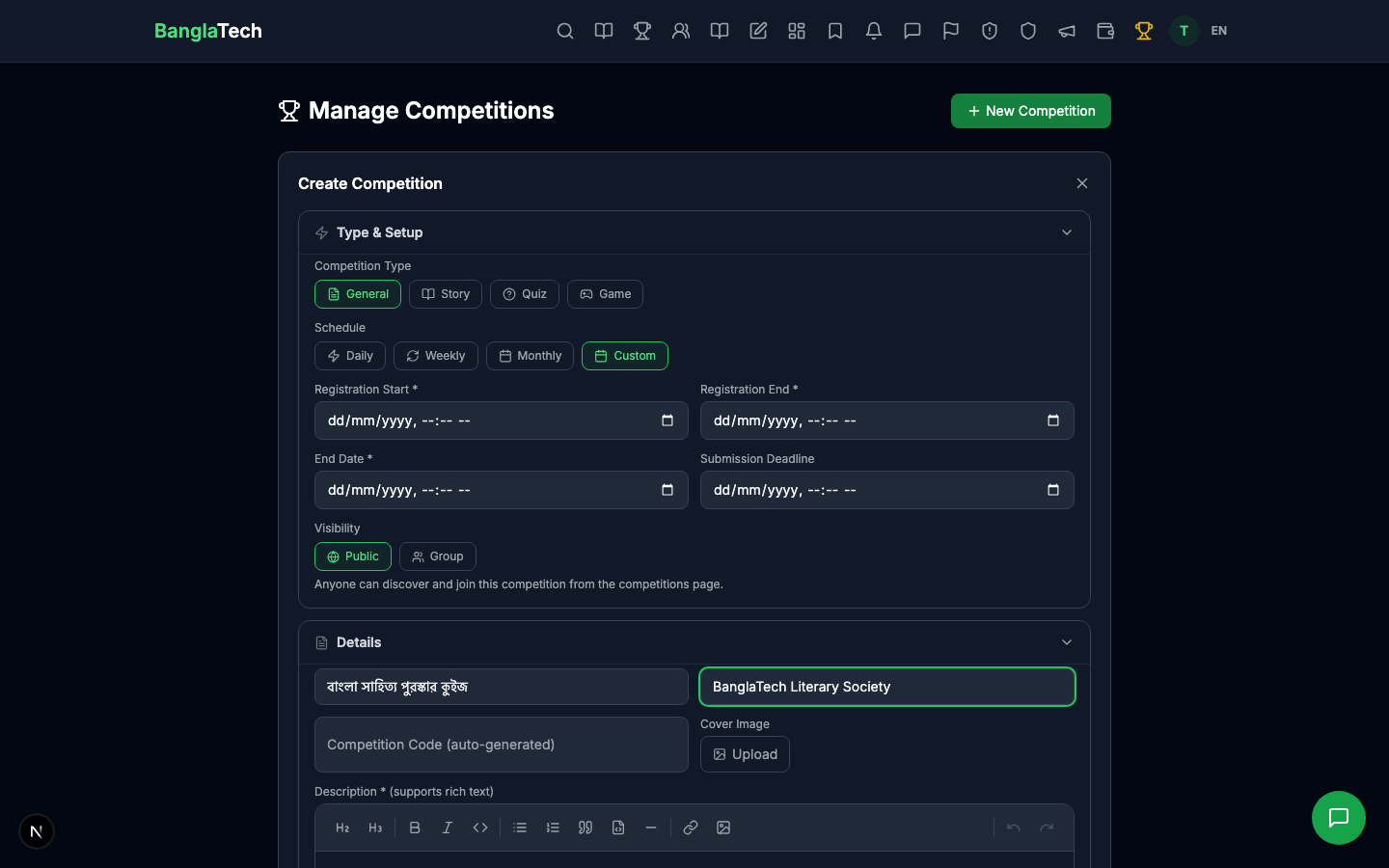
Fill in the rest of the competition details (title, description, linked quiz, dates) and publish it.
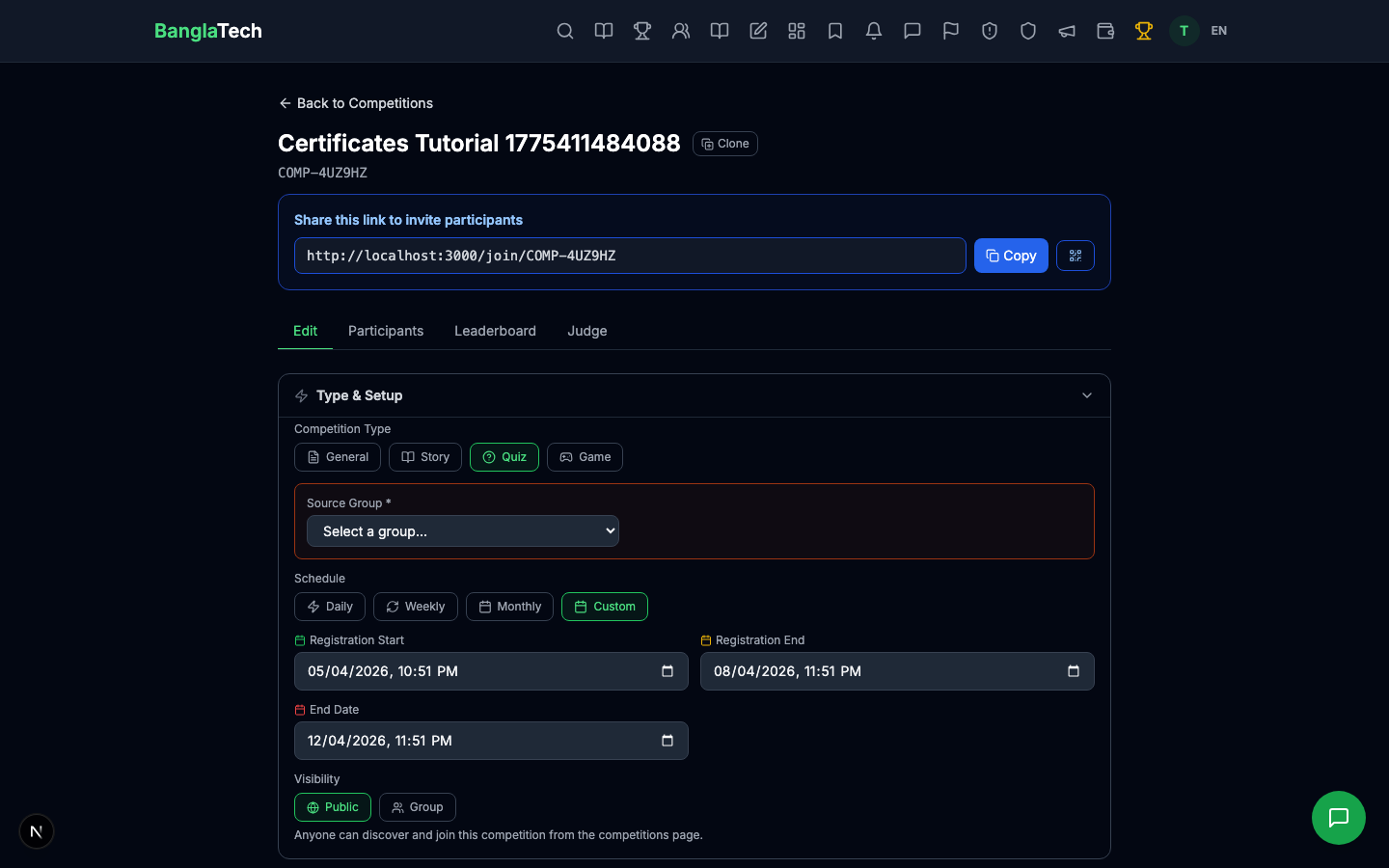
Part 2 — Students Compete
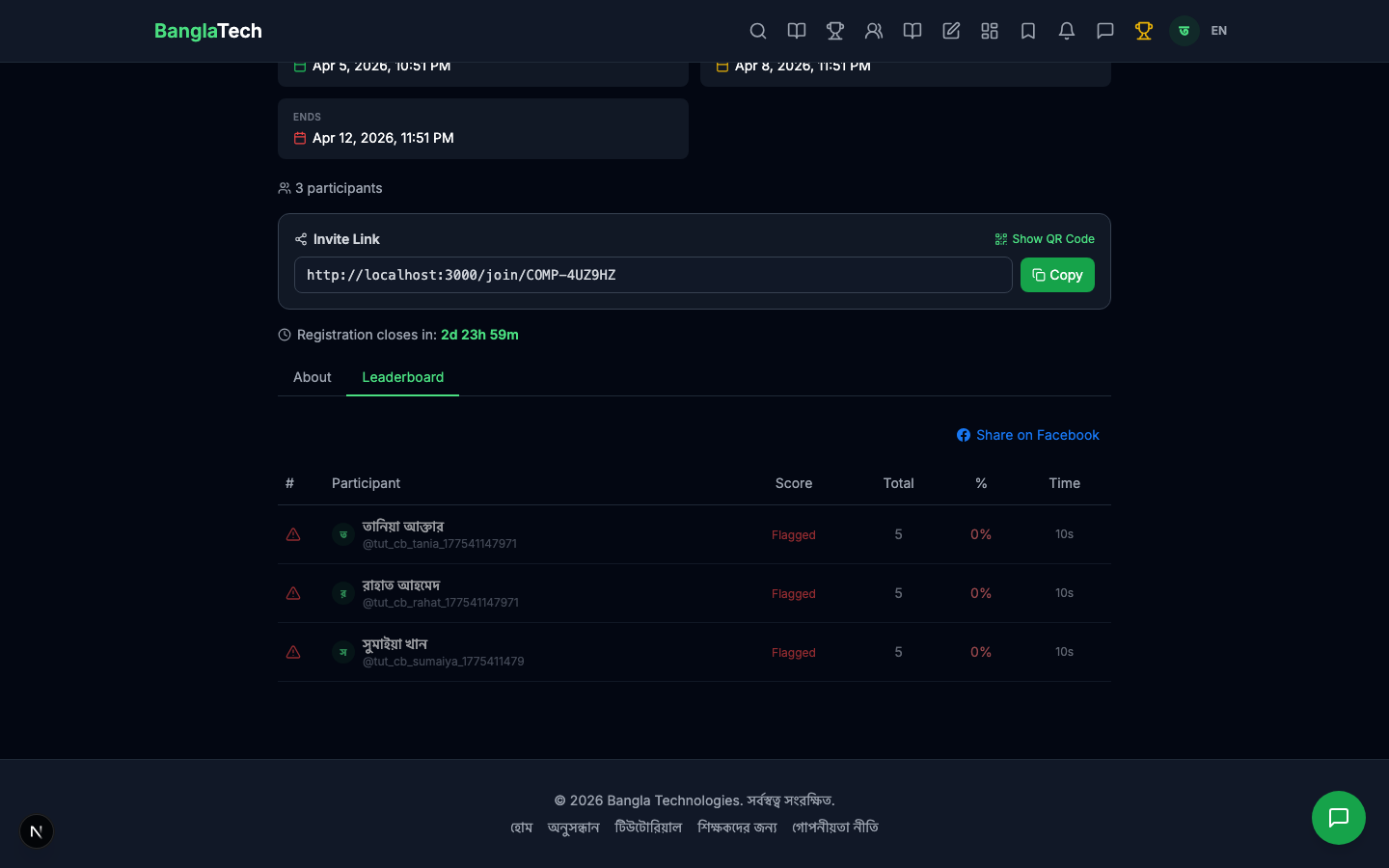
Students join and take the quiz like any regular competition. In this tutorial we have three students with different scores:
- তানিয়া আক্তার — 5/5 (100%) → will get Gold
- রাহাত আহমেদ — 4/5 (80%) → will get Silver
- সুমাইয়া খান — 3/5 (60%) → will get Bronze
Part 3 — Admin Awards Badges
Once the competition ends and the leaderboard is finalized, the admin opens the competition detail page and clicks Award Badges. This opens a form where you enter each winner's rank, badge name, and optional description/image.
For this tutorial we awarded:
- Rank 1 (তানিয়া): 🥇 Gold — বাংলা সাহিত্য পুরস্কার কুইজ / "প্রথম স্থান অধিকারী — ৫/৫ সঠিক উত্তর"
- Rank 2 (রাহাত): 🥈 Silver — বাংলা সাহিত্য পুরস্কার কুইজ / "দ্বিতীয় স্থান অধিকারী — ৪/৫ সঠিক উত্তর"
- Rank 3 (সুমাইয়া): 🥉 Bronze — বাংলা সাহিত্য পুরস্কার কুইজ / "তৃতীয় স্থান অধিকারী — ৩/৫ সঠিক উত্তর"
Only badges with rank 1, 2, or 3 get certificates — even if the competition has enableCertificates: true. Badges with rank 4+ or no rank still show on the profile as regular achievements, just without a certificate link. This keeps certificates meaningful as a top-3 honor.
Part 4 — Student's Profile Achievement
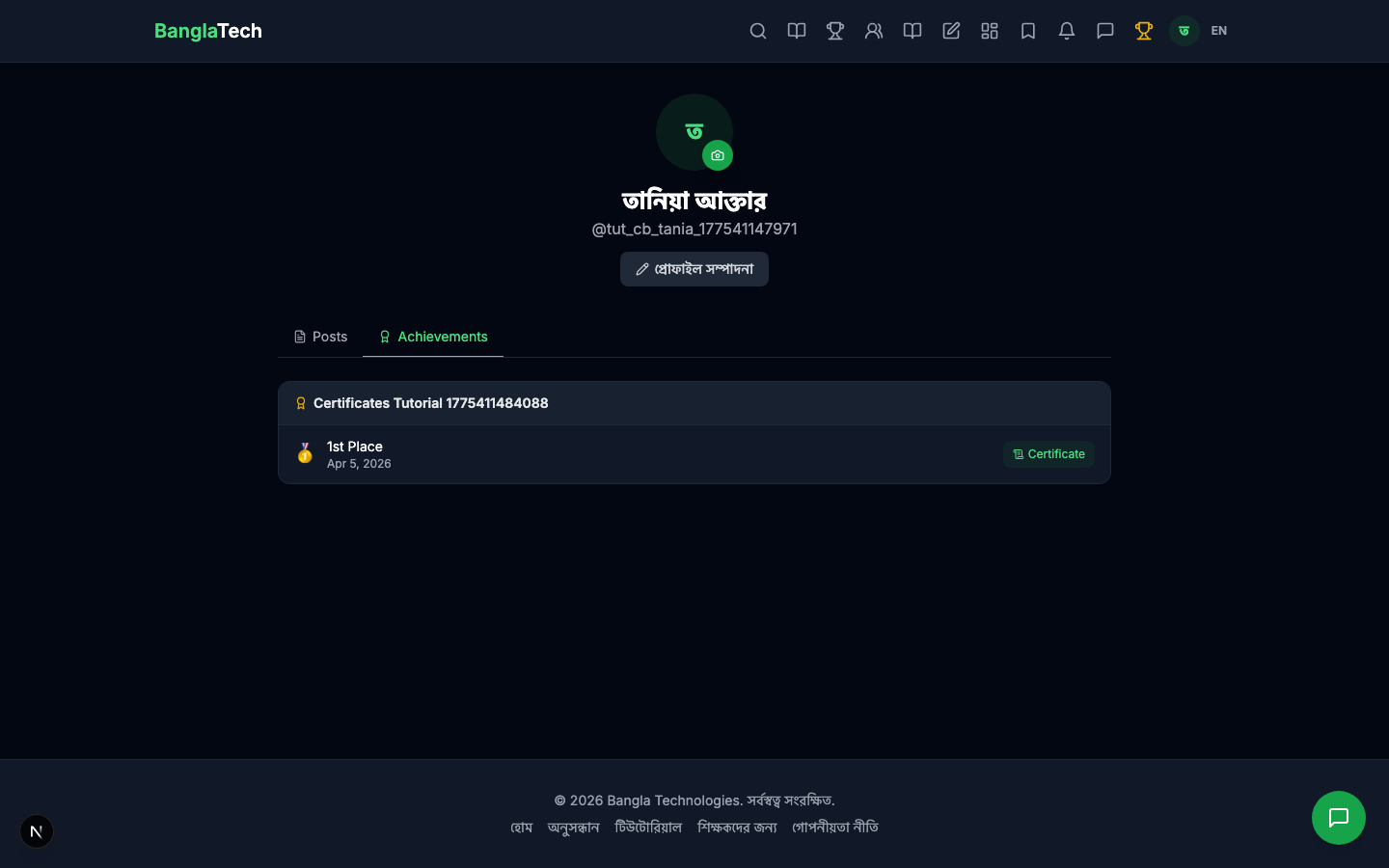
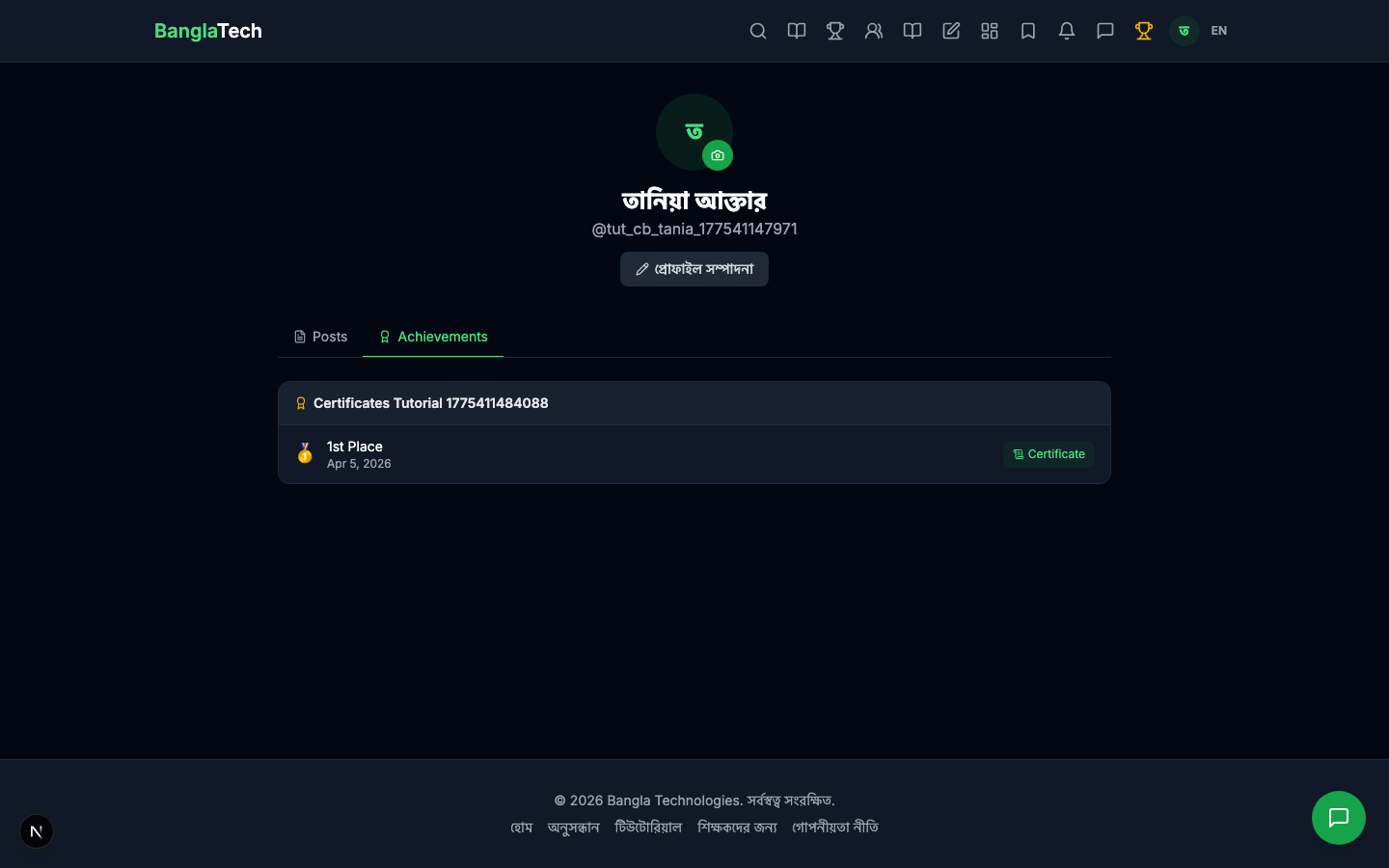
After being awarded, the badge appears on the student's profile under the Achievements tab. Each competition's badge shows as a card with the rank, award date, and — for top-3 winners in certificate-enabled competitions — a green Certificate button.
Part 5 — The Certificate Page
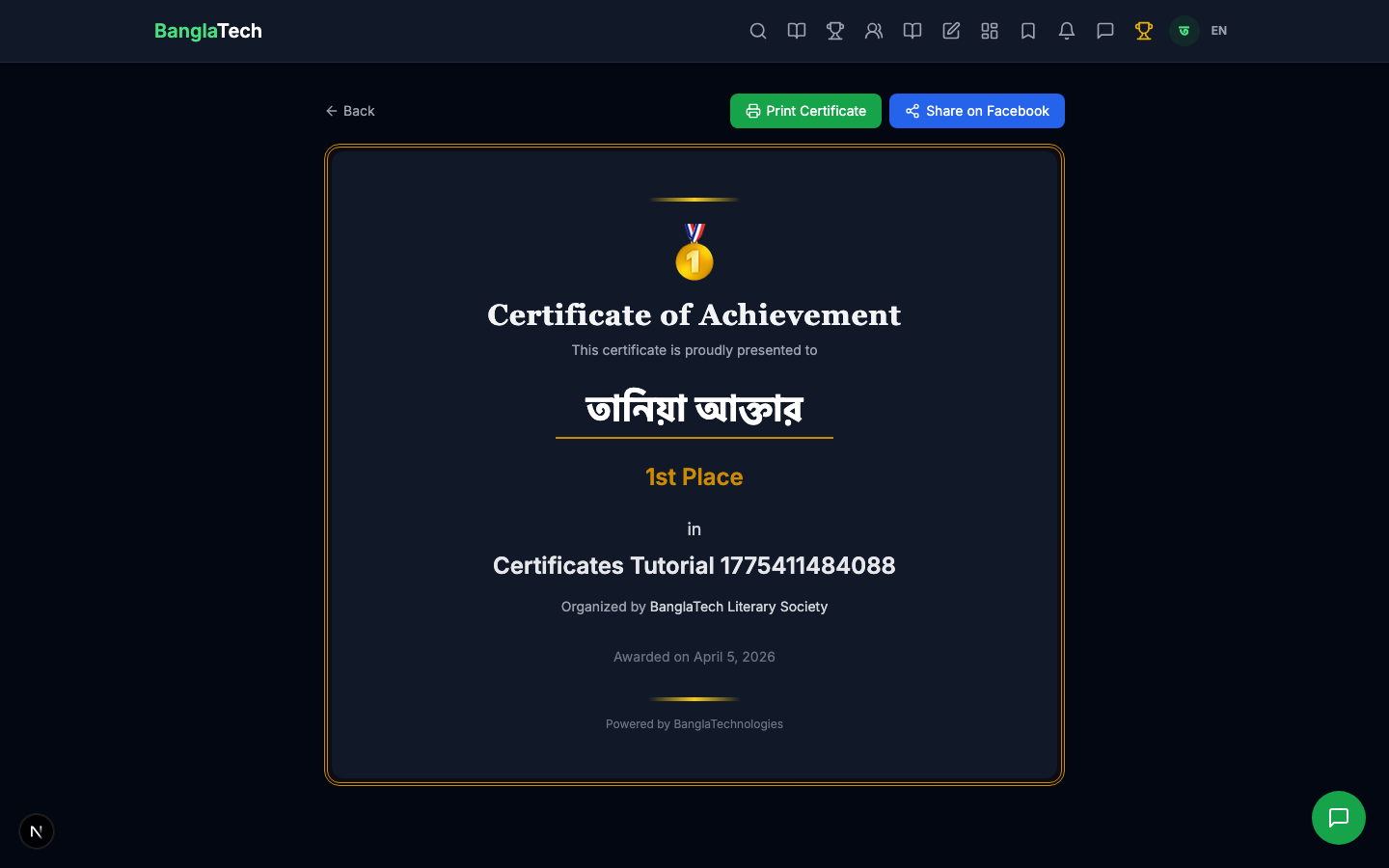
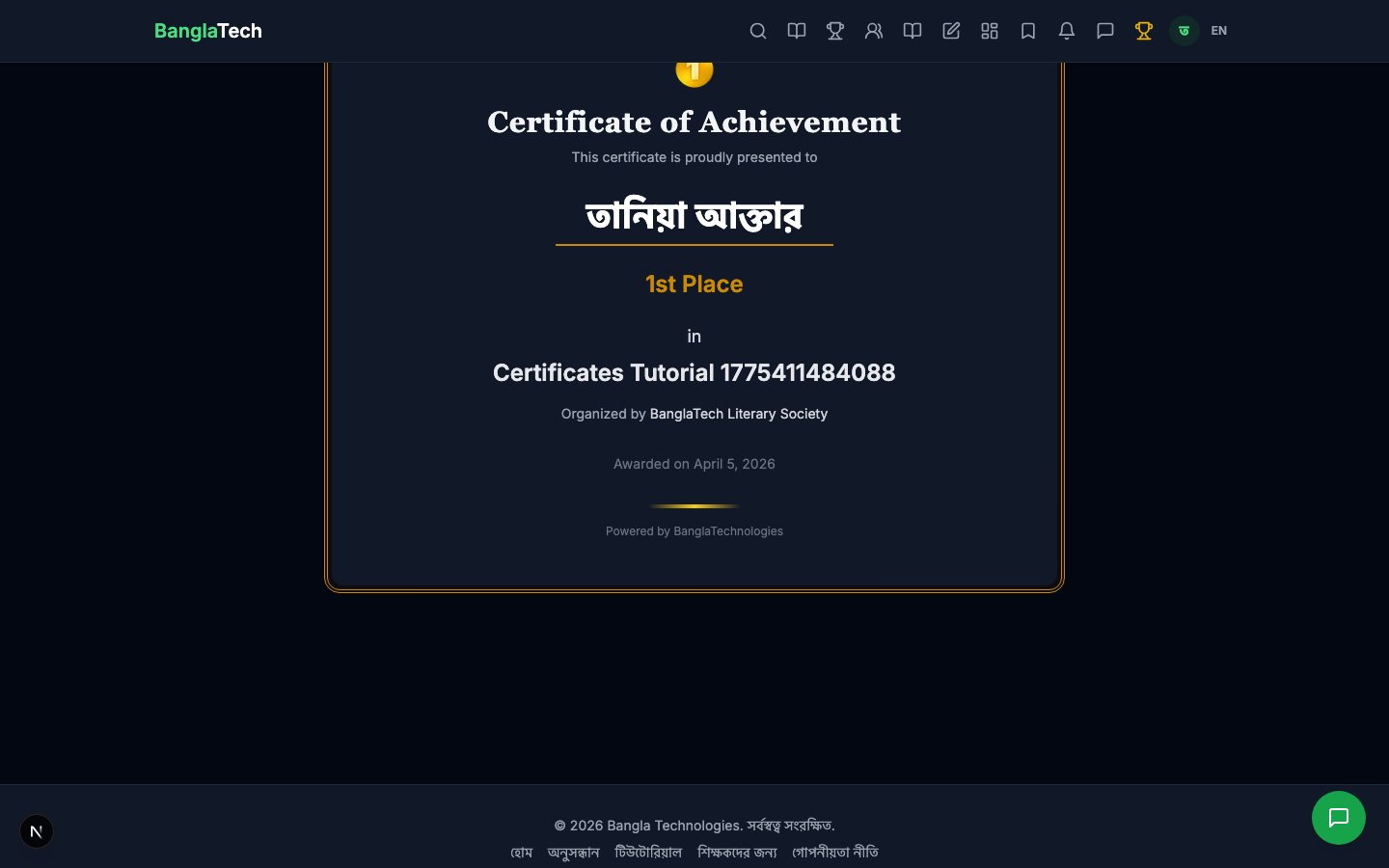
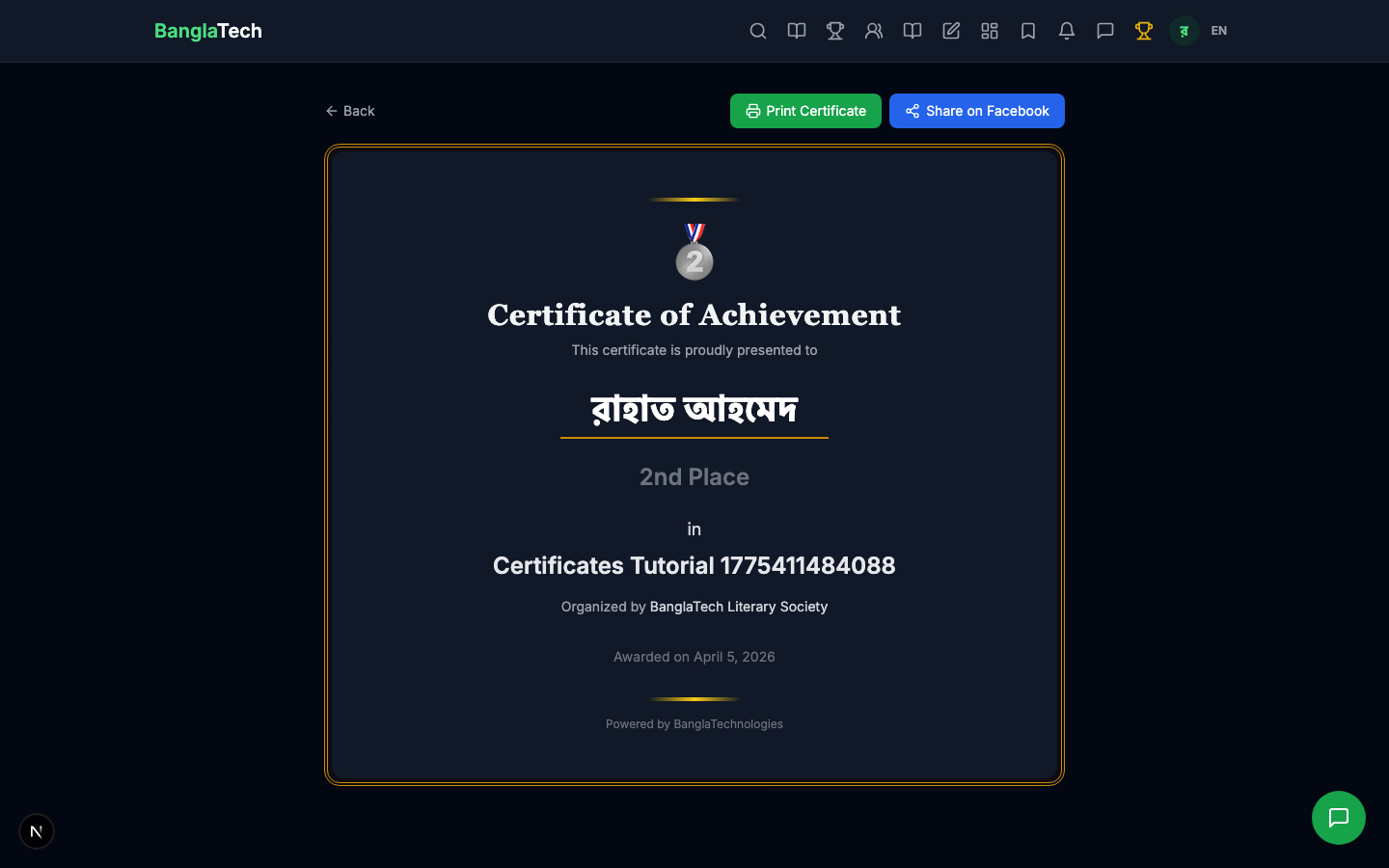
Clicking the Certificate button opens a dedicated page at /certificate/:badgeId. The certificate is rendered as a beautifully styled card with:
- Medal emoji matching the rank (🥇/🥈/🥉)
- Title "Certificate of Achievement"
- Recipient's full name (large, in their profile language)
- Rank label ("1st Place", "2nd Place", "3rd Place")
- Competition name + organization
- Award date
- Print Certificate button (opens browser print dialog for PDF download)
- Share on Facebook button (pre-filled social card)
Silver certificate example
Each of the top-3 winners gets their own certificate with the appropriate medal and rank text.
Downloading / Printing the Certificate
BanglaTech certificates are browser-rendered, not server-generated PDFs. Students print or save them by:
- Opening the certificate page (from their profile badges tab)
- Clicking Print Certificate — this opens the browser's native print dialog
- Choosing Save as PDF as the destination (available in Chrome, Firefox, Safari, Edge)
- Downloading the PDF to their device
This keeps the implementation simple — no server-side PDF generation needed — while still producing a high-quality, shareable document.
Summary
- ✅ Enable certificates per-competition with one toggle
- ✅ Admin awards named badges to winners with rank 1–3 (or higher ranks for participation badges)
- ✅ Badges appear permanently on student profiles under Achievements
- ✅ Top-3 badges in certificate-enabled competitions get a clickable certificate
- ✅ Certificates are printable/shareable with built-in Print and Facebook share buttons
- ✅ Works across all 3 competition types (quiz, story, game challenge)
Certificates show your organization name prominently. If you're hosting competitions for your school, club, or community group, make sure the Organization Name field is correct when you create the competition — it becomes permanent on every certificate issued for that event.